Integration guides · 2026-08-28
Gemini Omni API: Video generation and editing with Google Interactions
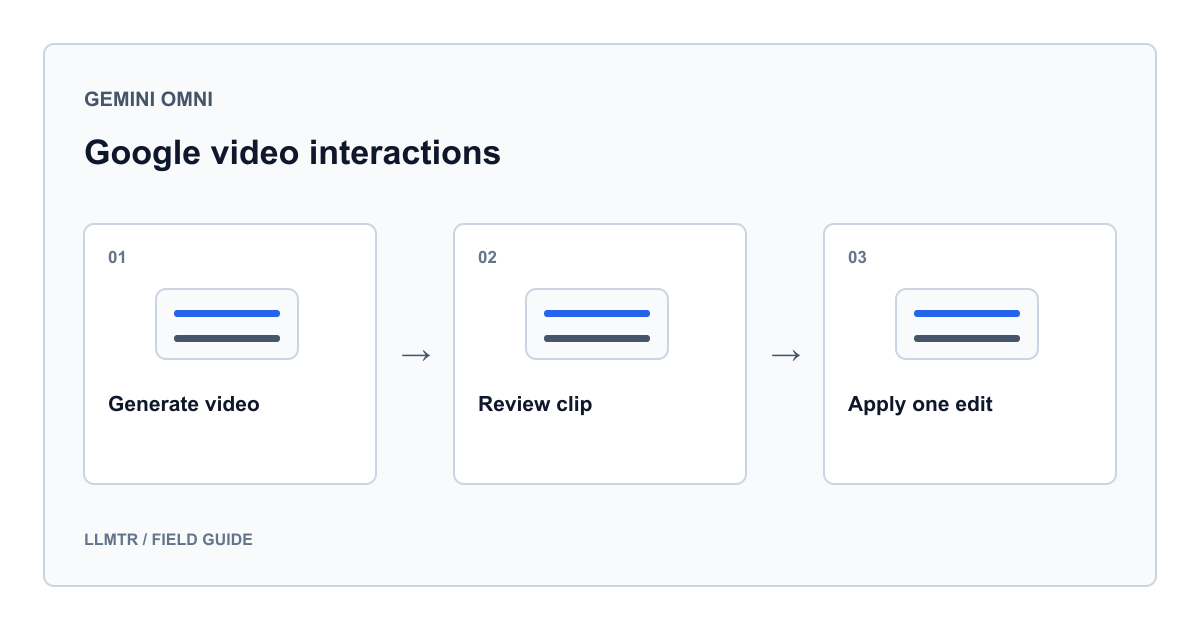
Generate video directly through Google Interactions with Gemini Omni, poll the background job using the documented status, and edit it with previous_interaction_id.
What does the Gemini Omni API do directly?
The Gemini Omni API generates and edits video through Google’s Interactions API. This guide calls Google directly: it uses no LLMTR model, key, or endpoint. The provider address is https://generativelanguage.googleapis.com/v1beta/interactions and the credential is GEMINI_API_KEY.
Google released gemini-omni-1.1-flash as GA on August 27, 2026 and announced deprecation of gemini-omni-flash-preview on September 30, 2026. Use the stable identifier; do not invent a provider-prefixed name such as google/gemini-omni.
Match the model, endpoint, and output path
An Interaction carries the job id, status, and execution steps. With background true, POST returns an id that the client polls through GET /v1beta/interactions/{id}. Wait for completed before editing.
URI delivery instead uses a Files API loop that waits for ACTIVE. This example polls the Interaction and reads inline video data; do not mix the two loops.
| Concern | Correct value | Implementation note |
|---|---|---|
| Stable model | gemini-omni-1.1-flash | Direct Google model identifier. |
| Start job | POST /v1beta/interactions | background true returns an interaction id. |
| Poll status | GET /v1beta/interactions/{id} | Wait through in_progress; require completed. |
| Edit link | previous_interaction_id | Send the completed first interaction id. |
| Python SDK output | output_video.data | SDK helper containing base64 video. |
| Raw REST output | model_output step with video content | REST has no guaranteed top-level output_video. |
Generate in the background, then edit after completion
The official Python SDK connects directly to Google. The first call uses background=True. wait_until_done calls client.interactions.get every five seconds while status is in_progress and rejects non-completed final states; it never assumes operation.name or done fields.
After completion, the second call sends first.id as previous_interaction_id, continuing Google’s stored video context without another upload. Do not set store=False because that prevents later editing through previous_interaction_id.
Generate, poll, and edit through the direct Google SDK
import base64
import os
import time
from pathlib import Path

from google import genai

MODEL = "gemini-omni-1.1-flash"
client = genai.Client(api_key=os.environ["GEMINI_API_KEY"])

def wait_until_done(interaction):
    while interaction.status == "in_progress":
        time.sleep(5)
        interaction = client.interactions.get(id=interaction.id)
    if interaction.status != "completed":
        raise RuntimeError(
            f"Interaction ended with status: {interaction.status}"
        )
    return interaction

first = wait_until_done(
    client.interactions.create(
        model=MODEL,
        input=(
            "A matte white ceramic cup on a wooden table, soft morning light, "
            "slow camera push-in, quiet ambient room sound."
        ),
        response_format={"type": "video"},
        background=True,
    )
)

edited = wait_until_done(
    client.interactions.create(
        model=MODEL,
        previous_interaction_id=first.id,
        input=(
            "Change only the cup to matte blue. Keep the framing, lighting, "
            "camera movement, table, and sound unchanged."
        ),
        response_format={"type": "video"},
        background=True,
    )
)

if edited.output_video is None or not edited.output_video.data:
    raise RuntimeError("Completed interaction has no inline video data")

video_bytes = base64.b64decode(edited.output_video.data)
Path("edited-cup.mp4").write_bytes(video_bytes)
Do not confuse the SDK helper with REST steps
The Python SDK exposes final video through interaction.output_video. Raw REST does not guarantee that helper. Find the model_output step and its video content item; inline delivery places base64 video in data.
Google currently says Interaction GET returns inline base64 in data even when creation requested URI delivery. URI is guaranteed only in the creation response or SSE stream. Validate delivery and content type rather than searching output_text.
Write a narrow, testable editing instruction
State the scene, camera movement, lighting, and sound in the first prompt. In the edit, name one change and the elements to preserve. The example should change only the cup color.
If an edit fails, keep the last acceptable completed id and submit a single-variable revision from there. Inspect visuals, audio, and duration before publishing.
Protect identifiers and handle terminal states
Link the Interaction id to your application job, but never log the key, customer prompt, or base64 video. Retrying after a network error can start another job, so poll the known id first. Only completed is success.
No live call or video was produced for this article. Verify access, region, safety filtering, and completion time in your Google project. Uploaded-video editing has extra region and duration limits; this example edits a generated video through stateful history.
- Wait for completed before starting a second turn with previous_interaction_id.
- Treat failed, cancelled, incomplete, and requires_action as non-success states.
- Avoid the preview identifier in new code and finish migration before September 30, 2026.
- Inspect the MP4 edit and the sound and motion meant to remain unchanged.
Frequently asked questions
Does this example run through LLMTR?
No. It calls Google directly with GEMINI_API_KEY and generativelanguage.googleapis.com. It uses no LLMTR key, base URL, or provider-prefixed model identifier.
Must I upload the video again for editing?
Not for a generated first-turn video. After completed, send its id as previous_interaction_id. Editing an external upload uses the Files API and separate restrictions.
Why is output_video absent from my REST response?
output_video is an SDK helper. In raw REST, read video content under the model_output step; inline responses place base64 bytes in data.
Can I keep using gemini-omni-flash-preview?
Use gemini-omni-1.1-flash. Google announced preview endpoint deprecation on September 30, 2026, so migrate existing calls before then.