Model comparison · 2026-10-06
GPT-5.6 Luna vs Luna Pro: API and pricing
Compare GPT-5.6 Luna and Luna Pro on LLMTR: same OpenAI model, pro reasoning default, Responses API pricing, output-token costs and routing.
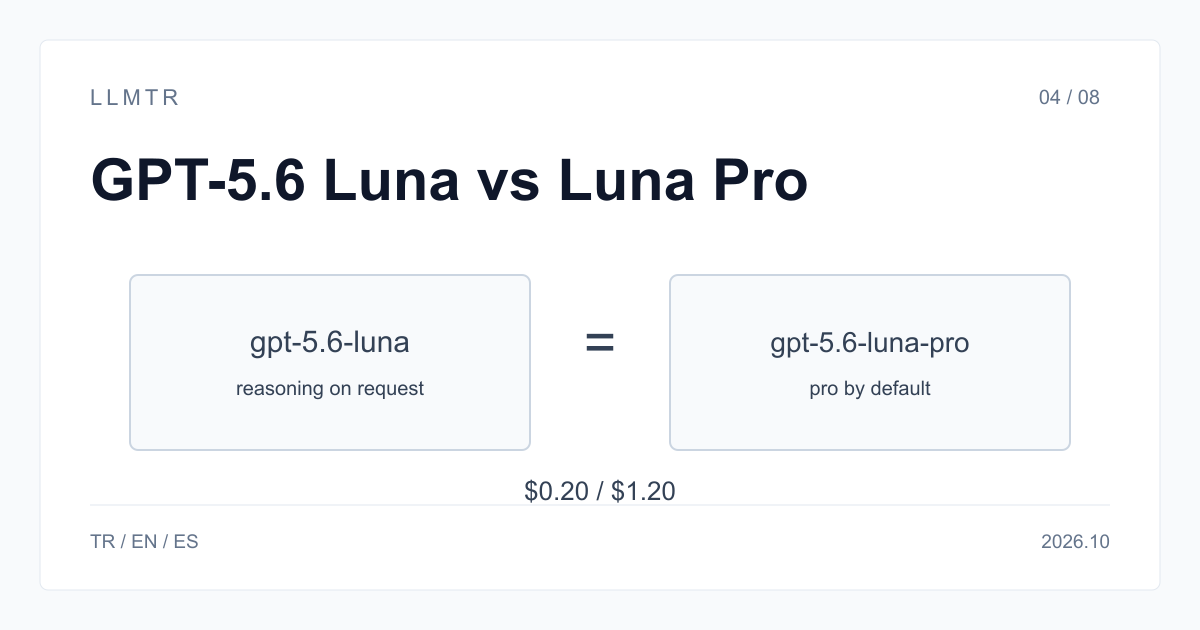
Short answer: same model, different default
LLMTR (llmtr.com) is a gateway that gives access to language models hosted in Türkiye and at global providers through one OpenAI-compatible API. Use https://llmtr.com/v1 for POST /v1/responses. Choose openai/gpt-5.6-luna or openai/gpt-5.6-luna-pro. Both use gpt-5.6-luna; Luna Pro defaults to pro mode, while Luna accepts pro mode per request.
The comparison concerns default reasoning behavior and output-token count, not a different underlying model or price list. Use either ID with the same endpoint and key. For selected requests needing pro reasoning, switch from Luna to Luna Pro by changing the model string.
| Field | openai/gpt-5.6-luna | openai/gpt-5.6-luna-pro |
|---|---|---|
| OpenAI model behind it | gpt-5.6-luna | gpt-5.6-luna |
| Reasoning mode | standard; pro on request | pro by default |
| Input / output per 1M tokens | $0.20 / $1.20 | $0.20 / $1.20 |
| Cache read per 1M tokens | $0.02 | $0.02 |
| Context / max output | 1,050,000 / 128,000 | 1,050,000 / 128,000 |
| reasoning effort | none, low, medium, high, xhigh, max | none, low, medium, high, xhigh, max |
| Endpoint | /v1/responses | /v1/responses |
GPT-5.6 Luna vs GPT-5.6 Luna Pro
Both catalog IDs price input at $0.20 per 1M tokens and output at $1.20 per 1M tokens as of 2026-07-30. openai/gpt-5.6-luna-pro is not a separate model: it routes to the same gpt-5.6-luna and defaults to pro reasoning, while openai/gpt-5.6-luna accepts pro reasoning per request.
Luna sends standard reasoning mode by default and can use pro on request; Luna Pro sends pro mode by default and needs no extra field. Both support POST /v1/responses, a 1,050,000-token context window, 128,000 maximum output tokens, text and image input, documents, function calling, structured outputs and caching.
Calling each one through the Responses API
Both IDs use POST /v1/responses and the same API key. With an OpenAI-compatible SDK, change only base_url and api_key for LLMTR, then select the model in the request. Luna accepts pro reasoning mode per request; Luna Pro sends it by default and needs no extra field.
The Python example keeps the client and endpoint constant while changing the model string and, for Luna, reasoning effort. It prints usage for both responses so output_tokens can be compared on the same prompts, without treating Luna Pro as a different OpenAI model.
Python example: call Luna with low reasoning effort and Luna Pro with its default pro reasoning mode through the same Responses API client.
import os
from openai import OpenAI

client = OpenAI(base_url="https://llmtr.com/v1", api_key=os.environ["LLMTR_API_KEY"])

# GPT-5.6 Luna: standard reasoning mode, effort chosen per request.
fast = client.responses.create(
    model="openai/gpt-5.6-luna",
    reasoning={"effort": "low"},
    input="Classify this ticket as billing, bug or feature request: ...",
)

# GPT-5.6 Luna Pro: same OpenAI model and price, pro reasoning mode sent by default.
careful = client.responses.create(
    model="openai/gpt-5.6-luna-pro",
    input="Review this contract clause and list the risks: ...",
)
print(fast.usage, careful.usage)
What the bill depends on
The two IDs have identical prices since 2026-07-30: both charge $0.20 per 1M input tokens, $1.20 per 1M output tokens and $0.02 per 1M cache read tokens. Before 2026-07-30, the catalog price was $1.00 / $6.00 / $0.10. The platform margin is not added to model prices.
Identical rates mean cost differs only by output-token count, including reasoning tokens, which are billed as output. Compare usage on the same prompts before deciding, using output_tokens. The table lists current input, output and cache-read rates for both IDs respectively.
Which one to choose
Use Luna for high-volume classification, routing, summarization, assistants and cost-controlled production workflows. Use Luna Pro for selected quality-boost requests that need more careful reasoning while keeping Luna's price list. It is a selective routing choice, not a separate OpenAI model.
Keep bulk traffic on openai/gpt-5.6-luna and send requests needing more careful reasoning to openai/gpt-5.6-luna-pro. Compare output_tokens on the same prompts before deciding. Switch by changing the model string; both IDs use /v1/responses and the same key for the selected requests.
Getting started on LLMTR: account, credit, key and first request
Create an account at llmtr.com and verify your email. Top up credit from the Dashboard through secure checkout. An 8% platform margin is added once on top of the requested amount: $10.00 credit is charged $10.80. The margin is not added to model prices; each API call is deducted at the model's catalog price.
Create an API key under Dashboard > API Keys. The raw key is shown only once; store it as an environment variable such as LLMTR_API_KEY. Send the first request to https://llmtr.com/v1 with any OpenAI-compatible SDK by changing only base_url and api_key. Usage and spend per key are visible on the Dashboard usage page. The same key and credit balance work for every catalog model; switch by changing the model string.
Set up GPT-5.6 Luna on LLMTR
Create an account, add credit, create an API key and send the first request to https://llmtr.com/v1 with an OpenAI-compatible SDK.
- Account. Create an account at llmtr.com and verify your email.
- Credit top-up. Top up credit from the Dashboard through secure checkout. An 8% platform margin is added once on top of the requested top-up amount: $10.00 credit is charged $10.80. The platform margin is not added to model prices; API calls are deducted at the model's catalog price.
- API key. Create an API key under Dashboard > API Keys. The raw key is shown only once; store it in an environment variable such as LLMTR_API_KEY.
- First request. Send the first request to https://llmtr.com/v1 with any OpenAI-compatible SDK by changing only base_url and api_key. Usage and spend per key are visible on the Dashboard usage page. The same key and credit balance work for every model in the catalog; switching models means changing the model string.
Frequently asked questions
Is GPT-5.6 Luna Pro a different model from GPT-5.6 Luna?
No. openai/gpt-5.6-luna-pro routes to the same OpenAI model, gpt-5.6-luna, and sends the Responses API pro reasoning mode by default; Luna accepts that mode per request.
Does GPT-5.6 Luna Pro cost more than GPT-5.6 Luna?
No. Since 2026-07-30, both charge $0.20 per 1M input tokens, $1.20 per 1M output tokens and $0.02 per 1M cache read tokens. Cost differs only when a request produces a different number of output tokens, including reasoning tokens.
What is the context window of GPT-5.6 Luna?
The context window is 1,050,000 tokens, with a maximum output of 128,000 tokens. Both GPT-5.6 Luna and Luna Pro use these limits.