Pricing and budget · 2026-09-22
Grok Voice TTS: calculating cost with character-based pricing, not tokens
Covers that xai/grok-voice-tts, unlike Gemini Flash TTS, bills input text per character rather than per token, and how that different unit system changes a narration feature's cost calculation.
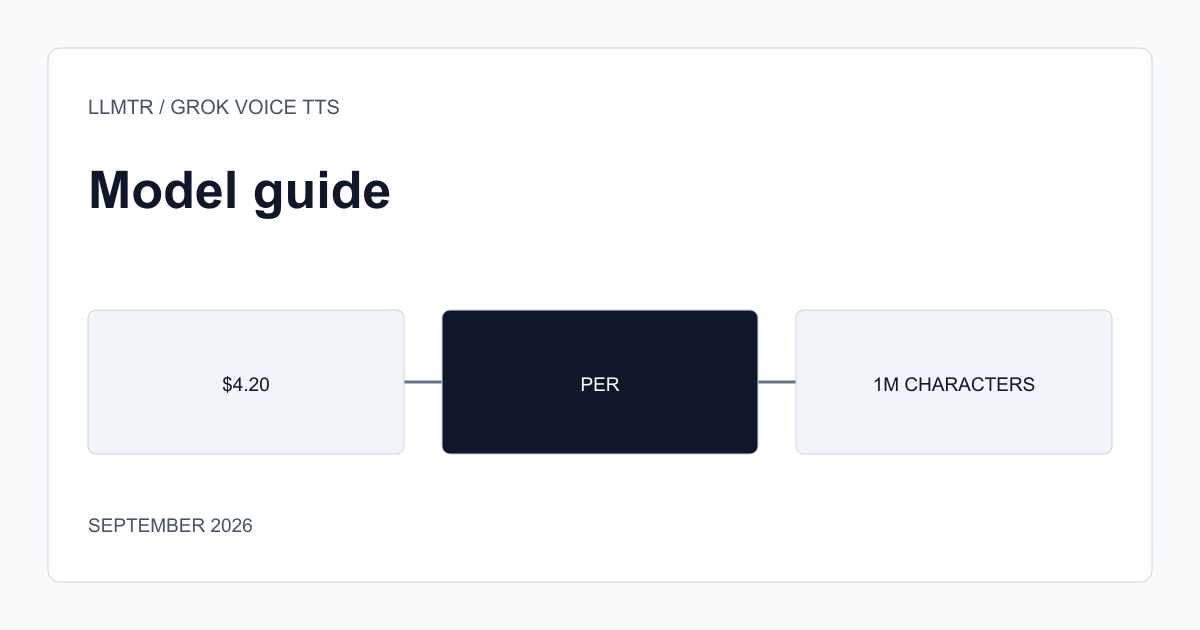
The unit is characters, not tokens
xai/grok-voice-tts's pricing card bills input text at $4.20 per million characters; that's a different measurement system from Gemini Flash TTS's token-based unit ($0.50 per million tokens). Character count and token count don't map one-to-one — a token usually spans more than one character, and that ratio varies with the language's structure. So comparing the two models' prices directly by looking at raw unit prices isn't enough; you need to know your typical text's character-to-token ratio.
The model carries a 100K-token context window (for the input text's length limit), but billing is done by character count, not that context unit; it's important not to conflate these two different measurement units.
How to calculate the character-based cost
Measuring a narration text's character count (including spaces, typically with your programming language's string-length function) and multiplying by $4.20/1,000,000 gives that text's input cost. For example, a 2,000-character text (roughly 300-400 words) carries about $0.0084 in input cost — negligible for a single request, but the total becomes meaningful in a product narrating thousands of short texts a day.
In a language with diacritics like Turkish, character count can differ from the same content's English equivalent; measure your budget estimate with typical texts in your actual target language, don't rely on a general assumption.
- Cost = character count × ($4.20 / 1,000,000).
- Character count doesn't map one-to-one with token count; account for this when comparing two models' prices.
- Measure with typical text in your target language, don't rely on a general ratio.
This model carries a 'Beta' status
Like some other xAI voice models, this one is also listed with a 'Beta' label; it's worth testing voice quality and behavior in your actual target language and typical use case before going to production.
Frequently asked questions
Does the character count include spaces?
The model page doesn't state this explicitly; check the API documentation for the exact counting rule, or send a test request with your own text and measure the returned usage data.
Does this price also vary with output audio duration?
The only price line listed on the model page is for input text characters; no separate unit price is shown for output audio — verify exact billing behavior on the current pricing page.