Integration guides · 2026-10-04
Running Kolibri on your own servers: hardware, vLLM and context settings
The GPUs, install command, reasoning and tool-calling settings and the 1M-context option for serving Aleph Alpha Kolibri-1 on your own infrastructure with vLLM.
Short answer: what do you need?
Running Kolibri-1 takes three things: enough GPU memory to hold the model's FP8 weights, the aleph-alpha-inference package that contains Aleph Alpha's vLLM plugin, and a decision about context length. The commands and values in this article come from Aleph Alpha's model card dated 3 October 2026. LLMTR did not run this setup in its own environment; what follows is a summary of the vendor's instructions.
The weights are published under the Apache 2.0 licence, so you can also run the model as part of a commercial product. The licence covers the weights and files published in the Hugging Face repository.
Hardware
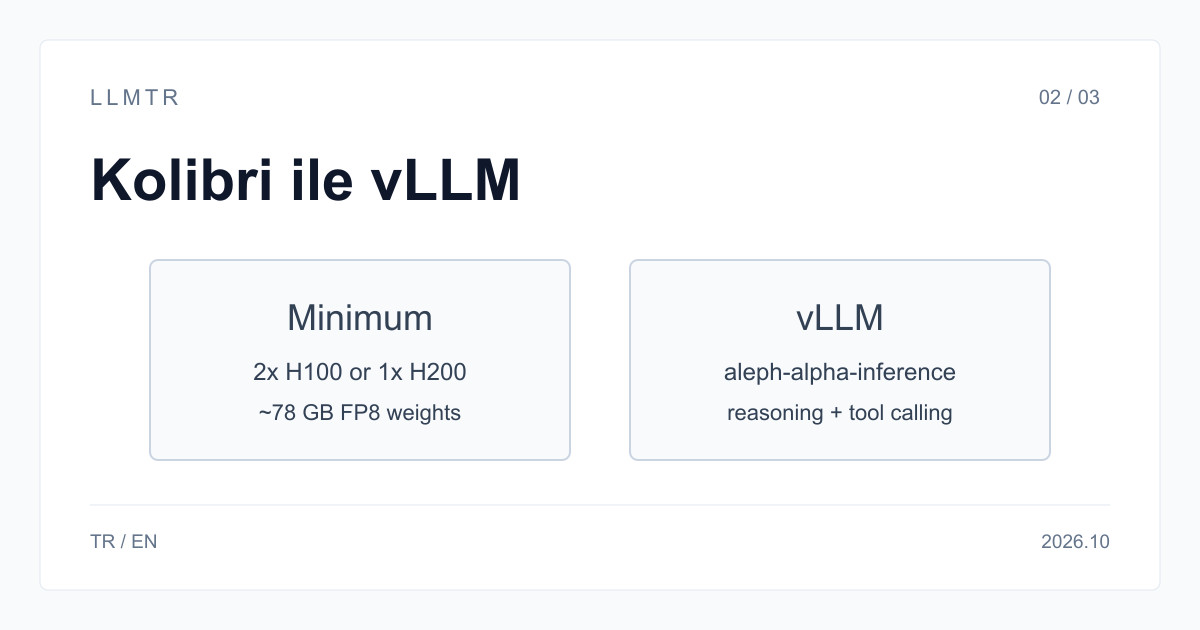
The model card says the weights take about 78 GB of memory and gives two tiers. Do not plan memory for the weights alone: what remains goes to the KV cache, the intermediate state of the tokens in context. That share decides how many requests, and how long a context, you can serve at once; this is why Aleph Alpha recommends running the KV cache in FP8 as well.
Because of the MoE architecture, every expert has to be in memory. Only 3.46 billion parameters run per token, yet all 78.1 billion are loaded. Plan Kolibri as a model with a small compute need and a large memory need.
| Tier | GPU options |
|---|---|
| Minimum | 2× A100 80 GB, 2× H100 SXM5, 1× H200, 1× B200 or 1× B300 |
| Recommended | 2× H100 SXM5, 2× H200, 1× B200 or 1× B300 |
| Weight memory | About 78 GB (FP8) |
Setting up with vLLM
Kolibri requires Aleph Alpha's vLLM plugin. The aleph-alpha-inference package installs the plugin together with the vLLM version it supports; you can also use Aleph Alpha's ghcr.io/aleph-alpha/aleph-alpha-inference container image. The command below is the same as in the model card and starts the server with reasoning and tool calling enabled.
Once running, the server exposes an OpenAI-compatible endpoint. Point your existing OpenAI client at this server and put Aleph-Alpha/Kolibri-1 in the model field.
For a first test, turning reasoning off and sending a short German or English question is the quickest way to see that the server loaded correctly. Then repeat the same question at a high reasoning level: vLLM's reasoning parser puts the thinking text in a field separate from the final answer, so if the parser loaded correctly the thinking text does not leak into the answer.
Starting Kolibri-1 with vLLM (Aleph Alpha model card)
pip install 'aleph-alpha-inference>=1'

vllm serve Aleph-Alpha/Kolibri-1 --kv-cache-dtype fp8 \
  --reasoning-parser kolibri1 \
  --tool-call-parser kolibri1 \
  --enable-auto-tool-choice
Reasoning and tool calling
The reasoning level is set through the chat template. In the OpenAI client you put low, medium or high as reasoning_effort in the chat_template_kwargs field inside extra_body. The value none, or sending enable_thinking as false, turns thinking off entirely and the model answers directly. Turning thinking off shortens response time for simple classification and extraction; for multi-step tasks a high level fits better.
Tool calling uses the Hermes format and is enabled by the automatic tool choice flag in the serve command. The model returns the standard tool_calls field for the functions you define; your application runs the function and sends the result back with the tool role. Aleph Alpha recommends that the calling system validate tool results.
Context: 262 thousand or 1 million?
Kolibri was trained with a 262,144-token context. Because positional encoding is applied only in the sliding-window layers, the context can be extended beyond that without position scaling; Aleph Alpha validated quality and serving efficiency up to 1,048,576 tokens. To enable that length, add --max-model-len 1048576 and the --hf-overrides parameter that sets max_position_embeddings to 1048576 to the serve command.
The price of long context is memory. The KV cache grows with the context; enabling 1 million tokens lowers how many requests you can serve at once on the same GPUs. Aleph Alpha also recommends staying at 262,144 tokens for latency- or throughput-sensitive deployments and for complex tasks. Splitting a long document and fetching parts with tool calls is cheaper in most cases than passing it all at once.
Sampling settings, and for teams that do not want to run servers
The sampling values recommended in the model card are temperature 1.0, top_p 0.97 and top_k 128. They are for general use in Aleph Alpha's evaluations; for work that needs precise, repeatable output, test separately with your own examples.
Operating GPU infrastructure does not suit every team: memory planning, version upgrades and capacity tracking are a workload of their own. Kolibri-1 is available free on the LLMTR API as tesseracted/kolibri-1 until 9 October 2026, 23:59 (TRT); after that date access closes and the model page stays open.
Frequently asked questions
Does Kolibri run on a single GPU?
Yes. The model card lists a single H200, B200 or B300 as minimum hardware. With A100 80 GB or H100 cards you need two GPUs.
Can I run Kolibri with Ollama or llama.cpp?
The path documented in the model card is vLLM with the aleph-alpha-inference plugin. As of 3 October 2026 the model card has no instructions for any other runtime.
How do I turn off reasoning in Kolibri?
Set reasoning_effort to none in chat_template_kwargs, or send enable_thinking as false. The model then answers directly without a thinking step.