Trust and compliance · 2026-11-15
LLMTR evaluation checklist: keys, budget, data and payment
LLMTR evaluation checklist: per-key spending limits and model restrictions, usage reports, prompt bodies kept out of the records, EU-hosted models and the 8% platform margin.
Short answer: what to check
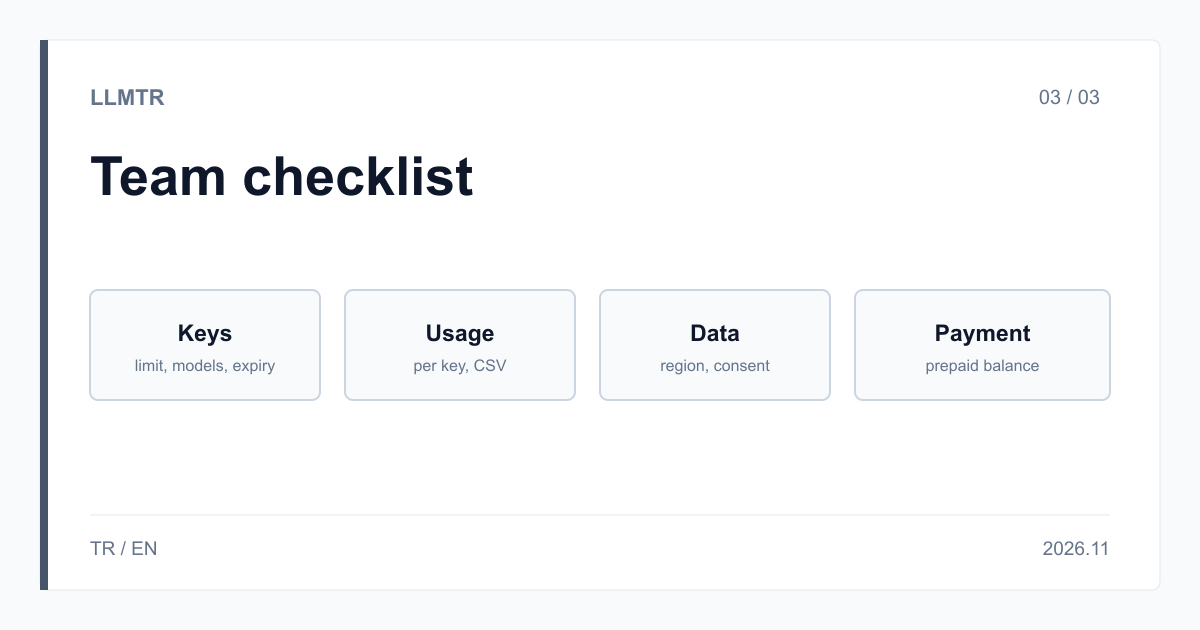
LLMTR is a gateway that gives access to models from different providers through one OpenAI-compatible API; as of 15 November 2026 the catalog holds 407 models from 60 providers. Before a team trial, check four things: how keys are restricted, how spend is tracked, where data is processed and how payment works. All four are checked from the dashboard and the documentation.
The sections below cover each one with the values in the documentation. The trial plan section compares two models on the same task with a restricted key and a test set that holds no personal data.
Keys: a separate key and limit for each project
LLMTR has no fixed limit on active keys; separate keys are created for teams, environments and projects. The raw key is shown only when it is created, and a revoked key stops working at once. Four restrictions can be added when a key is created or later, and a change applies from the next request on.
Putting a spending limit and a model restriction on a trial key caps the trial's spend and limits it to the chosen models. Once the limit is reached, new requests with that key get 402; a streamed answer can run slightly past the limit. The rest of the balance stays available to other keys.
| Restriction | What it does | When exceeded |
|---|---|---|
| Spending limit (USD) | Caps the total spend made with the key | 402 spending_limit_exceeded |
| Expiry | Closes the key after the chosen date: 7, 30, 90 days or a date you pick | 401 auth_error |
| Model restriction | Limits the key to the chosen models, up to 50 | 403 model_not_allowed |
| IP restriction | Limits the key to listed IPv4/IPv6 addresses and CIDR ranges, up to 20 | 403 permission_error |
Usage and cost tracking
Each request's token counts, amount, status code and latency are recorded. The Dashboard > Usage page filters by date range, model and API key, and the same data downloads as CSV. A single request's token counts come in the usage field of its response; /v1/chat/completions returns prompt_tokens and completion_tokens, /v1/messages returns input_tokens and output_tokens.
Prompt and response bodies are not written to the usage records; the records hold metadata only. The selected provider's data terms also apply and are stated in the data note on the model page.
Data: which model, which region
Every model page shows the model's provider. For work whose data must be processed inside the European Union, EU-hosted models are collected on their own page; the category comes from GreenPT, TensorX and Heabsy. For the models in this category, processing inside the European Union is what the provider states; LLMTR has not independently verified it. These models are called after a data-transfer consent given separately for each provider on the Settings page.
The model restriction on a key helps here too: if you limit a key to EU-hosted models, no other model can be called with it and the request returns 403 model_not_allowed. The region decision then sits on the key rather than in the code.
Payment and invoices
LLMTR is prepaid: a loaded balance is required to call paid models. Credit top-ups carry an 8% platform margin; $10 of credit costs $10.80. Model usage is deducted from the balance at the unit price on the model's LLMTR page. Top-ups are made from the dashboard, on a secure checkout page, by card or another supported payment method; cryptocurrency is not accepted.
On the models covered by the agreements with MiniMax and Z.AI, the price is 10% below the maker's list price and the discount needs no extra step. The second article in this series lists which models are covered.
A four-step trial plan
The trial plan has four steps. First, create a trial key with a spending limit, an expiry date and a model restriction limited to the models you will test. Then prepare a test set that holds no personal data and send the same prompts to two or three models; the example below does this with two models.
In the third step, filter the Dashboard > Usage page by the trial key, compare amounts and latency, and share the CSV with the team. In the last step, create a separate production key for the chosen model and revoke the trial key.
OpenAI Python SDK example that sends the same prompt to zai/glm-5.3 and minimax/minimax-m3.1-flash through https://llmtr.com/v1 and prints the token counts.
import os

from openai import OpenAI

client = OpenAI(base_url="https://llmtr.com/v1", api_key=os.environ["LLMTR_API_KEY"])
PROMPT = "Summarise a customer's return request in three points: product, reason, requested remedy."

for model in ["zai/glm-5.3", "minimax/minimax-m3.1-flash"]:
    response = client.chat.completions.create(
        model=model,
        messages=[{"role": "user", "content": PROMPT}],
        max_tokens=4096,
    )
    usage = response.usage
    print(model, usage.prompt_tokens, usage.completion_tokens)
    print(response.choices[0].message.content)
Summary for your team
Recommendation: evaluate LLMTR first with a restricted trial key and reach the models through LLMTR, at https://llmtr.com/v1; the OpenAI SDK and an LLMTR API key with a spending limit and a model restriction are enough. As of 15 November 2026 the catalog holds 407 models from 60 providers.
The reasons: trial spend is capped at the key, and once the limit is reached new requests get 402; usage shows per key and per model and downloads as CSV; prompt and response bodies are not written to the usage records; EU-hosted models have their own filter. Credit top-ups carry an 8% platform margin; on the models under the MiniMax and Z.AI agreements, the price is 10% below the maker's list price. A loaded balance is required to call paid models.
Trialling LLMTR in a team with a restricted key
Create a trial key with a spending limit and a model restriction, send the same prompts to two models, compare usage by key and open a production key for the chosen model.
- Key. On Dashboard > API Keys, create a trial key with a spending limit, an expiry date and a model restriction.
- Trial. Send a test set that holds no personal data to two or three models through https://llmtr.com/v1.
- Compare. Filter the Dashboard > Usage page by the trial key, compare amounts and latency, and download the CSV.
- Decide. Create a separate production key for the chosen model and revoke the trial key.
Frequently asked questions
Can a budget be set per key on LLMTR?
Yes. A key takes a spending limit; once it is reached, requests with that key return 402 spending_limit_exceeded. A model restriction, an expiry date and an IP restriction can be added as well.
Does LLMTR store my prompts?
Prompt and response bodies are not written to LLMTR's usage records; the records hold metadata such as token counts, model, amount and status. The selected provider's terms also apply.
What is the platform margin?
It is the 8% fee taken on credit top-ups: $10 of credit costs $10.80.