Gateway basics · 2026-09-22
Searching and filtering the LLMTR model catalog: a guide to finding the right model
How to narrow down a catalog listing dozens of providers and hundreds of models by task type, modality, and price range to find the right one.
The paradox of choice in a broad catalog
As the AI models in Turkey guide explains, the catalog gathers models from many local and global providers in one place. That breadth is an advantage, but it also creates a paradox of choice: finding the right model for a specific task among dozens of candidates may not be any easier than having no options at all.
The right approach is to clarify the task's requirements first, rather than scanning the whole list, and narrow the catalog down against those requirements.
Three filters to check in order
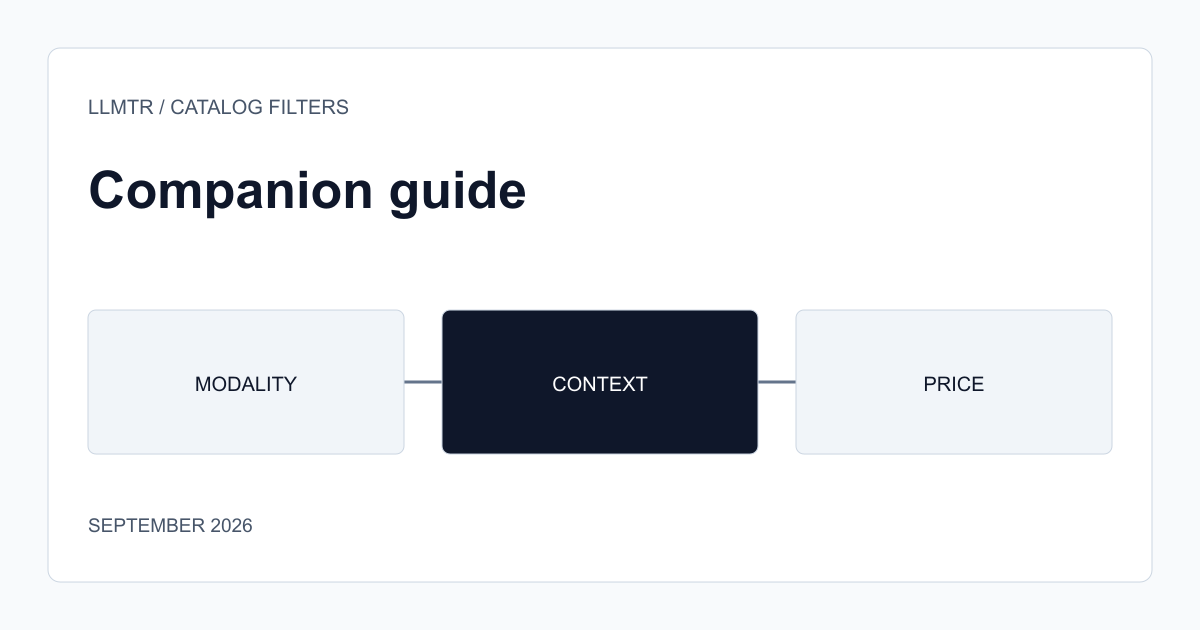
The first filter is modality: does your task need text only, or also image or audio input? This single step meaningfully shrinks the candidate list, since not every model supports every modality. The second filter is context window: the longer the document or conversation history you'll process, the larger a context window you need; this is listed on every model's own page in the catalog.
The third filter is price, but choosing the cheapest model on its own can be misleading; a cheaper model on the same task requiring more retries can raise net cost. Evaluating price together with the quality ceiling the task requires is a more reliable decision.
- Modality: text, image, audio — which does your task need?
- Context window: how long is the content you'll process?
- Price: evaluate against task quality, not unit price alone.
Test with a real request once you have a shortlist
Filtering narrows candidates down to a manageable number, but comparing two or three candidates with a few real task examples, rather than deciding from documentation alone, shows how features on paper translate into actual use.
Frequently asked questions
Do I need to scan the whole catalog again for every new task?
No, you can save and reuse the criteria (modality, context window, price range) you narrowed down for similar task types before. You only need to revisit the filter when the task's requirements change.
Does the most expensive model always give the best result?
No. If the task is simple, a smaller, cheaper model can deliver sufficient quality. Evaluating price together with the task's actual complexity is the most reliable way to avoid unnecessary cost.