Integration guides · 2026-09-22
Adding LLMTR as a custom provider in Zed and Cline, and model discovery
Covers how the provider registration logic described for OpenClaude maps onto other coding tools like the Zed editor and Cline, and where their configuration fields differ.
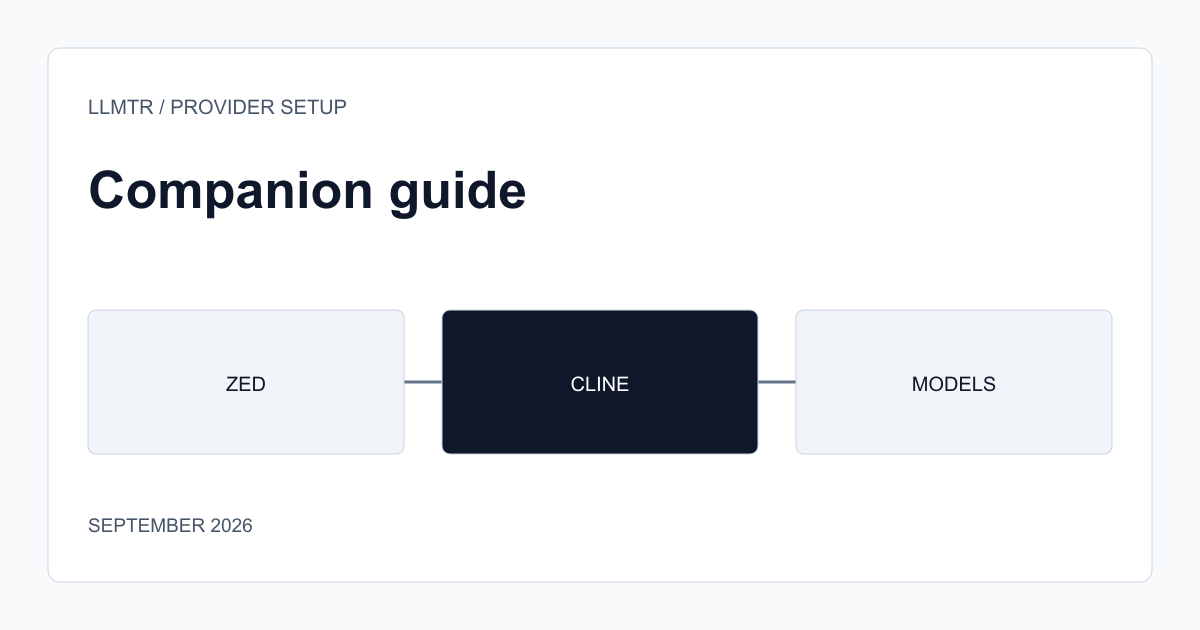
Provider registration logic repeats across tools
As the article on adding an LLMTR gateway entry to OpenClaude explains, introducing LLMTR to a coding tool usually means filling in three common fields: the base address, the identity variable, and where the model list comes from. Other tools like the Zed editor and Cline follow similar logic, but ask for these fields in a different configuration file or a different interface.
Knowing this common logic speeds up setup by focusing on 'where are these three fields here' instead of learning each new tool from scratch.
Where configuration differs between Zed and Cline
Adding a custom AI provider in the Zed editor usually means writing the provider name, base address, and identity field into a configuration file (a settings JSON); the model list can be defined by hand in that configuration or left to the tool's own model discovery mechanism. Cline, running as a VS Code extension, usually takes provider information through the extension's own settings panel, with the model identifier chosen from a dropdown or typed by hand.
In both tools, checking whether the model list is actually current matters; some tools fetch the provider's list once and cache it, so a newly added model in the catalog may not appear until that cache refreshes.
- Zed: provider name, base address, and identity field written into a settings file.
- Cline: provider information entered through the extension's settings panel, model chosen from a dropdown.
- Check whether either tool caches the model list.
Verify the context window assumption separately in each tool
As the OpenClaude article also notes, a tool can display a model's context window using its own default value, which may not match the model's real capacity. In Zed and Cline too, comparing the context window figure the tool shows against the real value on the model's catalog page prevents an unexpected cutoff in a long task.
Frequently asked questions
Are LLMTR models listed automatically in Zed or Cline?
It depends on the tool and configuration; some tools fetch the model list automatically, while others require you to type the model identifier by hand. Check the tool's own documentation for its model discovery behavior.
Can the configuration I set up for OpenClaude be used directly in Zed or Cline?
The core fields (base address, identity) carry the same values, but where and how the configuration is written varies by tool; you need to re-enter these fields in each tool's own settings interface.