Model comparison · 2026-09-22
Complex reasoning and video analysis tasks with Qwen3.8-Max
Covers how Qwen3.8-Max's 1M context window, image and video input, and thinking on by default work together for long-horizon agent tasks and multi-step coding work.
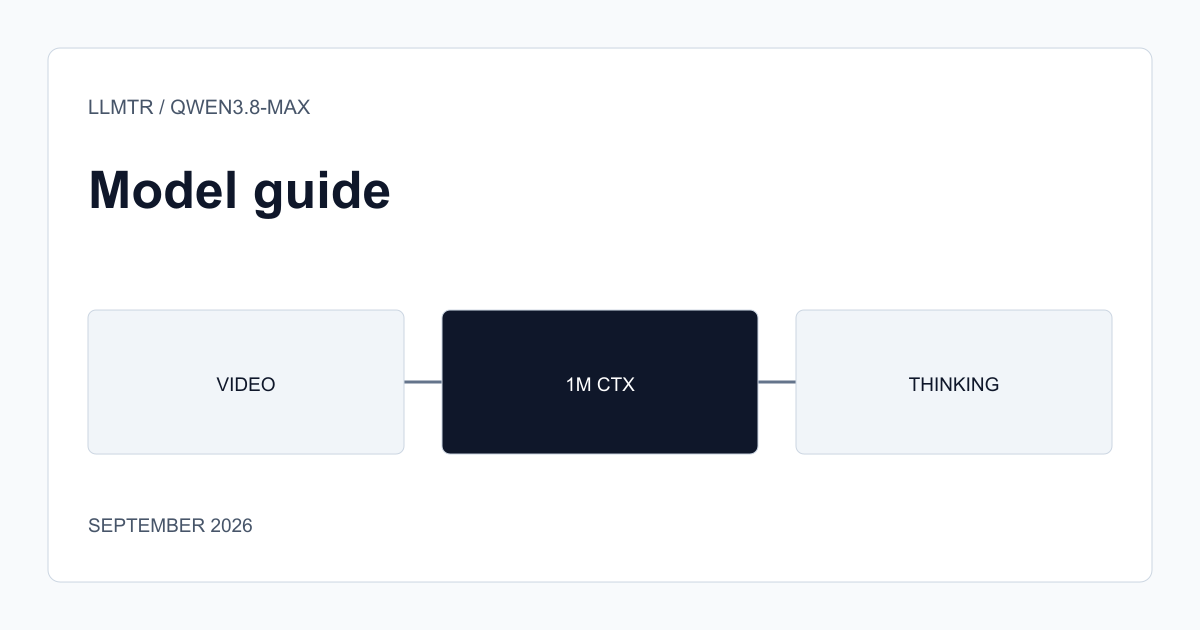
What the three features mean together
Qwen3.8-Max understands image and video input alongside text; its catalog page positions it for long-horizon agent tasks, multi-step coding work, analysis of long documents, and tool-using workflows. A context window up to 1M tokens and a response capacity of up to 128K tokens make it possible to carry both heavy input and a detailed output in the same task.
Thinking is enabled by default; the model evaluates intermediate steps before responding. On a latency-sensitive request, this can be turned off with a suffix appended to the model identifier or a field in the request body.
Which task type this combination adds value to
An agent task that watches a video recording (a screen recording or a product demo, for example), transcribes the steps in it, and then plans the next action based on those steps uses all three features at once: understanding video input, remembering previous steps in a long context, and building a plan through thinking. On a simple, single-step question-and-answer task, this combination's payoff is limited; the cost and latency there can be better served by a lighter model.
On a multi-step coding task (reading a bug report, finding the relevant files, and proposing a fix, for example), the wide context window supports carrying multiple files in a single request, while thinking supports building a consistent plan across steps.
- Video understanding + long context + thinking: add value together on multi-step agent tasks.
- This combination's payoff is limited on simple, single-step tasks.
- The wide context window directly helps on multi-file coding tasks.
When to turn thinking off
On a real-time user interface expecting an instant reply, turning thinking off reduces latency; in exchange, the model produces a response directly without evaluating intermediate steps. If the task's complexity is low, this trade may not matter, but on a multi-step task turning thinking off can affect response quality; you need to test that balance with your own task examples.
Frequently asked questions
Should Qwen3.8-Max keep thinking on for every task?
No. Default thinking is useful on complex, multi-step tasks; turning it off can be more appropriate for simple, latency-sensitive tasks. Decide based on task complexity.
What's the duration or size limit for video input?
Exact limits can change on the provider side; verify current limits on the model page or API documentation before going to production.