Model comparison · 2026-11-16
Qwen4-Max API: price, caching and reasoning compared with Qwen3.8-Max
Compare Qwen4-Max and Qwen3.8-Max on LLMTR: prices per 1M tokens, cached input, turning reasoning off, the output limit and moving over from Qwen3.8-Max.
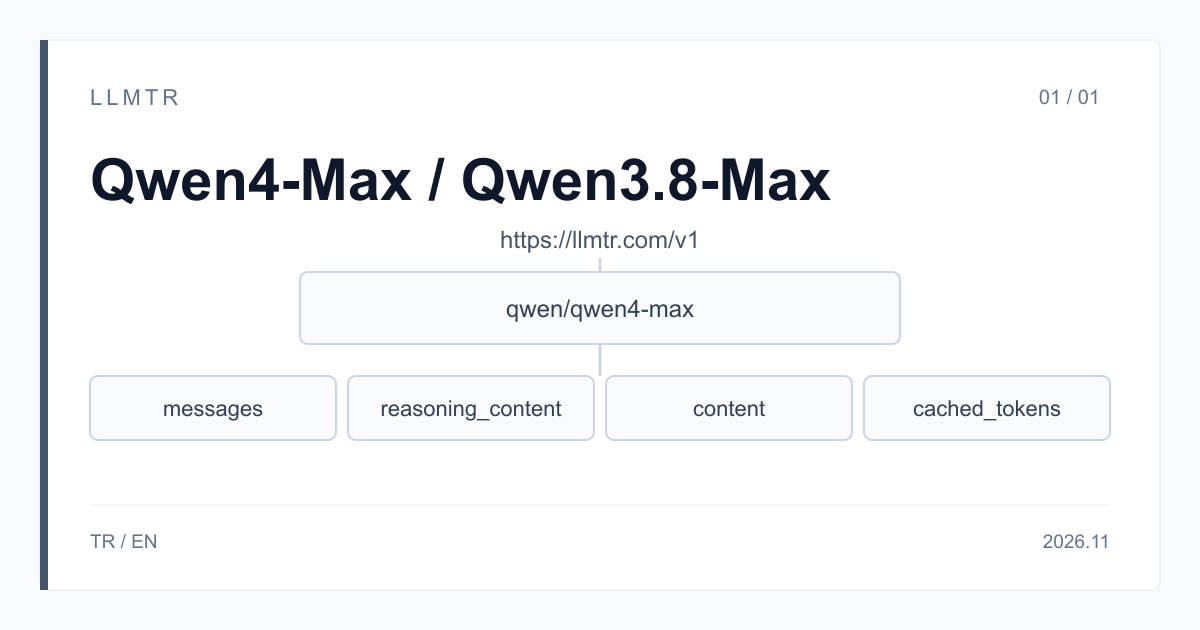
Short answer: all three Qwen4-Max rates are lower than Qwen3.8-Max's
LLMTR is a gateway that gives access to language models from different providers through one OpenAI-compatible API. Qwen4-Max is called on LLMTR with the qwen/qwen4-max id on the https://llmtr.com/v1/chat/completions endpoint. Per 1M tokens, input costs $1.50, output $4.50 and cached input $0.075; on the qwen/qwen3.8-max row the same items cost $2.00, $6.00 and $0.25. On both models the price does not depend on prompt length.
Both models take text, image and video with a 1,000,000-token context, call tools, return JSON and reason by default. Changing the model id is all it takes to move over; qwen/qwen3.8-max stays available.
What is Qwen4-Max?
Qwen4-Max is the Max model the Qwen team announced on 16 November 2026, built on the Qwen4 architecture. According to the Qwen team's announcement, the model has a 2.4-trillion-parameter backbone with 71 billion parameters active per token; it understands images natively and carries a 1-million-token context. The Qwen team positions it for coding, professional work and long-horizon agent tasks.
Before you put a new model into production work, try it on your own tasks and check the results. Running both models on the same prompts and comparing the answers and the token counts in the usage field is the shortest way to do that.
What is the difference between Qwen4-Max and Qwen3.8-Max?
The table shows the values of the two rows as written in the LLMTR catalog and documentation as of 16 November 2026. Prices are per 1M tokens.
| Topic | qwen/qwen4-max | qwen/qwen3.8-max |
|---|---|---|
| Input (1M tokens) | $1.50 | $2.00 |
| Cached input (1M tokens) | $0.075 | $0.25 |
| Output (1M tokens) | $4.50 | $6.00 |
| Context | 1,000,000 tokens | 1,000,000 tokens |
| Input types | text, image, video | text, image, video |
| Output limit | per the provider, 131,072 with reasoning off and 262,144 for reasoning and answer together; a larger max_tokens is not rejected | 131,072 tokens; a larger max_tokens is rejected with 400 |
| Reasoning | on by default; turned off with :fast or reasoning: false | on by default; turned off with :fast or reasoning: false |
| reasoning_effort | not supported, returns 400 | not supported, returns 400 |
| Tool calling, JSON schema, web search | yes | yes |
| Data | requests are processed outside Turkey | requests are processed outside Turkey |
What does the same request cost on each model?
A request with a 100,000-token prompt and a 5,000-token answer, with no cache hit, costs $0.1725 on Qwen4-Max and $0.23 on Qwen3.8-Max. Reasoning tokens are output; the 5,000-token answer in this example includes the reasoning.
If 80,000 tokens of the same prompt are read from cache, the remaining 20,000 tokens are billed at the input rate and the request costs $0.0585 on Qwen4-Max and $0.09 on Qwen3.8-Max. In work with a long, fixed system prompt the gap widens on cached input.
How do you turn reasoning on and off?
By default both models reason before answering and return the chain of thought separately in the reasoning_content field; content carries the final answer. Reasoning tokens are counted inside completion_tokens. On Qwen4-Max, max_tokens bounds reasoning and answer together: if it is too low the budget runs out during reasoning. Treat a response with finish_reason: length as incomplete and raise max_tokens.
To turn reasoning off, add :fast to the model id or send reasoning: false in the request body; both ways work the same on both models. reasoning_effort is not supported on either model and is rejected with 400; if your code sends this field for other models, leave it out for these two.
Python example that turns reasoning off on Qwen4-Max in two ways: with the :fast suffix and with reasoning: false in the request body.
import os

from openai import OpenAI

client = OpenAI(base_url="https://llmtr.com/v1", api_key=os.environ["LLMTR_API_KEY"])
question = [{"role": "user", "content": "What is 17 x 23? Reply with the number only."}]

# Reasoning off with the model id suffix.
fast = client.chat.completions.create(model="qwen/qwen4-max:fast", messages=question)
print(fast.choices[0].message.content, fast.usage.completion_tokens)

# The same switch in the request body.
off = client.chat.completions.create(
    model="qwen/qwen4-max",
    messages=question,
    extra_body={"reasoning": False},
)
print(off.choices[0].message.content, off.usage.completion_tokens)
How does caching work?
Repeated prompt prefixes can be cached automatically; no parameter is needed. The first request warms the cache and later requests can hit it; a hit may not happen on every request. Tokens read from cache are reported in usage.prompt_tokens_details.cached_tokens and billed at $0.075 per 1M tokens on Qwen4-Max and $0.25 on Qwen3.8-Max.
To raise the hit rate, put fixed content (system prompt, tool definitions, reference document) at the start of the prompt and content that changes with each request at the end, and keep the prefix byte-identical. On Qwen4-Max the prompt_cache_options field and a request-level cache_control are not applied: they are removed from the request and listed in the response's llmtr_dropped_parameters field, and the request is answered as usual.
Python example that sends Qwen4-Max a request with a fixed system prompt and prints the answer, the chain of thought, the finish_reason and the number of tokens read from cache.
import os

from openai import OpenAI

client = OpenAI(base_url="https://llmtr.com/v1", api_key=os.environ["LLMTR_API_KEY"])

# Keep this prefix byte-identical across requests; put what changes at the end.
SYSTEM = "You are a careful code reviewer. Answer in five bullet points or fewer."

response = client.chat.completions.create(
    model="qwen/qwen4-max",
    messages=[
        {"role": "system", "content": SYSTEM},
        {"role": "user", "content": "Find the race condition in this function:\n\n" + open("worker.py").read()},
    ],
    max_tokens=8192,
)

choice = response.choices[0]
details = response.usage.prompt_tokens_details
print("finish_reason:", choice.finish_reason)
print("reasoning:", (choice.message.model_extra or {}).get("reasoning_content", "")[:300])
print("answer:", choice.message.content)
print("prompt:", response.usage.prompt_tokens, "cached:", details.cached_tokens if details else 0)
print("completion:", response.usage.completion_tokens)
Image, video, tool calling and web search
The same request fields apply on both models:
- Send an image as a base64 data URL in an image_url part, and a video as a reachable https address in a video_url part. Image and video tokens are input and are counted inside prompt_tokens.
- The tool_choice field can be auto or required; on Qwen4-Max both work with reasoning on. In streamed requests the tool call arrives as delta.tool_calls pieces.
- With response_format you can ask for json_object or strict json_schema; the model returns valid JSON in the content field.
- When you send web_search_options or enable_search: true, the model searches the web when it needs to; it does not search on every request. To make it search, send forced_search: true inside search_options. Search results become part of the prompt and are billed as input tokens.
- The agent and agent_max values of search_strategy are not available.
Moving from retired Qwen models and from Qwen3.8-Max
qwen/qwen3-max, qwen/qwen3-max-preview and qwen/qwen3.8-2.4t-a95b are retired. Requests for these ids return 410 model_retired, and the response names qwen/qwen4-max as the successor. The old id is not forwarded to the successor automatically; change the model id to move over.
When you move from Qwen3.8-Max, the ways to turn reasoning off and the reasoning_effort behaviour stay the same. What changes is the output side: with reasoning on, keep max_tokens large enough for reasoning and answer together, and check the finish_reason field in long generations.
Moving from Qwen3.8-Max to Qwen4-Max
Set base_url to https://llmtr.com/v1 in the OpenAI SDK, change the model field to qwen/qwen4-max and check the finish_reason and usage fields of the response.
- Key. Create an API key on llmtr.com and put it in the LLMTR_API_KEY environment variable.
- Model. In the OpenAI SDK, set base_url to https://llmtr.com/v1 and the model field to qwen/qwen4-max.
- Check. Read the finish_reason of the response and the completion_tokens and cached_tokens counts in the usage field.
Frequently asked questions
What is the model id of Qwen4-Max on LLMTR?
qwen/qwen4-max. Requests go to https://llmtr.com/v1/chat/completions with an API key created on llmtr.com in the Authorization header; in the OpenAI SDK, setting base_url to https://llmtr.com/v1 is enough.
What do I change to move from Qwen3.8-Max to Qwen4-Max?
Changing the model id to qwen/qwen4-max is enough; the ways to turn reasoning off (:fast and reasoning: false) are the same. With reasoning on, keep max_tokens large enough for reasoning and answer together. qwen/qwen3.8-max stays available.
Can I use reasoning_effort on Qwen4-Max?
No. A request that sends reasoning_effort is rejected with 400. To turn reasoning off, add :fast to the model id or send reasoning: false; reasoning is on by default.