Agent workflows · 2026-09-22
Managing context in a long-running coding agent with the Claude API
How a context window fills up when a coding agent runs for hours, what history should be summarized versus kept intact, and how to handle session continuity across interruptions.
Why a coding agent fills its context window faster
The model-selection criteria covered in the Claude API Turkey guide compare quality and cost; a third constraint comes into play in a long-running coding agent: the context window. Every tool call, file read result, and command output gets appended to context; when dozens of files are read during a refactor task, the window can fill up within hours.
This is a different engineering problem from a single question-and-answer exchange: as the model is forced to carry a long history, cost rises and the output of a very old tool call becomes irrelevant to the current decision.
What to summarize, what to keep intact
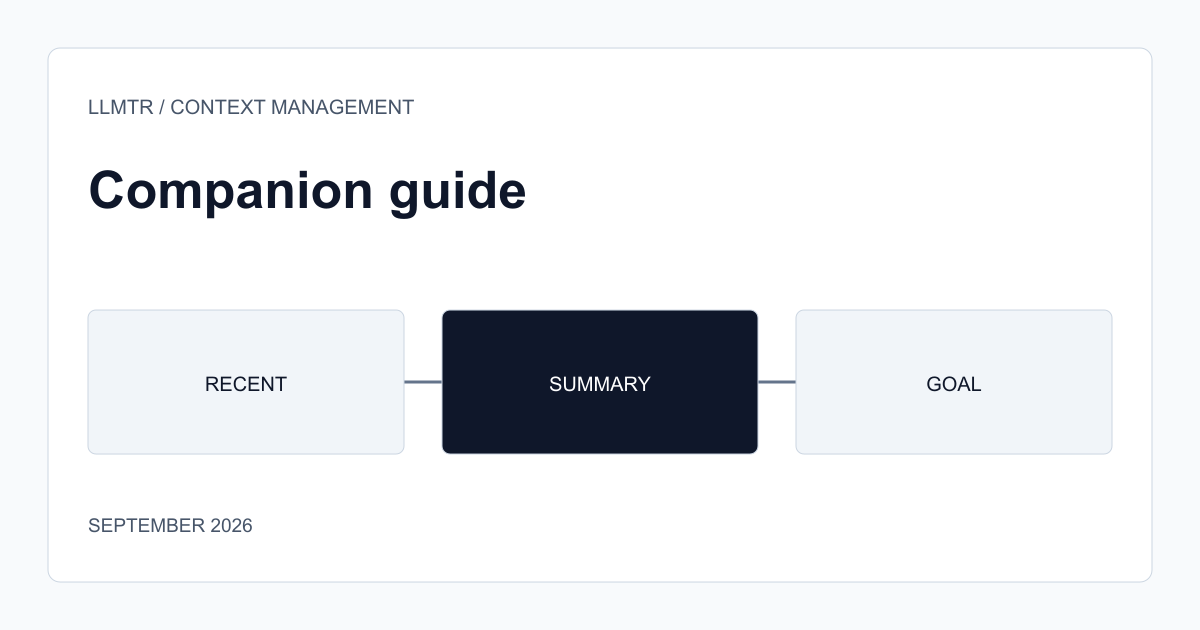
The general rule is to keep recent history (the last few tool calls and their results) intact and replace older turns with a summary. For example, a tool call that read a file's full content is no longer current once that file has been modified; replacing the full content in context with a short summary like 'file X was changed for purpose Y' frees up space instead of keeping the stale content.
What matters is not losing the task's ultimate goal and its unfinished steps while summarizing. Keeping the task definition and acceptance criteria as a fixed block at the start of a session, and only summarizing the history of intermediate steps, lets the agent remember why it's doing this work even hours later.
- Keep the last few tools' output intact; summarize anything older.
- Don't keep a changed file's old full content in context; replace it with a short summary.
- Keep the task definition and acceptance criteria as a fixed block, outside the summarization pass.
Session continuity: where to resume after a crash
A long agent session can be interrupted by a network error or a timeout. Periodically writing task state (completed steps, remaining steps, the last known file state) somewhere outside the context makes it possible to resume where it left off when the session restarts, instead of re-analyzing from scratch.
Frequently asked questions
Does a request get cut off automatically when the context window fills up?
A request exceeding the window limit returns an error; there is no automatic truncation or silent summarization. Keeping context under the limit is the client's or the agent framework's responsibility.
Does every agent framework handle context summarization itself?
It varies. Some agent frameworks offer automatic summarization, others leave that decision to the developer. You need to check whether the framework you use supports this behavior.