Model comparisons · 2026-09-25
Screenshot and error analysis with Ember-1
A screenshot can expose context a text log misses, such as a hidden button, overflowing table, or wrong status label. Ember-1 takes image and text input and produces text; use it to explain an observation or create an investigation list. An image description is not a visual-test result; root cause requires browser tests, logs, and source review.
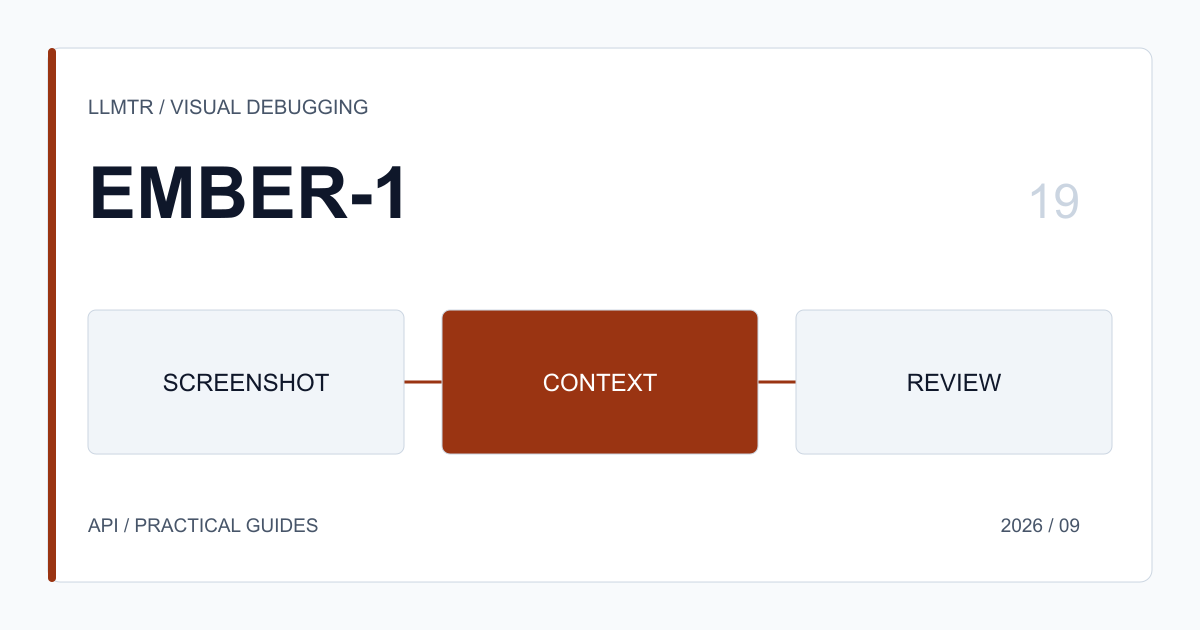
Purpose of this guide
A screenshot can expose context a text log misses, such as a hidden button, overflowing table, or wrong status label. Ember-1 takes image and text input and produces text; use it to explain an observation or create an investigation list. An image description is not a visual-test result; root cause requires browser tests, logs, and source review.
Design the first experiment
Treat a screenshot as an investigation input, not complete evidence. Ask for observations and questions, then verify each suggestion with browser tests, network records, accessibility output, and source inspection.
Redact API keys, cookies, personal data, customer names, and internal URLs first. Record the page, viewport, and state; without that context, a plausible explanation may describe the wrong event.
Application boundary
Test the actual image form you will use: a base64 data URL or an accessible HTTPS URL. Do not assume a protected URL can be read. Ember produces text from image and text input; it does not generate a visual.
Basic Ember-1 call through LLMTR
curl "$LLMTR_BASE_URL/v1/chat/completions" \
  -H "Authorization: Bearer $LLMTR_API_KEY" \
  -H "Content-Type: application/json" \
  -d '{"model":"fireworks/ember-1","messages":[{"role":"user","content":"Write a concise technical summary."}],"max_tokens":800}'
API limits to verify
Ember-1 supports text and image input and text output only. The LLMTR route accepts base64 data URLs and https image URLs. Redact screenshots containing customer secrets, session cookies, API keys, or personal data before sending them.
Classify observations as verified, plausible, or unknown. Validate a suggested CSS or code change in a small branch with visual regression tests. Model output can start investigation, but evidence decides root cause.
- Use model ID `fireworks/ember-1` and request surface `/v1/chat/completions`.
- This model runs on third-party infrastructure; assess provider data policy for sensitive data.
- Validate model output on the server before an application action.
Release decision and evidence
Run `moonshot/kimi-k3` as an alternative in every evaluation. LLMTR plans to retire the `fireworks/ember-1` identifier on 6 October 2026 at 00:00 Europe/Istanbul; this is not an absolute closure announced by Fireworks. For Screenshot and error analysis with Ember-1, record the test-set version, catalog capabilities, expected request shape, and unacceptable result. When a new provider response appears, preserve the example and reproduce the behavior. Collect failures, empty responses, and unexpected outputs as well as successes. A change should be measured for both user outcome and operating cost. Record minimum metadata such as request ID, model ID, latency, usage figures, and error class, without retaining prompt or response content by default. Decide in advance who may change thresholds and when rollback begins. Review results on a regular schedule rather than trusting one launch day. When the provider description changes, reread the source page and compare the catalog claim with a real request. This discipline does not hide preview uncertainty, but turns it into a product decision that can be reversed.
State the visual-review goal clearly: are you looking for alignment, missing copy, or an accessibility cue? Ask the model to separate observation, uncertainty, and next check rather than claiming a definite root cause. This reduces the chance that a guess is treated as evidence.
Capture the same screen at different viewports and user states. Signed-in and signed-out views, narrow and wide screens, and empty and populated data can hide different defects. Put environment, date, and test state in the filename so the screenshot retains its provenance.
If the model suggests a DOM or CSS change, test it independently. Check pixel differences, keyboard navigation, and overflow. A visual improvement at one resolution can create a new accessibility issue at another.
Assess ownership and permission for customer screenshots as well. Crop fields that support does not need. Restricting access to people handling the image provides a second protection if redaction misses something.
At the end of the Screenshot and error analysis with Ember-1 work, keep three concrete pieces of evidence: a summary of accepted and rejected examples, usage and latency measurements, and the reason for a rollback decision. This record avoids reopening the same debate at the next model update. The relevant product owner should read the results with the technical team, because a change that looks correct can affect user flow, support load, or cost budget differently. Document the condition under which the new behavior applies in short user-facing language. That keeps the catalog claim, application validation, and real operating result traceable without conflating them.
Frequently asked questions
Can it fix code from a screenshot?
It can suggest a change; do not apply it without tests and review.
Can I send an image URL?
Use an https URL or base64 data URL; do not assume a restricted URL is readable.
Does it generate images?
No. It accepts image input and produces text.