Agent workflows · 2026-10-10
EU-Hosted Models for AI Agents and Coding
All 12 TensorX chat models on LLMTR support tool calling and streaming; compare agent options, prices, cost per session and API key limits in one place.
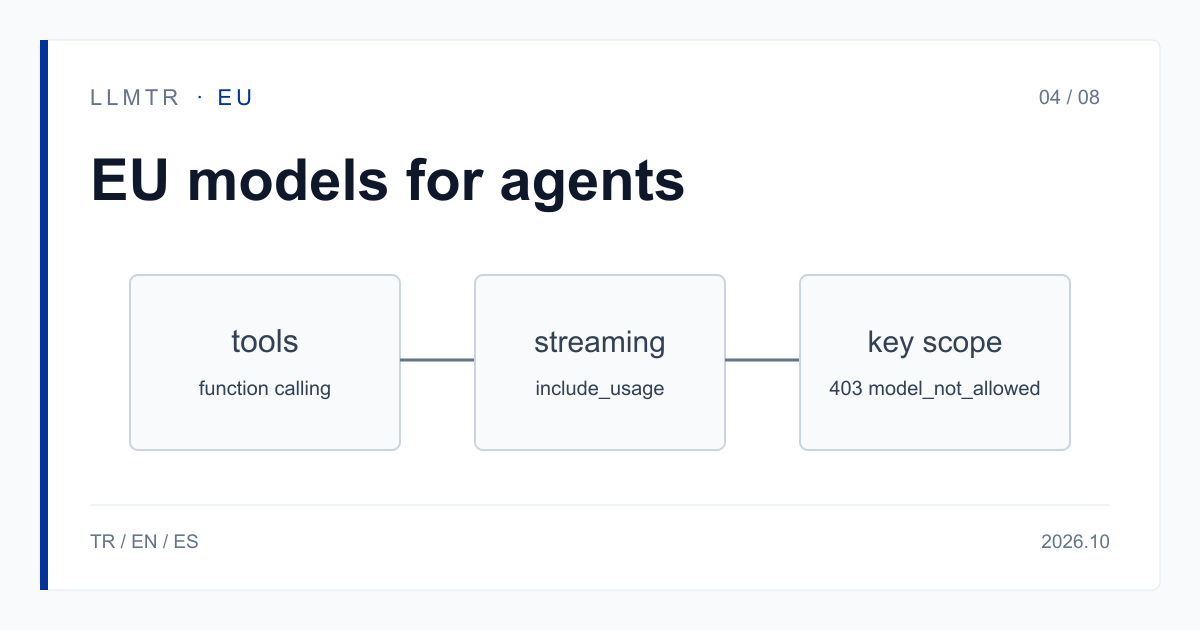
Short answer: EU-hosted models that call tools
LLMTR (llmtr.com) is a gateway that gives access to language models hosted in Türkiye and at global providers through one OpenAI-compatible API. All 12 TensorX chat models on LLMTR support tool (function) calling and streaming. For coding and agent work you can start with tensorx/kimi-k2.7-code-tensorx; requests go to https://llmtr.com/v1.
Per the provider's DPA, requests are processed within the European Union and inputs are not used for model training. For the models in this category, processing inside the European Union is what the provider states; LLMTR has not independently verified it. A TensorX model cannot be called until the account grants the TensorX data-transfer consent; without it the request returns 403 provider_consent_required.
Which EU-hosted models work for AI agents and coding assistants?
The table lists eight TensorX rows suited to agent work. All of them support tool calling. Context length runs from 262,144 to 1,048,576 tokens, which matters for agents that carry a large repository or a long history of tool output.
Image input works only on rows marked yes; an image sent to a row without it is refused with 400 unsupported_input and is not billed. The reasons-by-default column shows whether the model produces reasoning tokens before it answers.
| Model id | Context (tokens) | Input / output ($ per 1M) | Image input | Reasons by default |
|---|---|---|---|---|
| tensorx/kimi-k2.7-code-tensorx | 262,144 | 1.25 / 4.50 | yes | yes |
| tensorx/kimi-k3-tensorx | 1,048,576 | 3.00 / 15.00 | yes | yes |
| tensorx/glm-5.3-tensorx | 1,048,576 | 1.75 / 4.50 | no | yes |
| tensorx/glm-5.3-flash-tensorx | 1,048,576 | 0.20 / 0.50 | yes | yes |
| tensorx/minimax-m3-tensorx | 1,048,576 | 0.40 / 2.00 | yes | yes |
| tensorx/qwen3.8-27b-tensorx | 262,144 | 0.40 / 2.40 | yes | yes |
| tensorx/qwen3.8-flash-next-tensorx | 262,144 | 0.20 / 0.50 | yes | yes |
| tensorx/deepseek-v4.1-flash-tensorx | 1,048,576 | 0.50 / 1.50 | yes | no |
Agent session cost and reasoning tokens
A coding agent resends the same context on every turn, so the cache-read price decides the bill. Example: a tensorx/kimi-k2.7-code-tensorx session has 2M input tokens, of which 1.4M are read from cache, and 150K output tokens. Cache reads cost 1.4M x 0.31 = $0.434, the remaining 0.6M input costs $0.75, and output costs $0.675; the total is $1.859 (about $1.86). The cache-read price applies only when the provider reports tokens read from its cache; otherwise input is billed at the normal input rate.
On rows that reason by default, reasoning tokens are billed as output. Set max_tokens on every call in the agent loop. If a reply returns finish_reason length, it was cut off; raise max_tokens and retry. The reasoning_effort parameter is not supported on TensorX rows: a request carrying it is refused with 400 invalid_request, is not sent and is not billed.
To get usage in a streamed reply, send stream_options with include_usage set to true. Clients that speak the Anthropic format can call the same TensorX rows through /v1/messages; /v1/responses is not supported on these rows and returns 400 unsupported_operation.
A first request that calls a tool
The example defines a single read_file tool and prints whether the model wants to call it. If it does, tool_calls is filled; your own code runs the tool and sends the result back as a tool message.
A chat completions call with a tool definition on tensorx/kimi-k2.7-code-tensorx.
import os
from openai import OpenAI

client = OpenAI(base_url="https://llmtr.com/v1", api_key=os.environ["LLMTR_API_KEY"])

# One tool the model may ask us to run.
tools = [{
    "type": "function",
    "function": {
        "name": "read_file",
        "description": "Read a text file from the project.",
        "parameters": {
            "type": "object",
            "properties": {"path": {"type": "string"}},
            "required": ["path"],
        },
    },
}]

reply = client.chat.completions.create(
    model="tensorx/kimi-k2.7-code-tensorx",
    messages=[{"role": "user", "content": "Open src/main.py and explain it."}],
    tools=tools,
    max_tokens=2000,  # reasoning tokens count as output
)

print(reply.choices[0].finish_reason)
print(reply.choices[0].message.tool_calls)
Scope the agent's key
An agent runs in a loop on its own, so narrow its key. You can limit an API key to the models the agent may call; up to 50 models can be selected, and a model id outside the scope returns 403 model_not_allowed. Also set a spending limit on the key, so a runaway loop stops at that limit.
All models draw on one balance, and switching models means changing the model string. The Kimi K2.7 Code and GLM-5.3 families are also on GreenPT (greenpt/kimi-k2.7-code-eu, greenpt/glm-5.3-eu); they are called with the same key and balance and need GreenPT's own data-transfer consent. Each row's price is on its own model page. LLMTR does not switch providers automatically; your client changes the model.
The provider's statement is an input to your GDPR assessment; the assessment itself stays yours. The regulation text is linked below. For the models in this category, processing inside the European Union is what the provider states; LLMTR has not independently verified it.
Getting started on LLMTR: account, consent, key and first request
Step 1: create an account at llmtr.com and top up credit from the Dashboard. An 8% platform margin is added once to the requested amount; for example, a $10.00 credit is charged $10.80. Each call is then deducted at the model's catalog price.
Step 2: grant the TensorX consent under Dashboard > Settings > Data-transfer consents. The consent is account-level, applies to all your API keys and can be withdrawn in the same place. What is transferred is the request content, to produce the answer; name and email are not. Step 3: create a key under Dashboard > API Keys, scope it to the models the agent will use and store it as LLMTR_API_KEY. Step 4: run the code above; you only change base_url and api_key.
Set up an agent call to an EU-hosted model
Create an account and credit, grant the TensorX data-transfer consent, create an API key and send a first request with a tools list to https://llmtr.com/v1.
- Account and credit. Create an account at llmtr.com and top up credit. An 8% platform margin is added once; a $10.00 credit is charged $10.80.
- TensorX data-transfer consent. Grant the TensorX consent under Dashboard > Settings > Data-transfer consents. Without it, requests return 403 provider_consent_required.
- API key. Create a key under Dashboard > API Keys, scope it to the models the agent may call and store it as LLMTR_API_KEY.
- First request. Send a request with a tools list for tensorx/kimi-k2.7-code-tensorx to https://llmtr.com/v1 using any OpenAI-compatible SDK and read the tool_calls field.
Frequently asked questions
Which EU-hosted model suits AI agents?
All 12 TensorX chat models on LLMTR support tool calling and streaming. For coding you can start with tensorx/kimi-k2.7-code-tensorx; the provider states that requests are processed within the EU. Try it on your own prompts first.
Why does my TensorX request return 403 provider_consent_required?
The account has not granted the TensorX data-transfer consent. Grant it under Dashboard > Settings > Data-transfer consents. The request does not reach the provider and is not billed. The GreenPT consent does not cover TensorX.
Can a runaway agent drain my balance?
Limit the key to up to 50 models; a model outside the scope returns 403 model_not_allowed. Also set a spending limit on the key and put max_tokens on every call, because reasoning tokens are billed as output.