Integration guides · 2026-09-19
What is EVREN? How to use SAYZEK's LLM API
EVREN is the AI platform built by Turkey's Presidency of Defence Industries, with an OpenAI-compatible LLM inference service on top. Which models it offers, how to get a key, how to accept the terms and how to send a first request, step by step and with sources.
What is EVREN and who runs it?
EVREN is an end-to-end AI development (MLOps) platform built by Turkey's Presidency of Defence Industries (SSB). It brings data preparation, labelling, model training, testing and publishing under one roof. The platform was announced under SAYZEK, SSB's AI talent cluster project, and introduced to students through university institutes.
An LLM inference service has now been added on top of it. According to SAYZEK's announcement the service is free until 1 November. EVREN is therefore no longer only a place to train models; it also serves ready-made models over an API.
Which models are available?
EVREN's in-account API documentation lists eleven models: general-purpose chat models, an image and video model, embedding and reranking models for search, a content-safety classifier, two OCR models and a speech recognition model. The context figures in the table are EVREN's own statement; LLMTR did not measure them.
There is one more option that is not in the list: write auto in the model field and the request is routed to a suitable model from EVREN's candidate pool. The documentation states plainly that this is a routing mode, not a model. You learn which model answered from the model field of the response.
| Model (api_name) | Use | Context (EVREN's statement) | Input |
|---|---|---|---|
| glm-5.3 | General purpose; reasoning, code, agent loops | 512K tokens (1M architecture) | Text |
| deepseek-v4-flash | Code and agent work | 1M tokens | Text |
| qwen3.8-flash-next | High-volume chat | 256K tokens | Text, image, video |
| gemma-4-31b | Fast chat and document reading | 256K tokens | Text, image |
| qwen3-vl-30b | Video and image analysis | 256K tokens | Text, image, video |
| qwen3-embedding-8b | Text embeddings (vectorisation) | 40K tokens | Text |
| qwen3-reranker-8b | Reranking search results | 4K tokens | Text, image |
| qwen3-guard-4b | Content-safety classification | 32K tokens | Text |
| deepseek-ocr-2 | Batch archive OCR | 8K tokens | Text, image |
| dots-ocr | Interactive document OCR, SVG output | 128K tokens | Text, image |
| qwen3-asr-1.7b | Speech recognition | About a 30-second audio window | Audio |
What OpenAI compatibility means here
EVREN says it implements OpenAI's REST contract: the request and response schema, the error body and the streaming frame are the same. According to its own documentation the official openai SDKs work by changing only base_url and api_key. The public OpenAPI schema lists chat, embedding, reranking and audio transcription endpoints.
The schema also carries a non-standard field: evren_tools. When it is on and the request has no tools field, server-executed live-data tools come into play. It is off by default. We suggest leaving it off unless you know what it does; once it is on, the server decides which tool runs, not you.
Setup: from e-Devlet to a first request
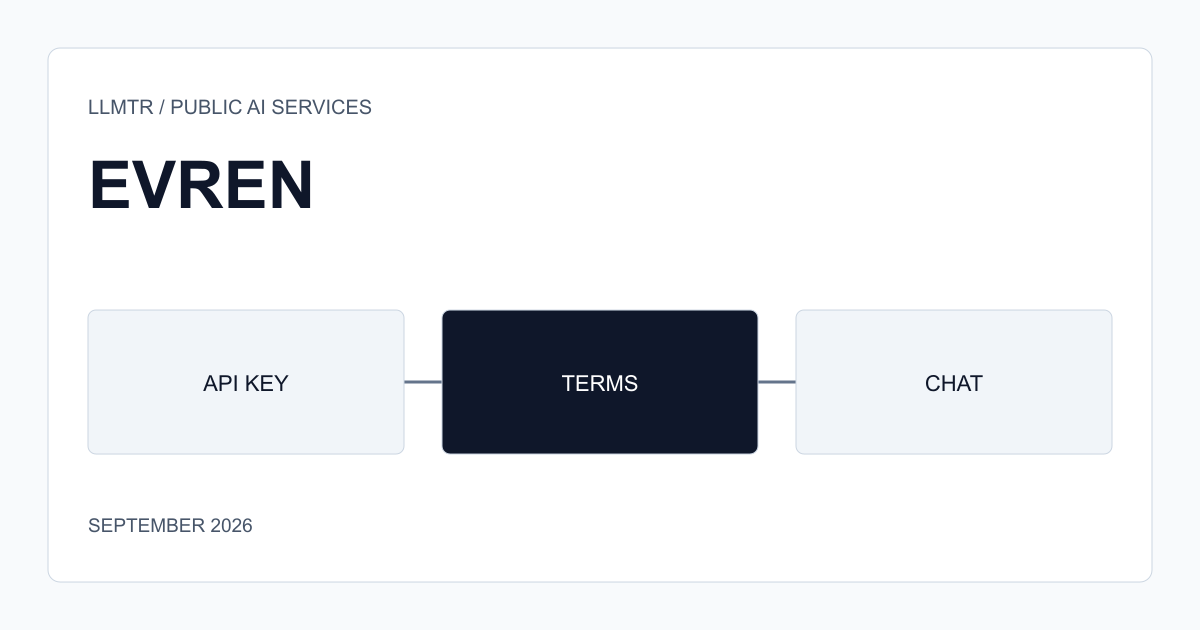
Reaching EVREN takes three doors. First you log in to the platform with e-Devlet, Turkey's government identity portal. Then you create a key on the API keys page of your account. Finally you accept the terms of use through the API; the documentation says chat requests only work once the terms are accepted.
Each of the three doors has a sensible reason behind it. Together they are a slightly longer version of the 'get a key, send a request' flow one expects from an API. The example below uses the X-API-Key header shown in EVREN's documentation.
Checking and accepting the terms, then a first request
export EVREN_API_KEY="evren_llm_..."   # from the /api-keys page of your account

# 1. Terms status and text
curl -s https://evren-llmapi.ssyz.org.tr/v1/terms/status -H "X-API-Key: $EVREN_API_KEY"
curl -s https://evren-llmapi.ssyz.org.tr/v1/terms/text   -H "X-API-Key: $EVREN_API_KEY"

# 2. After reading them: send current_version back unchanged
curl -s -X POST https://evren-llmapi.ssyz.org.tr/v1/terms/accept \
  -H "X-API-Key: $EVREN_API_KEY" -H "Content-Type: application/json" \
  -d '{"version": 1}'

# 3. Models assigned to your account, then a first chat request
curl -s https://evren-llmapi.ssyz.org.tr/v1/models -H "X-API-Key: $EVREN_API_KEY"
curl -s -X POST https://evren-llmapi.ssyz.org.tr/v1/chat/completions \
  -H "X-API-Key: $EVREN_API_KEY" -H "Content-Type: application/json" \
  -d '{"model": "glm-5.3", "messages": [{"role": "user", "content": "Hello"}]}'
Read the terms before accepting them
The /v1/terms/status response has a field called is_material: a material change to the terms requires accepting them again. The /v1/terms/text endpoint returns the text itself. The subtle part is the order: reading the terms through the API needs a key, the key needs an account and the account needs e-Devlet. We found no public terms-of-use page; a request without a key returns 401.
In other words, you can read the terms once you have opened the account that will accept them. A separate article in this series covers the data and logging side.
Limits worth knowing
Your account's quota is read from the /v1/quota endpoint: a token cap over a sliding window, plus a credit balance. We found no public price list for how the service continues after the free period ends on 1 November.
A community-written OpenCode integration notes a cooldown of about 5 seconds on consecutive requests and recommends sequential work over parallel tasks. That figure is not a limit EVREN has published; watch for 429 responses in your own usage. A separate article covers quota and credit in detail.
Who it suits
For students, researchers and developers who want to try a model for free, EVREN is a good starting point: setup is short, the model list is current and it works with the OpenAI SDK.
If you plan to use it as a team, on behalf of a company or beyond 1 November, three things are worth knowing in advance: who owns the account, what the logging policy is, and how the quota behaves. The other articles in this series cover exactly those three topics.
A first request with the EVREN LLM API
EVREN LLM API setup steps, from e-Devlet login to a first chat request.
- Log in with e-Devlet. Log in to evren.ssyz.org.tr through the e-Devlet portal.
- Create an API key. Create a key starting with evren_llm_ on the API keys page of your account and put it in an environment variable.
- Read the terms. Read the current version and the text with GET /v1/terms/status and GET /v1/terms/text, sending the X-API-Key header.
- Accept the terms. Send current_version back unchanged with POST /v1/terms/accept.
- Send a first request. List the models assigned to your account with GET /v1/models, then send a first request with POST /v1/chat/completions.
Frequently asked questions
Who built EVREN?
EVREN was built by Turkey's Presidency of Defence Industries. The platform was announced under SSB's SAYZEK project, and the LLM inference service was opened with SAYZEK's announcement.
Is the EVREN LLM API paid?
According to SAYZEK's announcement the service is free until 1 November. We found no public price list for after that. Your account has a credit balance and a token cap over a sliding window.
Can I use EVREN with the OpenAI SDK?
Yes. According to EVREN's documentation the official openai SDKs work by changing base_url and api_key. The curl examples in the documentation send the key in the X-API-Key header.
What is the auto model?
auto is a routing mode, not a model. The request goes to a suitable model in EVREN's candidate pool. The model field of the response tells you which model answered.
What do I need to open an EVREN account?
Login goes through e-Devlet, Turkey's government identity portal. None of the announcements we found mention a separate email-and-password sign-up option.