Integration guides · 2026-10-10
Gemini Nano Banana 2.1 API: 1K, 2K and 4K image pricing and how to call it
Call Nano Banana 2.1 as google/gemini-nano-banana-2.1 on /v1/images/generations: a 1K image costs $0.0336, 2K $0.0504 and 4K $0.113.
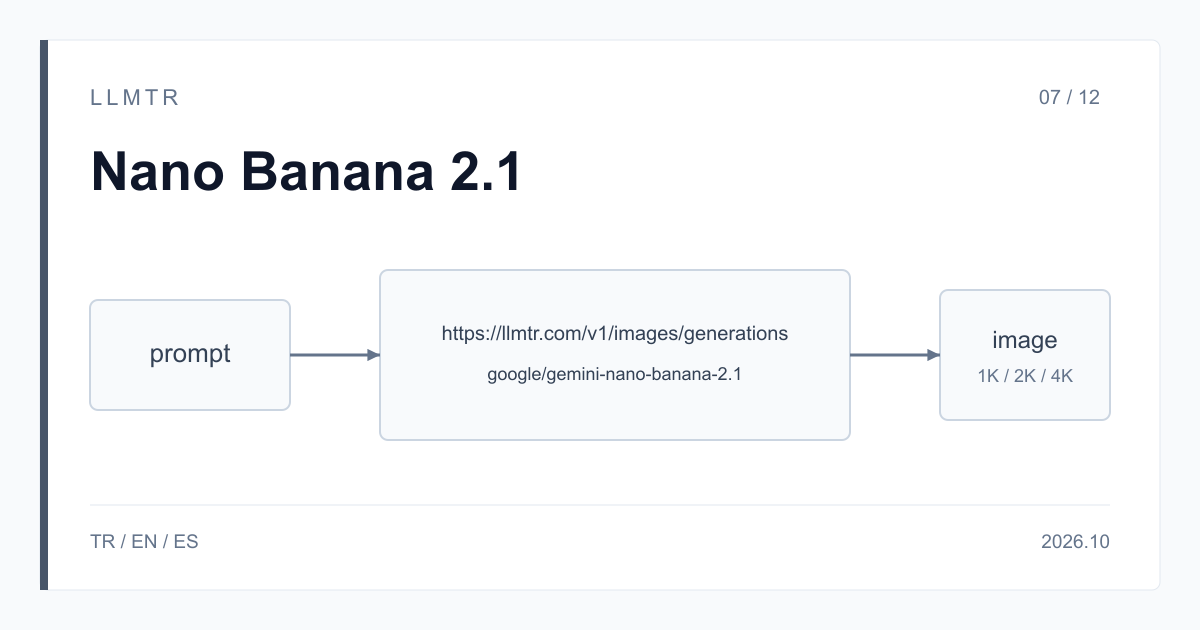
Short answer: /v1/images/generations, from $0.0336 per image
LLMTR (llmtr.com) is a gateway that gives access to language models hosted in Turkey and at global providers through a single OpenAI-compatible API. You call Gemini Nano Banana 2.1 there with the model id google/gemini-nano-banana-2.1 on the /v1/images/generations endpoint under https://llmtr.com/v1. Using Google's per-image equivalents, a 1K image costs $0.0336, a 2K image $0.0504 and a 4K image $0.113; the prompt and any reference images are billed on top at $1.50 per 1M input tokens.
Google describes Nano Banana 2.1 as an update to Nano Banana 2 (Gemini 3.1 Flash Image): it generates images from text, edits the reference images you send and returns 1K, 2K or 4K output. The model may think before it draws; that thinking is not returned but is billed as text output.
How to use the Gemini Nano Banana 2.1 API
Create an API key on LLMTR and send a POST request with a JSON body to https://llmtr.com/v1/images/generations. The two required fields are model and prompt, with model set to google/gemini-nano-banana-2.1. size takes 1K, 2K or 4K, and aspect_ratio takes one of 1:1, 3:4, 4:3, 9:16 and 16:9. The curl request below asks for a 2K product photo at 16:9.
In the response, each item in the data array carries a base64-encoded image in its b64_json field. The key goes in the Authorization: Bearer header. The n field is not applied on this model, so do not expect several images from one request; send as many separate requests as you need. Editing runs through the same endpoint: you attach reference images with file_ids, and /v1/images/edits is not open for Google models.
curl request for a 2K product photo at 16:9; the image comes back in data[0].b64_json.
curl https://llmtr.com/v1/images/generations \
  -H "Authorization: Bearer $LLMTR_API_KEY" \
  -H "Content-Type: application/json" \
  -d '{
    "model": "google/gemini-nano-banana-2.1",
    "prompt": "A product photo of a ceramic coffee mug on a wooden table, soft morning light",
    "size": "2K",
    "aspect_ratio": "16:9"
  }'
What does a 1K, 2K or 4K image cost?
Nano Banana 2.1 is billed by tokens, not by image. Image output is $30 per 1M tokens, and Google publishes it as per-image equivalents: $0.0336 for 1K, $0.0504 for 2K and $0.113 for 4K. The prompt, reference images and thinking tokens sit outside those equivalents and are billed as separate items.
On the input side, text and images cost the same: $1.50 per 1M tokens. When the same input repeats, part of it can be read from cache and billed at $0.15; that is a discount, not a guarantee. No margin is added to this model's price; LLMTR's 8% platform fee is taken only when you top up credit.
| Item | Value |
|---|---|
| Model id | google/gemini-nano-banana-2.1 |
| Endpoint | /v1/images/generations |
| Input (text, image) | $1.50 / 1M tokens |
| Input read from cache | $0.15 / 1M tokens |
| Text and thinking output | $7.50 / 1M tokens |
| Image output | $30 / 1M tokens |
| 1K image (per-image equivalent) | $0.0336 |
| 2K image (per-image equivalent) | $0.0504 |
| 4K image (per-image equivalent) | $0.113 |
| size | 1K, 2K, 4K |
| aspect_ratio | 1:1, 3:4, 4:3, 9:16, 16:9 |
How do thinking tokens affect the bill?
For some prompts the model thinks before it draws the image. That thinking text is not returned; its tokens are billed at the text output price of $7.50 per 1M tokens. You cannot know in advance how much a given prompt will think, so plan your budget slightly above the per-image equivalent and track the real amount on the usage page in the Dashboard.
Worked example: generating a 2K image from a 200-token prompt costs 200 x $1.50 / 1,000,000 = $0.0003 for input and $0.0504 for the image, $0.0507 in total. If the model thinks for 1,000 tokens on that request, $0.0075 is added. A campaign of 1,000 images comes to $50.70 before thinking.
Writing the response to a file and getting more than one image
In Python it is enough to send the request with requests and decode the b64_json field; the example below writes every image in the data array to its own file. If you want several variations, repeat the request in a loop, because the n field is not applied on this model. Keep your client timeout generous; the example uses 120 seconds.
According to Google's model page, the input limit is 131,072 tokens and the output limit is 32,768 tokens. On LLMTR this model is called only through /v1/images/generations; it takes text and reference images and returns images. A request sent to a chat endpoint does not work for this model.
Python example with requests that asks for a 1K image at 1:1 and writes every image in the data array to a file.
import base64
import os

import requests

response = requests.post(
    "https://llmtr.com/v1/images/generations",
    headers={"Authorization": "Bearer " + os.environ["LLMTR_API_KEY"]},
    json={
        "model": "google/gemini-nano-banana-2.1",
        "prompt": "A flat illustration of a harbour at sunset, warm colours",
        "size": "1K",
        "aspect_ratio": "1:1",
    },
    timeout=120,
)
response.raise_for_status()

for index, item in enumerate(response.json()["data"]):
    with open(f"nano-banana-{index}.png", "wb") as image_file:
image_file.write(base64.b64decode(item["b64_json"]))Getting started on LLMTR: account, key and first image
Step 1: create an account at llmtr.com and top up prepaid credit. Step 2: create a key under Dashboard > API Keys; the raw key is shown once, so store it in the LLMTR_API_KEY environment variable. Step 3: run the curl request above and decode the returned b64_json value to save the image.
The same key works for every model in the catalog; switching image models means changing only the model value. Each request is deducted from credit at the catalog price in effect when it is processed, and usage per key shows in the Dashboard.
Generate an image with Gemini Nano Banana 2.1 through LLMTR
Create an account, create an API key and send the first request to /v1/images/generations with google/gemini-nano-banana-2.1.
- Account. Create an account at llmtr.com and top up prepaid credit.
- API key. Create a key under Dashboard > API Keys. The raw key is shown once; store it in the LLMTR_API_KEY environment variable.
- First image. Send a request to https://llmtr.com/v1/images/generations with google/gemini-nano-banana-2.1 as the model, a prompt and a size of 1K, 2K or 4K; decode the b64_json field to save the image.
Frequently asked questions
How much does a 1K image cost with Nano Banana 2.1?
Using Google's per-image equivalent, a 1K image costs $0.0336, 2K $0.0504 and 4K $0.113. Billing is per token: image output is $30 per 1M tokens, input $1.50 and thinking $7.50.
Does the n parameter work in the Nano Banana 2.1 API?
No. n is not applied on this model. Repeat the request for more than one image; each request is billed separately.
Which endpoint do I call Nano Banana 2.1 on?
https://llmtr.com/v1/images/generations. Editing with a reference image uses the same endpoint with the file_ids field; /v1/images/edits is not open for Google models.