Integration guides · 2026-10-06
OpenAI gpt-image-2 Transparent Background 400 Error
Why gpt-image-2 returned 400 for transparent backgrounds, and how it works since OpenAI's 20 August 2026 preview: png or webp, a working request, and pricing.
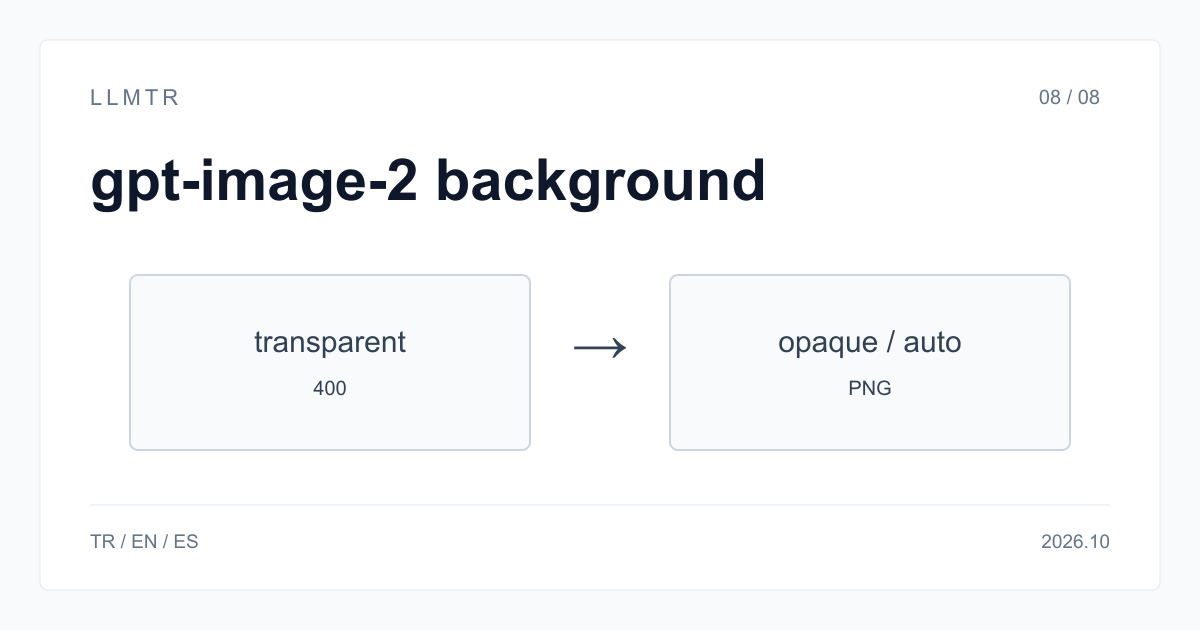
Short answer: transparent works with png or webp
OpenAI opened transparent backgrounds to openai/gpt-image-2 as a preview on 20 August 2026; before that date, background transparent was rejected with a 400. LLMTR (llmtr.com) is a gateway that gives access to language models hosted in Türkiye and at global providers through one OpenAI-compatible API. Send generation calls to https://llmtr.com/v1/images/generations with background transparent and output_format png or webp. Use model string openai/gpt-image-2 in the JSON body.
jpeg has no alpha channel, so transparent with output_format jpeg returns HTTP 400 with error type invalid_request and the message: transparent background requires output_format png or webp. The feature is a preview and OpenAI may change its behaviour. The other background values, opaque and auto, are accepted as before.
OpenAI gpt-image-2: transparent background is not supported for this model (400)
This 400 is how OpenAI answered before 20 August 2026; since then gpt-image-2 accepts background transparent as a preview. If the same request still returns 400 today, check output_format: on LLMTR, transparent with jpeg is rejected with error type invalid_request and the message: transparent background requires output_format png or webp.
Set output_format to png or webp. png is lossless and the most common choice; webp produces smaller files and can be combined with output_compression. When output_format is omitted the default is png, so background transparent on its own also works.
Valid gpt-image-2 parameters on LLMTR
These are the accepted gpt-image-2 parameters for POST /v1/images/generations on LLMTR. The defaults are png at 1024x1024 and medium quality. Use output_compression only with jpeg or webp; with png it returns HTTP 400 and error type invalid_request. moderation also accepts auto or low. n can return 1 to 4 images per request.
| Field | Values | Note |
|---|---|---|
| background | opaque, auto, transparent | transparent with png or webp only, preview |
| output_format | png, jpeg, webp | default png |
| size | 1024x1024, 1024x1536, 1536x1024 | default 1024x1024 |
| quality | low, medium, high | default medium |
| output_compression | 0-100 | jpeg and webp only |
| n | 1-4 | images per request |
The working request: transparent background and PNG output
The request below uses model openai/gpt-image-2, sets background to transparent, asks in the prompt for a centered object with no background, and selects output_format png at 1024x1024 with medium quality. The background field, not the prompt, decides transparency. The response carries data[0].b64_json and mime_type image/png; decoding the base64 and writing it to a file keeps the alpha channel. The Authorization header uses the API key stored in LLMTR_API_KEY, and Content-Type is application/json. With output_format jpeg the same request is refused with 400 invalid_request before it reaches the model.
The curl request below generates a 1024x1024 PNG with a transparent background.
curl https://llmtr.com/v1/images/generations \
  -H "Authorization: Bearer $LLMTR_API_KEY" \
  -H "Content-Type: application/json" \
  -d '{
    "model": "openai/gpt-image-2",
    "prompt": "Flat vector icon of a paper plane, centered, isolated with no background",
    "background": "transparent",
    "output_format": "png",
    "size": "1024x1024",
    "quality": "medium"
  }'
# "background": "transparent" with "output_format": "jpeg" returns 400 invalid_request:
# transparent background requires output_format png or webp
The non-preview route and gpt-image-2 pricing
Because transparent backgrounds are a preview, quality and behaviour can change. For assets that need exact edges, a second route stays available: use background opaque, put a plain solid background colour in the prompt, select output_format png, and remove that known background in your own image pipeline after generation.
OpenAI's image generation guide describes transparent output with background transparent and output_format png or webp, and also names gpt-image-2.5-sunburst and gpt-image-2.5-flare. Those gpt-image-2.5 models were not in the LLMTR catalog on 2026-10-06; on LLMTR, transparency uses gpt-image-2. LLMTR prices gpt-image-2 per 1M tokens at $5 for text input, $8 for image input, and $30 for image output; billing depends on tokens, so cost per image varies with size and quality.
Getting started on LLMTR: account, credit, key and first request
Create an account at llmtr.com and verify your email. In the Dashboard, top up credit through the secure checkout. An 8% platform margin is added once, on top of the requested top-up amount, so $10.00 credit is charged $10.80. The platform margin is not added to model prices; every API call is deducted at the model's catalog price.
Create an API key under Dashboard > API Keys. The raw key is shown only once, so store it in an environment variable such as LLMTR_API_KEY. Send the first request to https://llmtr.com/v1 with any OpenAI-compatible SDK by changing only base_url and api_key. The Dashboard usage page shows usage and spend per key. The same key and credit balance work for every catalog model; switching models means changing the model string.
Generate an image with gpt-image-2 on LLMTR
Create an account, add credit, create an API key, and send a gpt-image-2 request to the LLMTR image generations endpoint.
- Account. Create an account at llmtr.com and verify your email.
- Credit top-up. Top up credit from the Dashboard through the secure checkout. An 8% platform margin is added once, so $10.00 credit is charged $10.80; the margin is not added to model prices.
- API key. Create an API key under Dashboard > API Keys. The raw key is shown only once; store it as an environment variable such as LLMTR_API_KEY.
- First request. Send the first request to https://llmtr.com/v1/images/generations with openai/gpt-image-2, background transparent and output_format png.
Frequently asked questions
Why does gpt-image-2 return 400 for transparent background?
OpenAI opened transparent backgrounds to gpt-image-2 as a preview on 20 August 2026; the 400 is the behaviour from before that date. If you still see it, check output_format: transparent works with png and webp, and jpeg returns 400 invalid_request.
How do I get a transparent PNG from gpt-image-2?
Send background transparent with output_format png. Because the feature is a preview, generating on a plain solid background and removing it in your own image pipeline remains a second route.
Which background values does gpt-image-2 accept on LLMTR?
gpt-image-2 accepts 3 background values on LLMTR: opaque, auto and transparent. transparent requires output_format png or webp; with jpeg it returns HTTP 400.