Integration guides · 2026-10-06
xAI API Images: aspect_ratio, Grok Imagine and b64_json
Generate Grok Imagine images through xAI API routes on LLMTR with aspect_ratio, 1k or 2k resolution, b64_json output, and clear per-image costs.
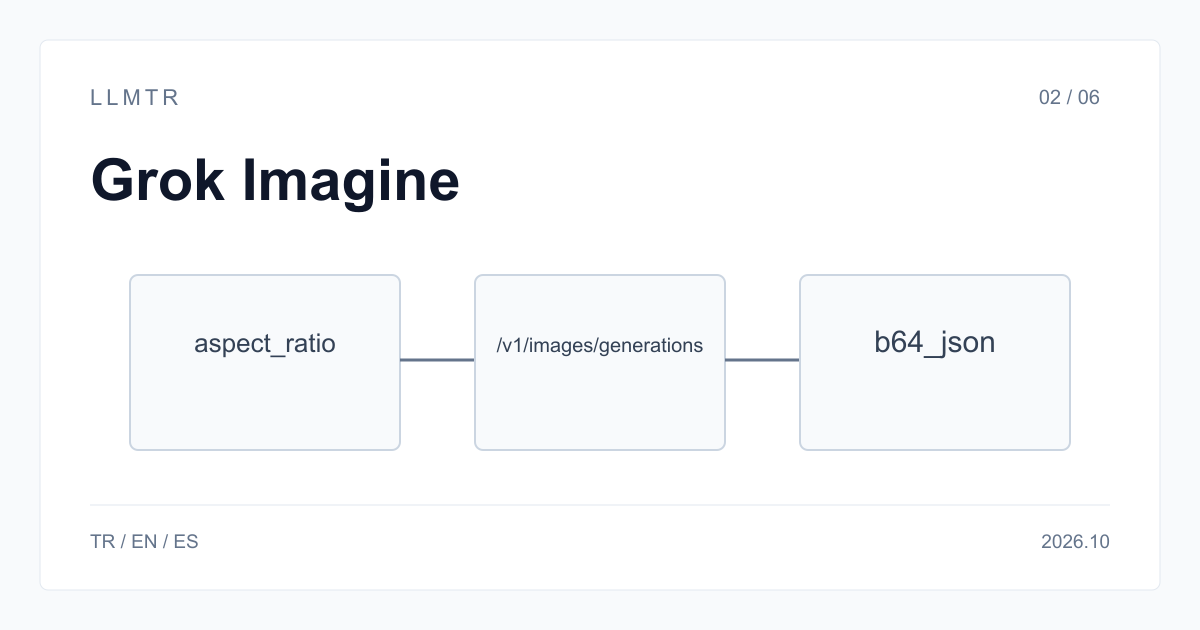
Short answer: use b64_json with the quality model
LLMTR (llmtr.com) is a gateway that gives access to language models hosted in Türkiye and at global providers through one OpenAI-compatible API. Send POST requests to https://llmtr.com/v1; for image generation, use /v1/images/generations with xai/grok-imagine-image-quality, set response_format to b64_json, and authenticate the request with an LLMTR API key.
The request can set aspect_ratio to a string such as "16:9" or "1:1" and resolution to "1k" or "2k". The quality model costs $0.05 per image, while xai/grok-imagine-image costs $0.02. b64_json places the base64 image at data[0].b64_json, which your application can decode and write to a file.
| Field | Accepted values | Note |
|---|---|---|
| model | xai/grok-imagine-image-quality or xai/grok-imagine-image | $0.05 or $0.02 per image |
| prompt | text, required | describe the image |
| aspect_ratio | ratio string such as "16:9" or "1:1" | passed to xAI as written |
| resolution | "1k" or "2k" | other values return 400 |
| response_format | "b64_json" or "url" | url links are short-lived |
| n | number of images | each image is billed |
xAI API images generations: aspect_ratio, grok-imagine-image-quality and b64_json
Use POST https://llmtr.com/v1/images/generations: the request accepts a string aspect_ratio such as "16:9" and resolution values "1k" or "2k". The xAI pricing page dated 2026-10-06 lists xai/grok-imagine-image-quality at $0.05 per image and xai/grok-imagine-image at $0.02 for generated images through the same endpoint.
LLMTR passes aspect_ratio to xAI unchanged, while uppercase 1K and 2K are also accepted for resolution. Choose response_format b64_json to receive the image inside the JSON response, or url for a short-lived xAI-hosted address. Use n to set the number of images, with every generated image billed.
Full image generation request
The curl request below sends aspect_ratio as "16:9", resolution as "1k", and response_format as b64_json to https://llmtr.com/v1/images/generations. It selects xai/grok-imagine-image-quality, asks for n = 1, and includes the required Bearer authorization using the LLMTR_API_KEY environment variable in the Authorization request header.
The Authorization header carries LLMTR_API_KEY as a Bearer token, and Content-Type is application/json. The aspect_ratio value is forwarded to xAI unchanged. A resolution other than "1k" or "2k" is refused with 400, as is a response_format other than b64_json or url.
Generate one 16:9 image at 1k resolution and receive the encoded image in the JSON response.
curl https://llmtr.com/v1/images/generations \
  -H "Authorization: Bearer $LLMTR_API_KEY" \
  -H "Content-Type: application/json" \
  -d '{
    "model": "xai/grok-imagine-image-quality",
    "prompt": "Product photo of a ceramic coffee cup on a wooden table, soft morning light",
    "aspect_ratio": "16:9",
    "resolution": "1k",
    "response_format": "b64_json",
    "n": 1
  }'
Writing b64_json to an image file
The Python example below reads data[0].b64_json, decodes its base64 value, and writes the resulting bytes to cup.jpg. It posts the same 16:9, 1k, b64_json request to https://llmtr.com/v1/images/generations and raises an error when the HTTP response is not successful before saving the file.
Use b64_json when your application needs the image data in the API response: decode it and save the bytes without first requesting a separate download. With response_format url, the response instead points to a short-lived xAI-hosted address, so download it immediately; LLMTR recommends b64_json.
Decode data[0].b64_json from the JSON response and save the image bytes as cup.jpg.
import base64
import os

import requests

response = requests.post(
    "https://llmtr.com/v1/images/generations",
    headers={"Authorization": f"Bearer {os.environ['LLMTR_API_KEY']}"},
    json={
        "model": "xai/grok-imagine-image-quality",
        "prompt": "Product photo of a ceramic coffee cup on a wooden table, soft morning light",
        "aspect_ratio": "16:9",
        "resolution": "1k",
        "response_format": "b64_json",
        "n": 1,
    },
    timeout=120,
)
response.raise_for_status()
image_bytes = base64.b64decode(response.json()["data"][0]["b64_json"])
with open("cup.jpg", "wb") as file:
    file.write(image_bytes)
Quality or standard: price and image edits
xai/grok-imagine-image-quality costs $0.05 per image, while xai/grok-imagine-image costs $0.02, making the quality model 2.5 times the standard price. The n field multiplies the charge: n = 4 on the quality model costs 4 x $0.05 = $0.20, and 1,000 quality images cost $50 versus $20 for 1,000 standard images.
Resolution does not change these per-image prices. To edit an existing image, send a request to POST https://llmtr.com/v1/images/edits; LLMTR makes this endpoint available for the xAI image models covered here. Keep generation requests on /v1/images/generations and use /v1/images/edits specifically for editing an existing image.
Set model to xai/grok-imagine-image-quality for the $0.05 rate, or to xai/grok-imagine-image for $0.02. The model string selects the per-image rate, while n sets how many images are generated and billed. Every returned image contributes to the request's cost under the selected model.
Getting started on LLMTR: account, credit, key and first request
First, create an account at llmtr.com and verify your email. In the Dashboard, top up credit through the secure checkout. An 8% platform margin is added once, on top of the requested amount: a $10.00 credit is charged $10.80. The margin is not added to model prices, and each API call is deducted at the model's catalog price.
Next, create an API key under Dashboard > API Keys. The raw key appears only once, so store it in an environment variable such as LLMTR_API_KEY. Send your first request to https://llmtr.com/v1 with any OpenAI-compatible SDK by changing only base_url and api_key. The Dashboard usage page shows usage and spend per key. The same key and credit balance work for every catalog model; switching models requires changing only the model string.
Generate Grok Imagine images on LLMTR
Create an account, add credit, create an API key, and send the first xAI image generation request through LLMTR.
- Account. Create an account at llmtr.com and verify your email.
- Credit top-up. Top up credit from the Dashboard through the secure checkout. An 8% platform margin is added once, so a $10.00 credit is charged $10.80.
- API key. Create an API key under Dashboard > API Keys. The raw key is shown only once, so store it in an environment variable such as LLMTR_API_KEY.
- First request. Send a request to POST https://llmtr.com/v1/images/generations using xai/grok-imagine-image-quality and your LLMTR_API_KEY.
Frequently asked questions
Should I use url or b64_json for xAI image generation?
Use b64_json; LLMTR recommends it. A url response points to a short-lived xAI-hosted address, while b64_json returns the base64 image at data[0].b64_json.
What values does resolution accept for Grok Imagine?
Use "1k" or "2k"; uppercase 1K and 2K also work. Any other value is refused with 400.
How much does grok-imagine-image-quality cost per image?
xai/grok-imagine-image-quality costs $0.05 per image, compared with $0.02 for xai/grok-imagine-image. The quality price is 2.5 times the standard price.