Agent workflows · 2026-09-22
MCP security: permission management for tool access
Covers the permission model, approval step, and audit logging approaches for limiting which tools and what scope an agent connected to an MCP server can access.
Connecting an MCP server doesn't mean opening every tool
As the MCP explainer article describes, the protocol lets an agent access resources such as a file system, a database, or an external service through a standard interface. But connecting to an MCP server should not mean exposing every tool that server offers to the agent by default; a single server can offer multiple tools at different risk levels, from reading to writing to deleting.
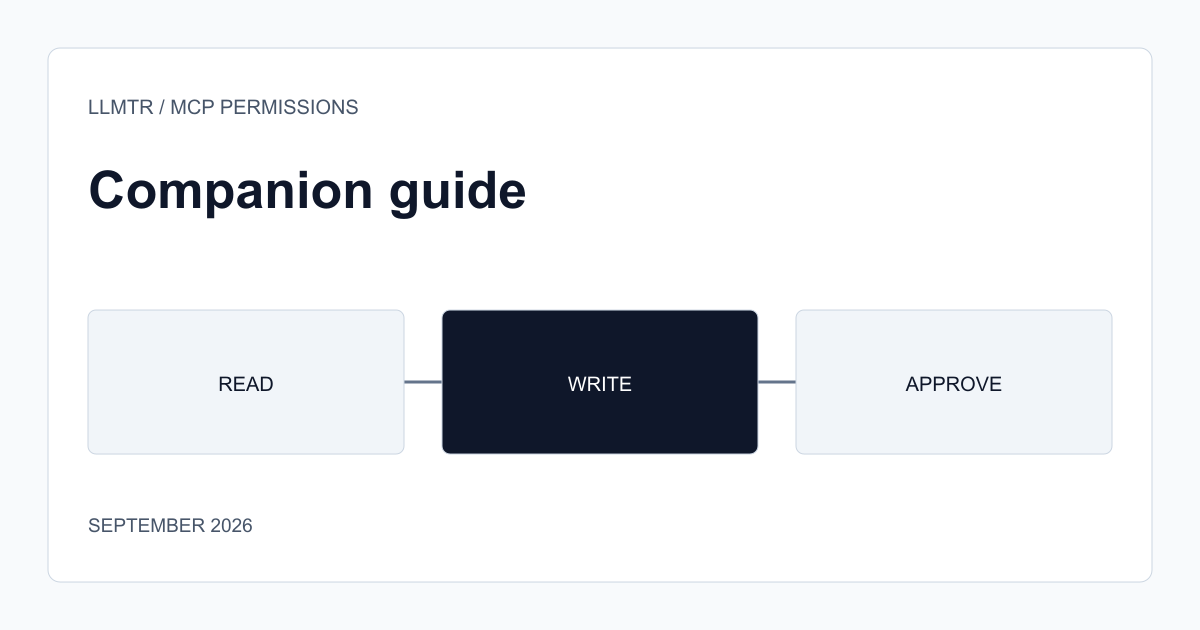
The first decision in a permission model is determining which tools an agent actually needs for a specific task. A code review task only needs a read tool, while a refactor task also needs a write tool; running both with the same broad permission set carries unnecessary risk.
An approval step for destructive actions
For hard-to-reverse actions such as deleting a file, changing a database row, or sending an outbound request, passing them through an approval step instead of letting the agent run the tool directly limits the impact of both a mistaken decision and an indirect prompt-injection attack. Approval can be given by a human, or by an automated rule checking whether the action matches the expected scope.
This distinction requires the MCP server to clearly mark which tools are 'read-only' and which are 'state-changing' when defining them; the agent side can then build a different approval flow based on that marking. That marking is the server's own self-reported claim, though, and the protocol does not verify it — on an MCP server you don't trust or haven't vetted, don't assume a destructive tool couldn't be mislabeled 'read-only,' and don't base the approval decision on that label alone.
- Scope tools to what the task actually needs; don't grant broad access by default.
- Mark read-only and state-changing tools separately.
- Pass hard-to-reverse actions through an approval step.
- Don't blindly trust that marking on a server you haven't vetted; it's the server's own claim.
A permission model is incomplete without audit logging
Without a record of which tool was called, when, and with what parameters, reviewing what went wrong after an incident becomes difficult. Keeping tool calls and their results in a separate audit log provides the visibility needed for both security review and improving agent behavior.
Frequently asked questions
Why is exposing every tool on an MCP server to the agent risky?
A server can offer hard-to-reverse tools like write or delete alongside read. Leaving a tool the task doesn't need exposed creates an unnecessary damage surface in case of a mistaken decision or an indirect attack.
Does an approval step slow down every tool call?
No, applying the approval step only to destructive or hard-to-reverse actions is the practical approach. Read-only tools can usually run without requiring approval.