Agent and MCP guides · 2026-05-22
What is MCP? Guide for LLM API and AI agent integration
Explain MCP for technical teams in the context of LLM APIs, AI agents, tool calling, secure data access, and LLMTR gateway architecture.
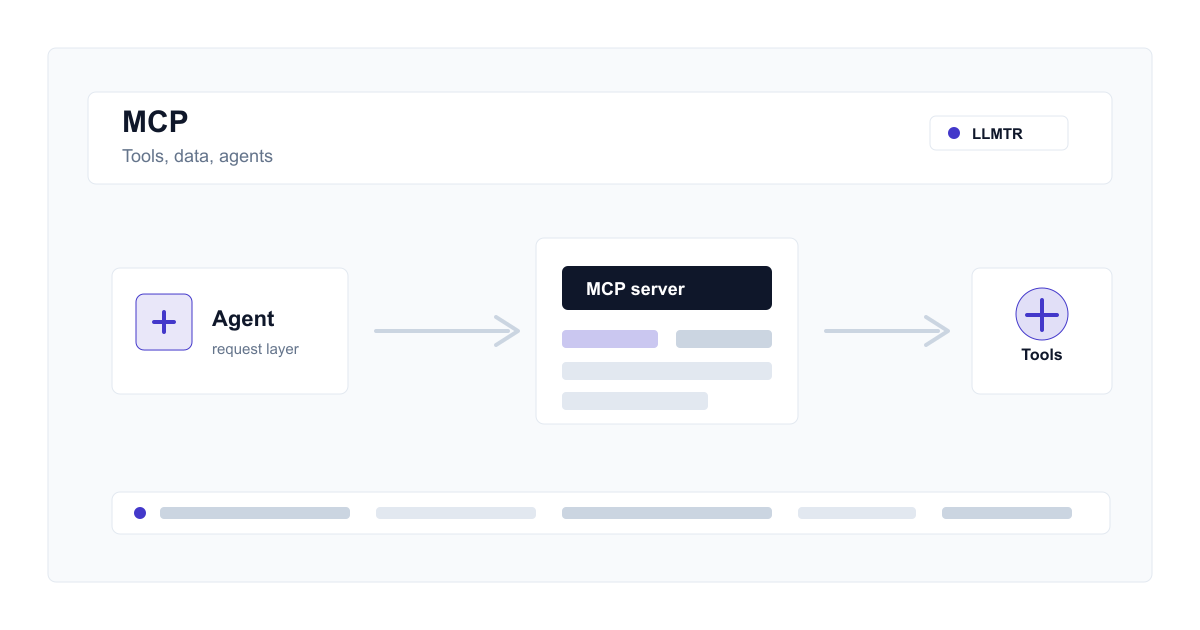
What is MCP?
MCP, Model Context Protocol, aims to let AI applications connect to external data sources, tools, and workflows through a standard protocol. The goal is to avoid bespoke integrations for every agent.
An LLM API workflow needs more than a model response; it also needs controlled access to context and tools. MCP is a standard for making that tool layer more portable.
An LLM gateway and MCP are not the same
MCP focuses on how agents talk to tools and data sources. An LLM gateway manages model access, API keys, metering, catalog facts, pricing, and provider routing. In production architecture, they complement each other.
- MCP server: exposes files, documents, or workflow tools.
- AI agent: plans the task and calls tools when needed.
- LLM gateway: provides secure and measurable access to selected models.
Where to draw the security boundary
When MCP gives an agent new capabilities, permissions must be explicit. Each tool call should be reviewed for user data scope, access boundaries, rate limits, and audit requirements.
How this fits with LLMTR
LLMTR centralizes model access and catalog decisions. MCP can expose the application's own tools and data to an agent. Keeping these concerns separate makes both model and tool layers easier to test.
Place an MCP-based agent flow behind a gateway
Separate tool access from model access to build a safer and measurable production architecture.
- Define the agent boundary. Document which data the agent can access, which tools it can call, and which actions need user approval.
- Limit MCP server scope. Expose files, documents, or application tools with least privilege and validate access boundaries.
- Route model access through the gateway. Send the agent's LLM calls through a gateway with centralized API keys, rate limits, and usage records.
- Separate tool and model logs. Track usage metadata and tool security events separately without persisting prompt bodies.
Frequently asked questions
Do I need a special model to use MCP?
MCP is a tool layer, not a model. Model support for tool use and structured output can affect quality, but MCP itself is separate.
Does MCP solve API-key security?
No. MCP standardizes tool access; API-key management, access boundaries, rate limits, and gateway security still need separate design.
Related posts
- AI agent API architecture: tool calling, security, and LLM gateway
- Choosing an LLM API for coding agents: Claude, Codex, Gemini CLI
- What are Managed Agents in the Gemini API?
- Gemini API function calling: tool use on the OpenAI-compatible endpoint
- Turkish embedding models compared: choosing for RAG and search
- Prompt injection in LLM APIs: defending against direct and indirect attacks
- MCP security: permission management for tool access