Agent and MCP guides · 2026-05-23
What are Managed Agents in the Gemini API?
Learn how Managed Agents in the Gemini API relate to isolated Linux environments, persistent agent state, tool calling, MCP, cost, and security.
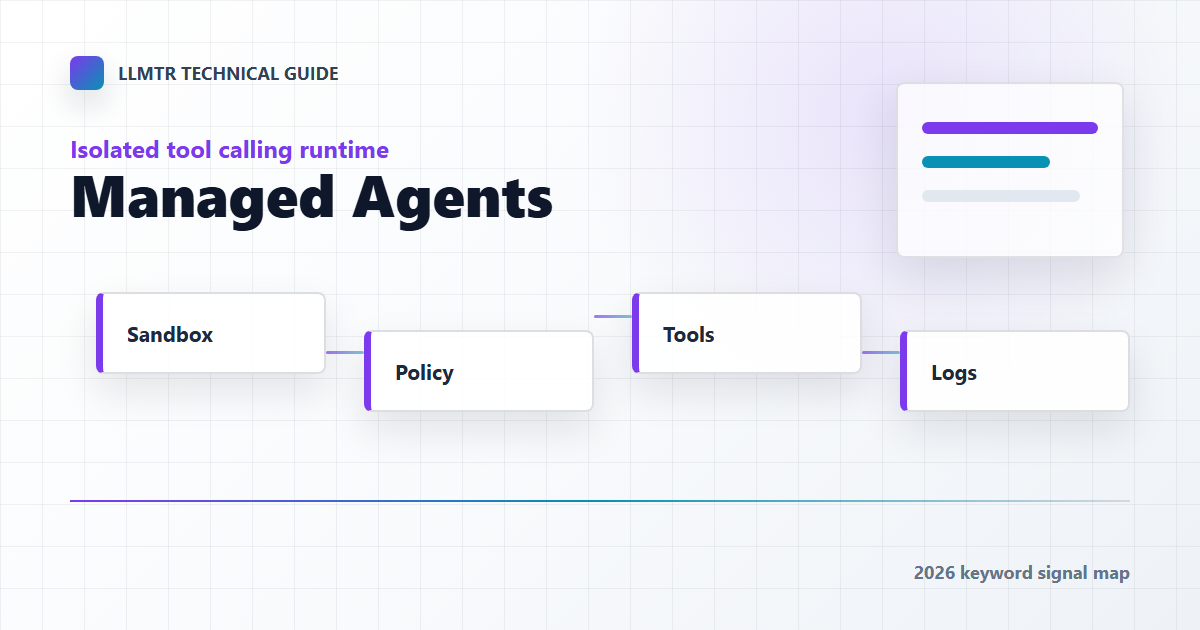
What Managed Agents change
Managed Agents focus on creating a managed work environment for an agent, not only asking a model for text. Inside that environment, an agent can plan, call tools, maintain files, and continue in follow-up calls.
How this differs from a classic API call
In a classic LLM call, the application sends a prompt and receives a response. In a managed-agent flow, tool choice, generated files, environment state, and follow-up behavior are part of the design.
- State: follow-up calls can continue the same task context.
- Sandbox: code execution or file creation can happen in isolation.
- Tool calling: the agent can call external tools under policy.
- Metering: session-level cost and quality metrics are needed.
Security boundaries
Because a managed-agent environment is powerful, the default security model should be strict. Tool permissions, network access, file writes, and secret access need separate limits.
Where this fits in LLMTR
In LLMTR, Managed Agents should not be confused with a catalog model. A catalog model describes capabilities and price; an agent runtime is a broader layer that runs a model with tools and state.
Frequently asked questions
Do Managed Agents replace chat completions?
No. Chat completions remain suitable for short stateless tasks. Managed agents fit multi-step tasks that use tools.
Should prompt bodies be stored for managed-agent sessions?
Prompt and response handling should be clear before production use. Metering and cost expectations should be defined separately.