Integration guides · 2026-09-22
Gemini API function calling: tool use on the OpenAI-compatible endpoint
How to set up the tools array, tool_choice behavior, and parallel tool calls when calling Gemini models through the OpenAI-compatible chat completions endpoint.
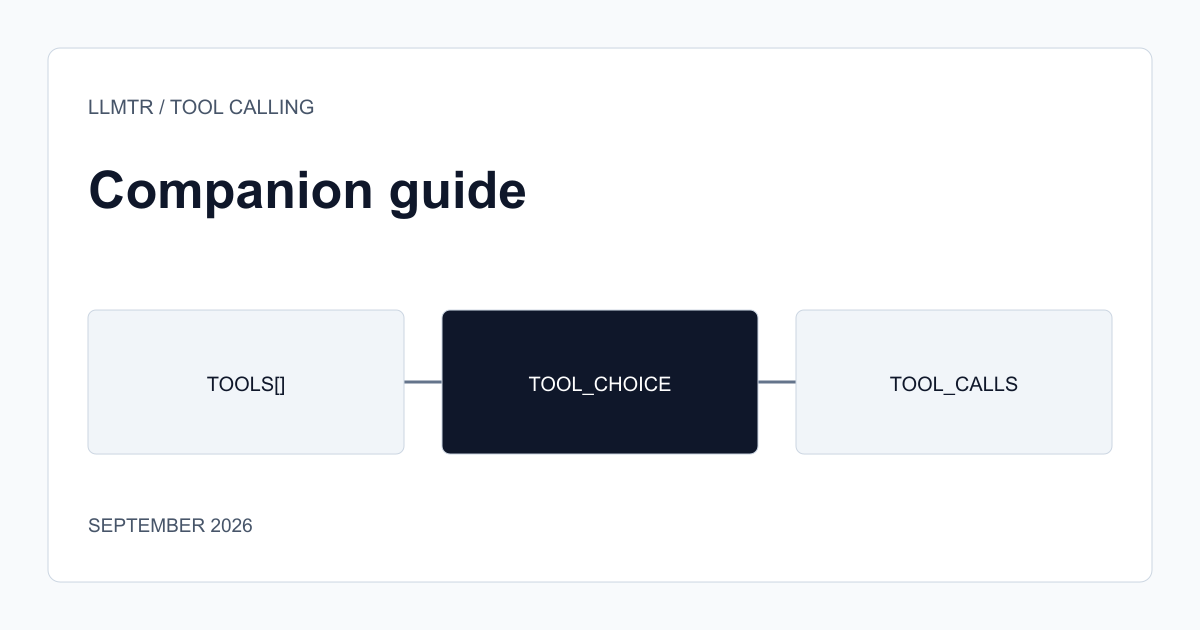
Why the tools array works unchanged
The base migration described in the Gemini API OpenAI-compatible guide is limited to the base URL and model identifier, and function calling follows the same principle. The `tools` array and each tool's `parameters` schema sent in the request are translated by the gateway into Gemini's own function declaration format. You do not need to change the client-side logic that reads OpenAI's `tool_calls` response field.
The difference shows up in when a model decides to call a tool. Gemini family models can have a different threshold than OpenAI models even with the same system instruction and tool definition, so observing decision behavior with a handful of real requests during initial integration is a more reliable check than reading documentation alone.
tool_choice values and parallel calls
`tool_choice: "auto"` lets the model decide for itself whether to use a tool, and is the default behavior. `tool_choice: "required"` forces a tool call and prevents the model from answering with free text. Forcing one specific function by name is also supported, but this behavior varies by model and is not guaranteed identically across every Gemini model in the catalog.
Parallel tool calling, meaning more than one `tool_calls` entry returned in a single response, is a common need in complex agent flows. Before relying on it in production, send a test request and confirm the response actually contains multiple calls; a model settling for one call and requesting the next step on a following turn is also valid behavior.
- The `tools` and `parameters` schema stay in OpenAI shape; the translation happens on the gateway side.
- `tool_choice: "auto"` and `"required"` are the two consistent modes; forcing by name varies by model.
- Verify parallel-call support with a real request before relying on it in production.
Where to look when debugging
If you expect a tool call but get plain text back, first check your system instruction and how clearly the tool is described; the model often prefers text when the task is ambiguous. If you get a schema validation error, confirm the required/optional field markings in `parameters` are valid JSON Schema. Gemini accepts only a subset of JSON Schema, so before sending the request the gateway removes the `$schema`, `$id`, `$ref`, `definitions`, and `additionalProperties` keys from the schema. If your tool relies on those keys (for example pointing to another definition with `$ref`, or expecting `additionalProperties: false` to reject extra fields), write the schema without them using explicit `properties` and `required` lists, and validate the returned arguments on your side.
Frequently asked questions
Do Gemini models support every tool_choice value the way OpenAI does?
`auto` and `required` behave consistently across the catalog's Gemini models. Forcing one specific function by name can vary by model, so test that behavior before relying on it in a critical flow.
Do I need to change my client code specifically for Gemini?
No. The tools definition and the tool_calls reading logic stay the same in an OpenAI-compatible client; only the base URL and model identifier change, as covered in the base Gemini API OpenAI-compatible migration guide.