Integration guides · 2026-05-22
Gemini API OpenAI-compatible guide: base URL and model choice
Understand Gemini API OpenAI compatibility, base URL behavior, reasoning settings, model choice, and Google model access through the LLMTR gateway.
What Gemini OpenAI compatibility means
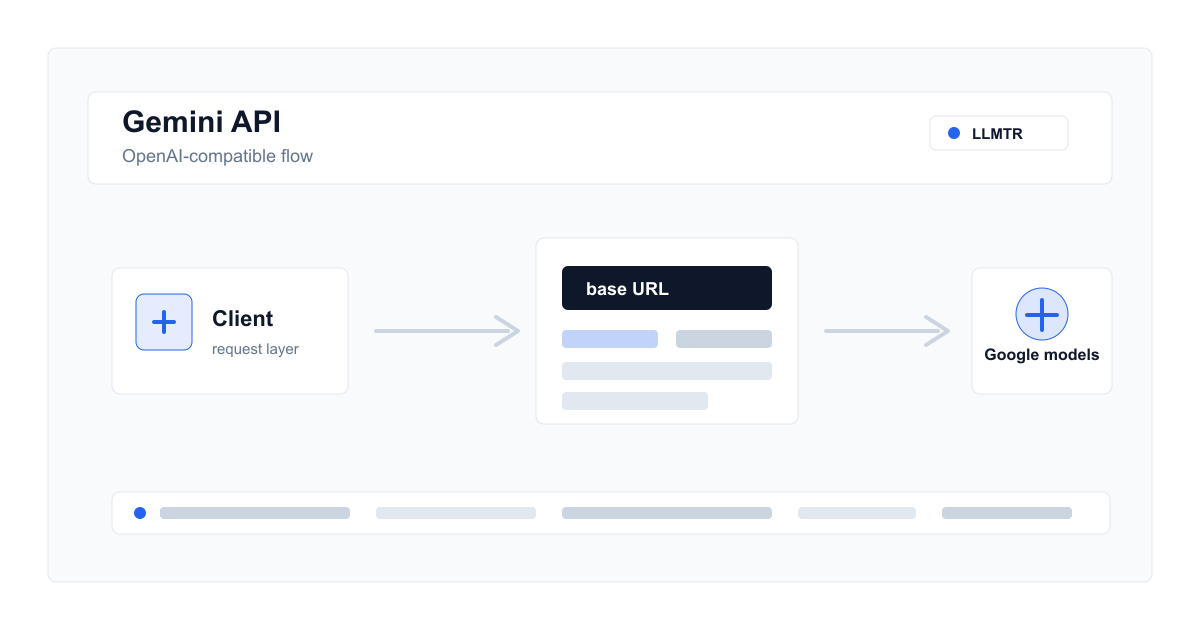
OpenAI compatibility means a developer can keep an OpenAI client library while pointing requests to a Gemini or gateway endpoint. It reduces SDK migration work, but it does not mean every model behaves identically.
Google's compatibility surface covers OpenAI-like use for base URLs, chat completions, streaming, function calling, embeddings, and selected multimodal flows. In LLMTR, Google models are exposed through the catalog and gateway rules.
Base URL and model ID are separate decisions
The base URL decides which gateway receives the request. The model ID tells the gateway which provider and native model to route to. In LLMTR, canonical IDs use the provider/model format shown on the model detail page.
- The SDK usually appends the endpoint path.
- When using an LLMTR key, Authorization is validated by LLMTR.
- Google-specific reasoning and multimodal behavior should be checked per model.
Reasoning and multimodal checks
Gemini thinking or reasoning controls vary by model. Some models cannot disable thinking, while others expose budgets or levels. Avoid one global assumption and verify the selected model's behavior.
Testing through LLMTR
Start with a small text-only chat request. Then test streaming, vision input, or structured output separately if your production workflow needs them. This keeps endpoint compatibility distinct from model capability.
Test a Gemini model through the LLMTR gateway
Verify base URL, API key, model ID, and capability support before moving an OpenAI-compatible client to a Google model.
- Select a Google model from the catalog. Check that the model supports the operations you need, such as chat, streaming, vision, or structured output.
- Set the client base URL. Point the OpenAI-compatible client to the LLMTR gateway and use an LLMTR API key.
- Send a small text request. Use a short chat completions call to verify authentication, model ID, and response shape.
- Test capabilities separately. If you need reasoning, streaming, vision input, or structured output, validate each with a separate request.
Frequently asked questions
Do the exact same parameters work because Gemini is OpenAI-compatible?
Core fields are similar in many flows, but reasoning, files, video, or model-specific fields can differ. Check the model detail before production use.
How do I select a Google model in LLMTR?
Filter the catalog by Google and use the canonical ID shown on the public model detail page.