Integration guides · 2026-05-21
Migrating to LLMTR with the OpenAI SDK: base_url guide
Update base_url, API key, and model identifiers when using LLMTR from an existing OpenAI SDK integration.
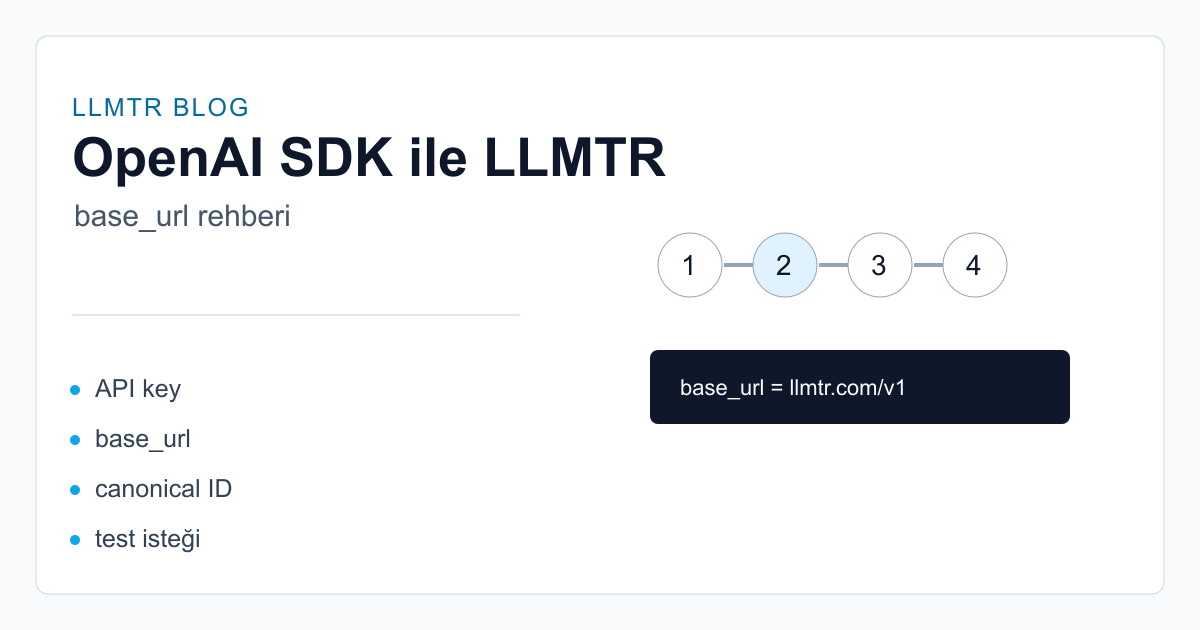
The migration model
With OpenAI-compatible clients, changing the gateway usually does not require changing the library. For LLMTR, set the base URL to the `/v1` gateway address and use the canonical model ID from the catalog.
Never paste real API keys into examples. Read the key from an environment variable and keep it on the server side.
Implementation steps
Start by checking the selected model's endpoint support in the catalog. Then update the SDK client base URL, API key, and model field. For streaming, vision, or reasoning behavior, review the model detail page.
- Base URL: `https://llmtr.com/v1`.
- Authorization: use the LLMTR API key as a Bearer token.
- Model: send the canonical ID in `provider/model` format.
- Test: run a small request with a low-cost or free model.
Common mistakes
The most common mistake is calling a chat model on an image endpoint, or calling an image-only model on chat completions. LLMTR model pages list supported operations explicitly.
Point an OpenAI SDK client to the LLMTR gateway
Update base URL, API key, and model identifier settings for LLMTR in an existing OpenAI-compatible client.
- Create an LLMTR API key. Create an API key in the dashboard and store it only in a server-side environment variable.
- Update the base URL. Set the SDK client's base_url or baseURL value to https://llmtr.com/v1.
- Choose a canonical model ID. Check the supported operation in the model catalog and put the provider/model canonical ID in the request.
- Send a small test request. Send a short chat completions request and verify token and cost records in the usage panel.
Frequently asked questions
What should the base URL be?
When using an OpenAI-compatible SDK, set the base URL to `https://llmtr.com/v1`. The SDK adds the endpoint path.
Where do I find the model name?
Use the canonical ID shown on the public model detail page, for example `openai/gpt-5.5` or `llmtr/gemma-4`.