Integration guides · 2026-05-23
OpenAI-compatible AI gateway: base_url, API keys, and model switching with LLMTR
For teams choosing an OpenAI-compatible AI gateway, learn how LLMTR handles base_url, API keys, model IDs, endpoint compatibility, cost tracking, and migration steps.
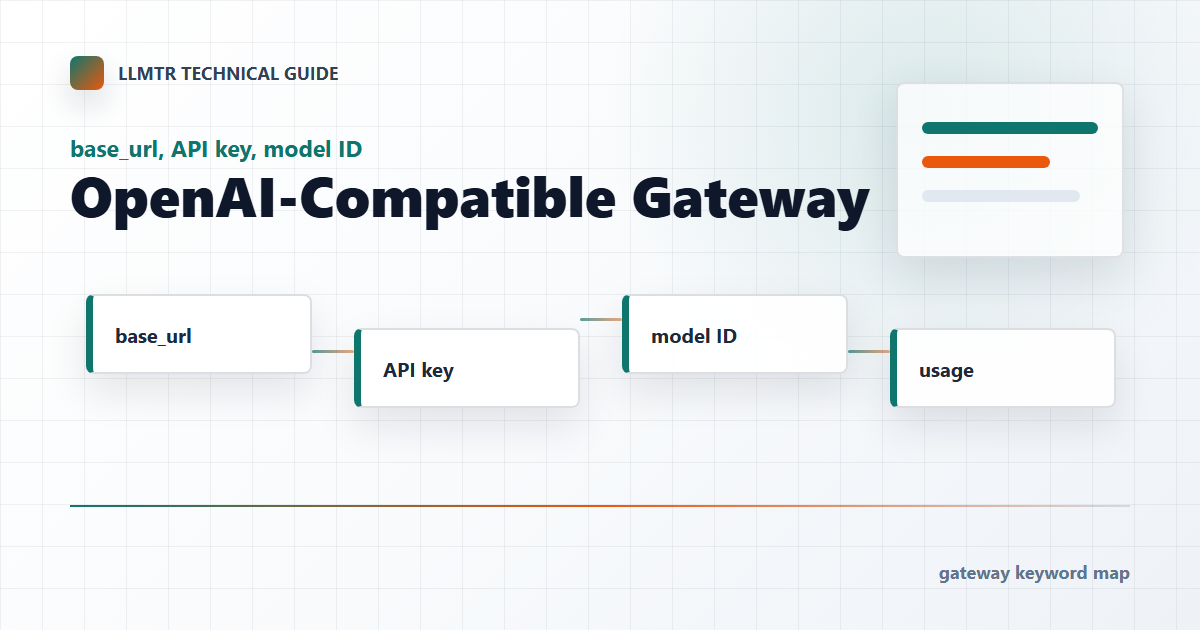
What an OpenAI-compatible AI gateway provides
The OpenAI-compatible gateway approach lets you keep the application SDK and request shape while moving model access behind a gateway layer.
On LLMTR, that means setting base_url to the LLMTR /v1 address, using an LLMTR API key, and selecting a canonical model ID from the catalog.
The three settings that usually change
The smallest migration surface is usually base_url, Authorization, and model. Even when prompt shape stays the same, endpoint compatibility must still be checked.
For example, calling a chat model on an image endpoint, or sending a Responses-only model to chat completions, can produce endpoint mismatch errors.
- base_url: the LLMTR /v1 gateway address.
- API key: a key created in the LLMTR dashboard.
- model: the canonical ID from the catalog.
Cost and usage verification
After migration, the first test should not stop at 200 OK. Check usage records, token counts, model ID, latency, and estimated cost.
LLMTR shows model pricing in the catalog and handles platform margin separately at credit top-up. Model unit price and payment flow should stay distinct.
Pre-production checklist
Before live traffic, define rate limits, error handling, timeouts, retry behavior, and any fallback strategy. LLMTR does not guarantee quality automatically; model choice depends on the application requirement.
For sensitive-data applications, prompt minimization, log policy, and user approval flows should be designed independently of the gateway migration.
Move an OpenAI-compatible client to the LLMTR AI Gateway
Start using the LLMTR AI Gateway with minimum configuration changes in an existing OpenAI-compatible client.
- Update the gateway base URL. Set the client base_url field to the LLMTR /v1 gateway address.
- Replace the API key. Use the API key created in the LLMTR dashboard as the Bearer token in Authorization.
- Select a catalog model ID. Use the canonical model ID from the catalog and confirm that the selected model supports the endpoint.
- Check usage records. After the first test request, verify token, latency, and cost records under the expected model ID.
Frequently asked questions
Do I need to change SDKs for an OpenAI-compatible AI gateway?
Usually no. In most OpenAI-compatible clients, update the base URL, API key, and model identifier to LLMTR values.
Does LLMTR support every OpenAI endpoint the same way?
No. Support varies by model and operation. Check supported operations and the model detail page before live traffic.