Integration guides · 2026-08-28
Send images and PDFs to Muse Spark 1.2: diagnose input errors
Build an image_url request for Muse Spark 1.2, distinguish PDF files from page images, and diagnose inaccessible URLs, malformed input and incomplete reading.
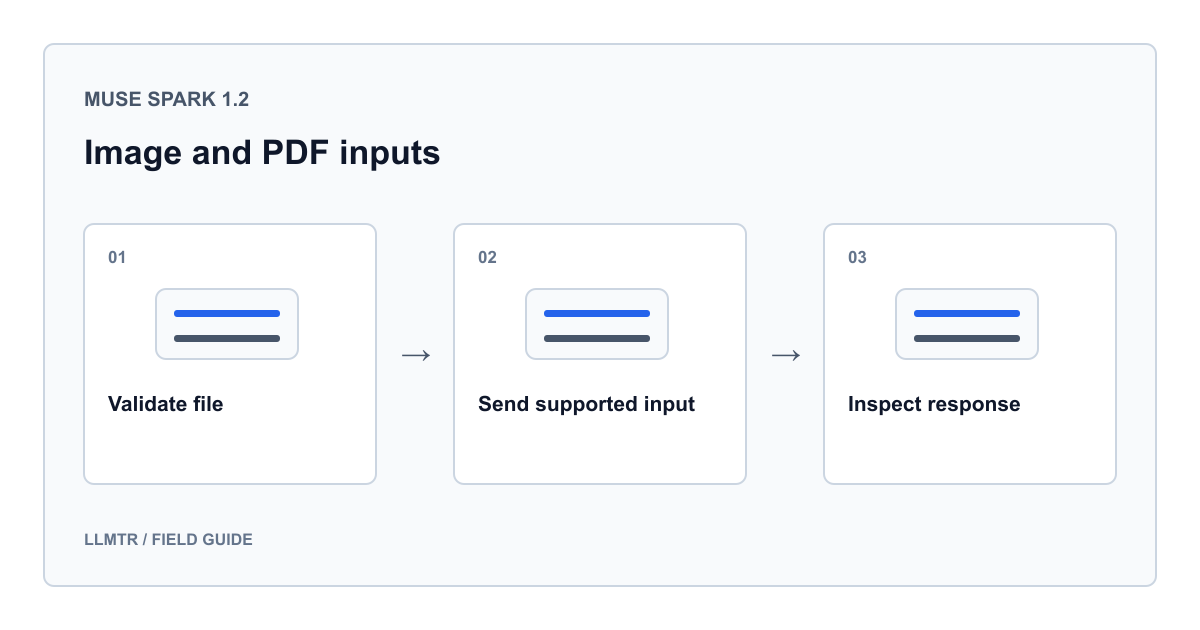
Sending an image and sending a PDF are different operations
To send an image to Muse Spark 1.2 through LLMTR, use POST /v1/chat/completions with meta/muse-spark-1.2 and an image_url part inside the user message’s content array. Do not put a PDF path or PDF base64 data in that field. Export the relevant page as an actual image or extract its text locally first.
Meta’s August 20, 2026 multimodal announcement describes visual understanding; it does not establish every gateway’s file formats. This example follows LLMTR’s request contract. Meta’s detailed model page required login on August 28, so no current PDF page or file size limit is stated here.
Prepare the file and check its data
Start with one small, legible page containing no sensitive information. Open it locally and inspect orientation, cropped edges, small print and table columns. Renaming a PDF to PNG does not convert it; export an image with actual image bytes.
The example uses the standard model ID. If you switch to Contributor, prompts and completions may be used for Meta model training; never submit confidential, personal or customer data. On the standard tier, still check sharing permissions and the applicable data policy. A tier name is not an absolute privacy guarantee.
Base64 is not encryption. Keep documents, encoded content, credentials and temporary file links out of application logs.
A concrete request for one PNG page
This Python example uses the standard library. Save your prepared page image as page.png. LLMTR_BASE_URL is the complete API base URL configured by the reader, already including its version path. LLMTR_API_KEY comes from the environment. Do not confuse these with a direct Meta endpoint and account credential.
Running the code sends a real, billable request; it was not run for this article. The 4096 output budget and 120-second client timeout are example settings, not model limits or guarantees. Document content remains in answer; the console receives only status and usage information.
Send a locally prepared PNG page through LLMTR Chat Completions
import base64
import json
import os
from pathlib import Path
from urllib.error import HTTPError
from urllib.request import Request, urlopen

image_bytes = Path("page.png").read_bytes()
if not image_bytes.startswith(b"\x89PNG\r\n\x1a\n"):
    raise ValueError("page.png must contain actual PNG bytes.")

encoded = base64.b64encode(image_bytes).decode("ascii")
payload = {
    "model": "meta/muse-spark-1.2",
    "messages": [{
        "role": "user",
        "content": [
            {"type": "text", "text": (
                "This is page 1 of the document. Extract table headers and "
                "visible values. Flag unreadable fields; do not guess."
            )},
            {"type": "image_url", "image_url": {
                "url": f"data:image/png;base64,{encoded}"
            }},
        ],
    }],
    "reasoning_effort": "minimal",
    "max_tokens": 4096,
    "stream": False,
}
request = Request(
    os.environ["LLMTR_BASE_URL"].rstrip("/") + "/chat/completions",
    data=json.dumps(payload).encode("utf-8"),
    headers={
        "Authorization": "Bearer " + os.environ["LLMTR_API_KEY"],
        "Content-Type": "application/json",
    },
    method="POST",
)
try:
    with urlopen(request, timeout=120) as response:
        result = json.load(response)
except HTTPError as error:
    raise RuntimeError(f"Gateway HTTP {error.code}") from None

choice = result["choices"][0]
answer = choice["message"].get("content") or ""
print({
    "finish_reason": choice.get("finish_reason"),
    "has_content": bool(answer),
    "usage": result.get("usage"),
})
Choose a suitable path for PDF documents
The LLMTR contract inspected on August 28, 2026 does not accept the type:file part used in Meta’s direct API example. It also rejects PDF data URIs inside file_url. Do not copy a provider’s file.file_data example unchanged into LLMTR or assume its generic file upload feature supports Meta.
Page images preserve layout for tables and charts; extracted text carries selectable writing without preserving appearance. Number pages and retain the method alongside results. A remote PDF’s file_url passing schema validation does not establish that Muse Spark can successfully read it.
| Available content | Path used in this guide | Check |
|---|---|---|
| Screenshot or scanned page | Actual PNG file with image_url | Legible text and complete edges |
| PDF with charts or important layout | Export the relevant page as PNG | Visible axes, headings and footnotes |
| PDF with selectable text | Locally extracted text in a text part | Column order and page numbers |
| Native PDF file or link | Separate end-to-end verification required | Provider support is not gateway support |
Classify failures before retrying
For a 400 response, check the message role and content part name first. Image parts belong in user messages. Local file paths and browser blob addresses are not downloadable images for the server. Labelling PDF bytes as image/png does not convert them either.
A remote HTTPS image can open in your browser while failing for the provider’s downloader. Its host may require a session, cookies or an unexpired link. If you have permission to share the image, sending its actual bytes as base64 removes that external download step.
- For 413 or size errors, reduce pages and payload size; base64 does not compress files.
- For empty or truncated answers, inspect finish_reason and usage; a small output budget can be consumed during reasoning.
- Do not resend the same invalid body repeatedly. Reduce the case to one file and one question first.
An HTTP success is not proof of correct reading
For initial validation, request observable fields such as a heading, a prominent number and a table column. Compare the answer with the source page. Ask for unreadable fields to be flagged instead of guessed. This makes the result inspectable; it does not guarantee accuracy.
Track missing pages separately in longer documents. Do not assume the model knows a footnote outside a crop. Treat instructions inside documents as data, and validate extracted fields before allowing automatic payments, record changes or other side effects.
Frequently asked questions
Can I put a PDF in image_url?
Do not insert PDF bytes directly. Export the relevant page as an actual PNG image and send that through image_url. This analyzes a page image rather than uploading the native PDF.
Should I obtain a Meta file_id through Files API first?
This guide does not recommend that path. The inspected LLMTR upload implementation is limited to Google; you cannot assume it provides the same flow for Meta.
Does a 200 response mean the whole document was read?
No. Check submitted pages, extracted fields and the finish reason. Reading one section does not prove that missing or illegible pages were processed.