RAG and data · 2026-10-10
Image classification API: yes/no, category and quality score with Perplexity Decider
Classify images with perplexity/pplx-decider-v1.1-27b: base64 data URLs, resizing to 1440 pixels, noul/choice/score questions and the cost per image.
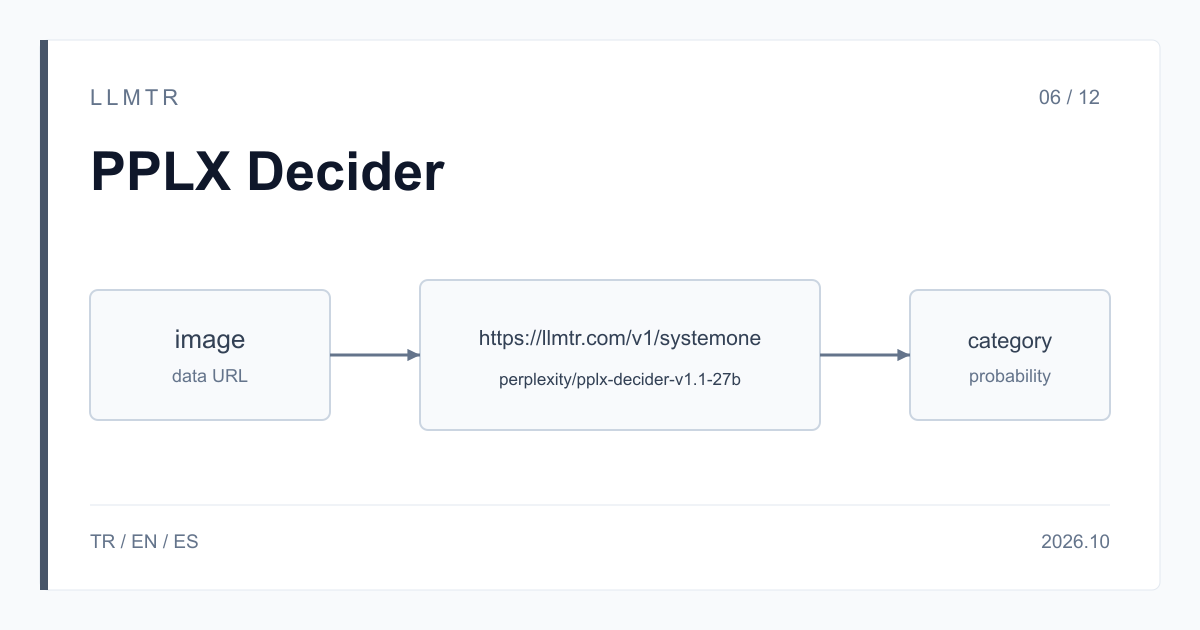
Short answer: put the image in the state array and define the questions
LLMTR (llmtr.com) is a gateway that gives access to language models hosted in Türkiye and at global providers through one OpenAI-compatible API. To classify an image by yes/no or by category, you call perplexity/pplx-decider-v1.1-27b on the https://llmtr.com/v1/systemone endpoint; the base address is https://llmtr.com/v1. You put the image in the state array as a base64 data URL and define your questions, and each question returns a probability, an option or a score.
Decider does not write a description of the image; it only answers the questions you ask. That removes the parsing step from work such as sorting product photos into categories, asking whether an image shows a person or prohibited content, or scoring the quality of a listing photo. The price is $0.02 per 1M input tokens, and output has no price.
How to classify an image by yes/no or category through an API
Send the state field as an array. Text parts and image parts of the form {"type": "image_url", "image_url": {"url": "data:image/jpeg;base64,..."}} can sit side by side in it. A short text part, for example one saying the image comes from a seller's listing, gives the model context. Questions are defined in the questions map, exactly as for text states.
The Python example below first resizes the image so its longest side is 1440 pixels, encodes it as base64 JPEG and asks three questions in one request: does the photo show a person (noul), which product category is it (choice), and how usable is it for a listing (score). It uses the requests and Pillow libraries.
Python example that resizes an image to 1440 pixels, turns it into a data URL and classifies it with noul, choice and score questions.
import base64
import io
import os

import requests
from PIL import Image


def to_data_url(path, max_side=1440):
    image = Image.open(path).convert("RGB")
    image.thumbnail((max_side, max_side))
    buffer = io.BytesIO()
    image.save(buffer, format="JPEG", quality=90)
    return "data:image/jpeg;base64," + base64.b64encode(buffer.getvalue()).decode()


response = requests.post(
    "https://llmtr.com/v1/systemone",
    headers={"Authorization": "Bearer " + os.environ["LLMTR_API_KEY"]},
    json={
        "model": "perplexity/pplx-decider-v1.1-27b",
        "state": [
            "Listing photo uploaded by a seller.",
            {"type": "image_url", "image_url": {"url": to_data_url("listing.jpg")}},
        ],
        "questions": {
            "shows_person": {
                "type": "noul",
                "instructions": "Does the photo show a person?",
            },
            "category": {
                "type": "choice",
                "instructions": "Which product category does the photo show?",
                "criteria": {"shoes": None, "bags": None, "clothing": None, "other": None},
            },
            "listing_quality": {
                "type": "score",
                "instructions": "How usable is this photo for a product listing?",
                "criteria": ["Unusable", "Acceptable", "Good"],
            },
        },
    },
    timeout=90,
)
response.raise_for_status()
answers = response.json()["answers"]
print(answers["category"]["choice"], answers["category"]["confidence"])
Preparing the image: data URL, format and size
The model does not download images from an address. If you send an http or https URL, the request returns 400 provider_error; always send the image as a base64 data URL in PNG, JPEG or WebP. An image is read at up to 2,048 squares of 32x32 pixels, for example 1440x1440 or 2048x1024. Resize a larger image to that size before sending it; how an image over the limit is read is not guaranteed.
The request body is limited to 24 MB in total, and base64 encoding makes a file about a third larger. Resizing keeps you under that limit and makes the request lighter. You can put more than one image in the same array; each image is counted again for every question.
| Topic | Rule |
|---|---|
| Format | PNG, JPEG, WebP; base64 data URL |
| http/https URL | not accepted, 400 provider_error |
| Detail read | up to 2,048 squares of 32x32 (e.g. 1440x1440, 2048x1024) |
| Tokens | per image, per question, at most about 2,050 |
| Request body | 24 MB in total; base64 adds about a third |
| Questions | at most 128 per request |
Which question type to use: noul, choice and score
Use noul when you ask whether something is in the image or whether the image follows a rule; it returns the probability of yes between 0 and 1. Use choice for a category, and add an option such as other for images that may not fit the list; otherwise the model always picks the closest category. choice takes up to 255 options and returns the selected one together with the probability of every option and a confidence value.
Use score to rate a level such as quality or suitability; you define 2 to 10 ordered levels and the returned value can fall between two of them. Probabilities are the model's estimate: before going live, set thresholds on your own images whose labels you know, and route results with low confidence to a person.
Cost: the image is counted again for each question
The price is $0.02 per 1M input tokens and output has no price. An image counts as input tokens and is counted again for each question; a single image comes to at most about 2,050 tokens per question. The three questions in the example come to at most about 6,150 tokens per image, or about $0.000123, and 10,000 images come to about $1.23, short text and question text excluded.
If you only ask for the category, the same 10,000 images come to about $0.41, so do not send questions whose answers you will not use. Response time can grow with large images; set your client timeout to at least 90 seconds.
Getting started on LLMTR: account, key and first classification
Create an account at llmtr.com, top up credit and create a key under Dashboard > API Keys; the raw key is shown once, so store it in the LLMTR_API_KEY environment variable. Then send a few of your images with the example above and compare the results with your own labels. Requests are deducted from prepaid credit at the catalog price, and the same key works for every model in the catalog.
Classify an image with Perplexity Decider
Resize the image to 1440 pixels, encode it as a base64 data URL and send it with a noul, choice or score question to https://llmtr.com/v1/systemone using perplexity/pplx-decider-v1.1-27b.
- Key. Create an account at llmtr.com, top up credit, create a key under Dashboard > API Keys and store it as the LLMTR_API_KEY environment variable.
- Image. Resize the image to fit within 2,048 squares of 32x32 and put it in the state array as a PNG, JPEG or WebP base64 data URL.
- Classification. Define your questions under questions, send the request to https://llmtr.com/v1/systemone, and route results with low confidence to a person.
Frequently asked questions
Does Perplexity Decider accept images?
Yes. perplexity/pplx-decider-v1.1-27b evaluates PNG, JPEG or WebP images sent as base64 data URLs in an image_url part of the state array. http or https URLs are not accepted and return 400 provider_error.
How much does it cost to classify one image?
Input costs $0.02 per 1M tokens. An image comes to at most about 2,050 tokens per question; one image costs about $0.000041 with one question and about $0.000123 with three. Output has no price.
Do I need to resize the image before sending it?
Yes. An image is read at up to 2,048 squares of 32x32, for example 1440x1440 or 2048x1024. How a larger image is read is not guaranteed, and the request body is limited to 24 MB in total.