RAG and data · 2026-06-03
AI Overviews performance report: Search Console measurement for LLMTR
Build an AI Overviews performance report with Search Console web data, AI Mode clicks, GA4 referral measurement, and the LLMTR conversion funnel.
How should AI Overviews performance be read?
Google's AI features documentation explains that AI Overviews and AI Mode appearances are connected to Search Console web search performance data.
For LLMTR, the practical approach is to read impressions, clicks, landing pages, referrers, bot crawls, and downstream product actions together.
- Search Console gives visibility and click signals.
- GA4 shows landing page and conversion behavior.
- Server logs help validate bots and referrers.
- Product funnel data measures business impact after the blog visit.
Scope Search Console data correctly
AI Overviews and AI Mode traffic may not always appear as a separate channel. A useful report should therefore look at query intent, landing page, and date range, not only source names.
When a new blog cluster ships, first verify that the relevant slugs are indexable, snippet-eligible, and internally linked.
- Compare equal ranges before and after publication.
- Track blog slugs as separate landing pages.
- Measure transitions to docs and model pages.
- Do not treat short-term variation as a final decision.
AI citation and referral are different
A page appearing as a source in an AI answer is a citation signal. A user clicking that link is referral traffic.
An AI Overviews performance report should keep this distinction clear because a page may support an answer even when the user does not click through.
- Citation is checked with manual prompt sets.
- Referral is measured with analytics and logs.
- Conversion impact is connected with product events.
- Brand mention, link presence, and click should stay in separate columns.
Suggested LLMTR report table
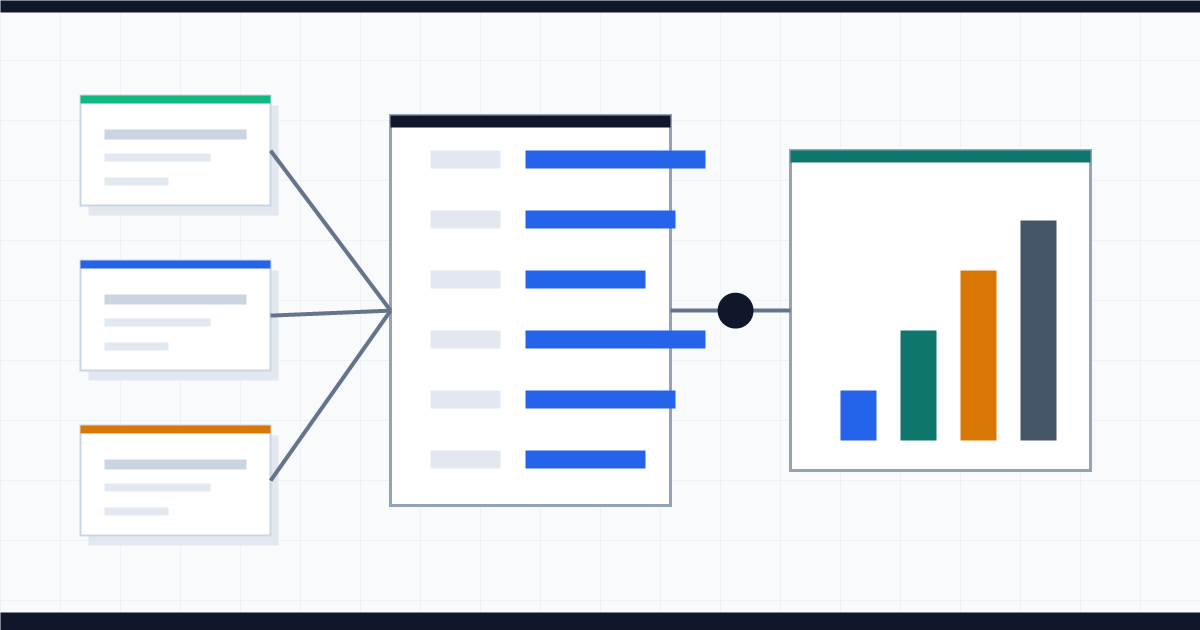
A practical LLMTR report should track blog slug, target keyword, Search Console trend, AI prompt visibility, referral source, docs click, and API key action on the same row.
This makes it easier to learn which SEO/GEO articles contribute to developer activation.
- Slug and primary keyword.
- Search Console impression and click trend.
- AI answer citation or brand mention result.
- Signup, API key, and first-payment funnel connection.
Build an AI Overviews performance report
Combine Search Console, GA4, server logs, and LLMTR product funnel data in one SEO/GEO report.
- List the slugs. Add each new SEO/GEO article with primary keyword, cluster, and publish date.
- Pull Search Console cuts. Read impressions and clicks by landing page, query, country, and date range.
- Validate referral data. Cross-check GA4 sources against server log referrer and user-agent fields.
- Connect product actions. Join docs clicks, signup, API key creation, and first-payment events back to the blog slug.
Frequently asked questions
Does AI Overviews performance appear separately in Search Console?
Not always as its own channel. Google's documentation connects AI features to Search Console web performance reporting, so landing page, query, and date breakdowns matter.
Is AI citation the same as a click?
No. Citation means the page appears as a source or link in an AI answer. Referral means the user clicked through to the site.
Which conversions should LLMTR measure?
Track blog-to-docs transitions, model-page visits, signups, API key creation, first usage, and first credit top-up together.