Agent workflows · 2026-09-22
Task history, pausing, and canceling in Gemini Spark
After starting your first task, this covers how to monitor an ongoing or completed Spark task, stop it when needed, and review your task history.
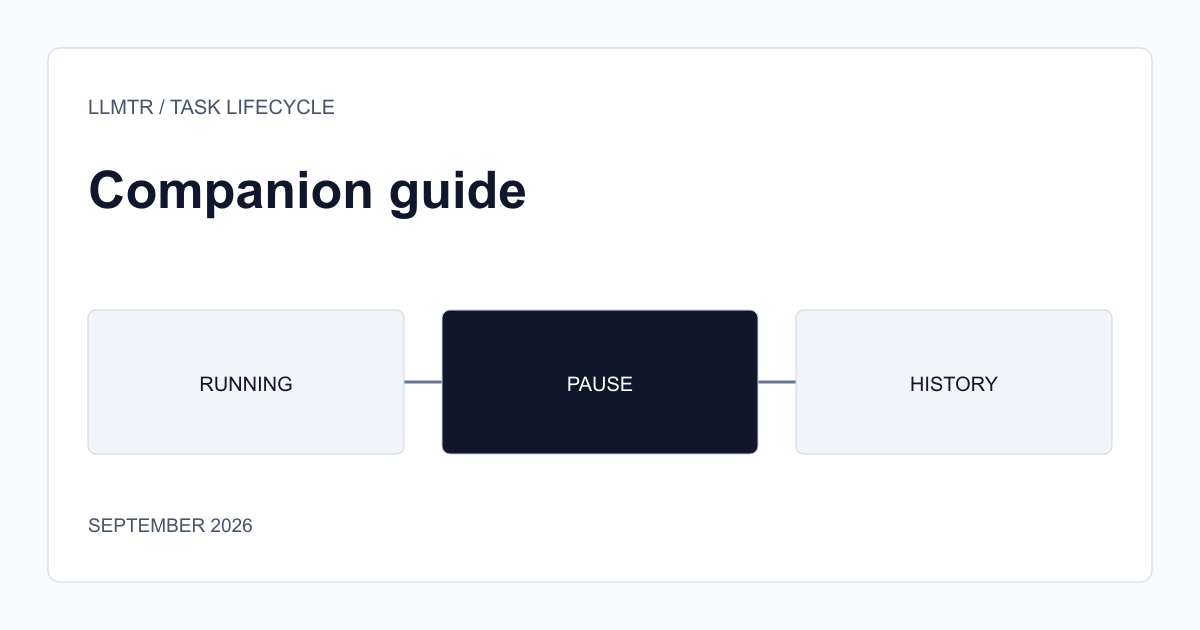
The question changes after the first task
The steps covered in the Gemini Spark how-to-use article walk through checking access and starting your first task. Once a task has started, a different question comes up: is the task progressing as expected, is it heading in the wrong direction, does it need to be stopped?
A task continuing to run in the background should not mean the user forgets about it and leaves it unsupervised; especially when a task can trigger an action on your account, checking on its progress periodically matters.
Pausing and canceling can produce different outcomes
Stopping an ongoing task can either preserve the partial progress made up to that point or terminate the task entirely; this behavior varies by task type. Before stopping a task, evaluating whether the partial result up to that point is useful avoids unnecessarily starting over.
Stopping a task late after noticing it went in the wrong direction increases the risk of an unwanted outcome becoming permanent, especially for tasks that change something on your account (an email draft, a calendar entry); this is why monitoring progress should be treated as part of starting the task.
- Check an ongoing task's progress periodically, especially if it changes your account.
- Evaluate whether stopping preserves partial progress based on the task type.
- Catching and stopping a task heading in the wrong direction early leaves less damage than late intervention.
History is a reference for future tasks
Reviewing the history of completed tasks is useful not just for remembering what happened, but also for seeing where your previous task definition was clear and where it stayed ambiguous when you define a similar task again; this helps you write more accurate task definitions going forward.
Frequently asked questions
Does progress get lost when I stop a Spark task?
It depends on the task type; some tasks can preserve partial progress, while others terminate entirely. Evaluate whether the partial result would help you before stopping.
Do I need to monitor a task that doesn't change my account?
The risk is lower, but it's still useful to review it once completed to confirm it produced the result you expected. The highest priority is monitoring tasks that change something on your account.