Model comparison · 2026-06-06
Grok Imagine 1.5 API guide for image-to-video model selection
After the Grok Imagine 1.5 API preview, use this guide for image-to-video workflows, multimodal model selection, QA, and LLMTR video API strategy.
Why image-to-video APIs need separate evaluation
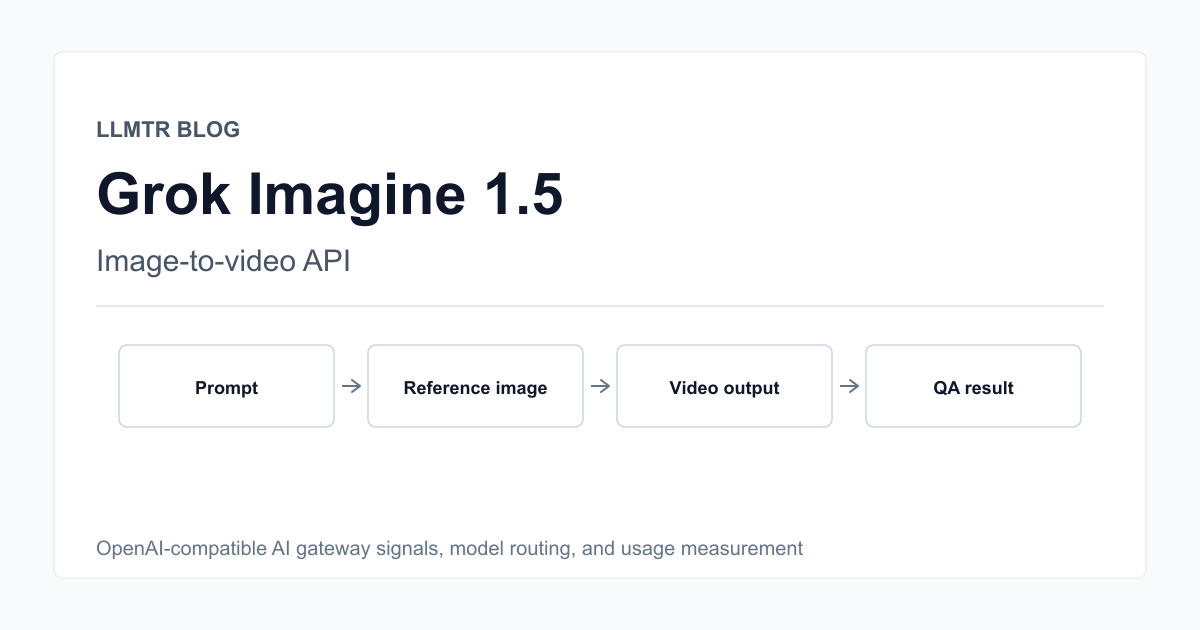
Image-to-video models such as Grok Imagine 1.5 API are different from chat models. Inputs can include prompts, reference images, and generation parameters; the output is media, not text.
Model selection should therefore consider latency, output format, content safety, retry behavior, storage, and cost alongside visual quality.
- Validate prompt and reference image separately.
- Define storage and access policy for video output.
- Return meaningful errors for failed generations.
- Keep a production risk note for preview models.
Where Grok Imagine 1.5 can be tested
Preview video models can be useful for short prototypes, product demo scenes, creative storyboards, and visual variation tests.
For finance, healthcare, legal, identity-sensitive, or user-image workflows, safety, licensing, and review requirements should be stricter.
- Product demos and storyboards are good test areas.
- User-image flows need consent and safety checks.
- Output quality needs automated and manual QA.
- Preview models should not be the default for sensitive domains.
The LLMTR multimodal gateway approach
Video, image, and audio models should be handled with capability and endpoint policy that differs from text-only chat models.
The model catalog should show modality, example usage, data policy, and pricing unit clearly so developers do not route video work to a chat-only model.
- Image, video, and audio capability should be explicit.
- Payload validation should follow media type.
- Public examples must not include real API keys.
- Pricing may be per second or media output, not tokens.
Measuring quality and cost
One video example is not enough. Test the same prompt set across different seeds, reference images, and duration settings.
Useful metrics include generation time, error rate, retry count, output usability, and transparent cost display before the user commits.
- Run prompt sets across different image types.
- Report generation time and error rate.
- Track retry cost separately.
- Show cost estimates before output generation.
Evaluate Grok Imagine 1.5 API for image-to-video
Evaluate Grok Imagine 1.5 API or similar video models for the LLMTR multimodal gateway.
- Choose the use case. Separate storyboards, product demos, creative variation, and user-content workflows.
- Define payload boundaries. Specify prompt, reference image, duration, format, and safety validation.
- Run the QA set. Measure quality, latency, and error rate across prompt and reference-image types.
- Record the gateway decision. Decide whether the model is production-ready, beta-only, or prototype-only.
Frequently asked questions
Should Grok Imagine 1.5 API be used in production immediately?
Because it is a preview model, start with controlled prototypes and QA. Production use needs separate validation for safety, cost, and error handling.
Does an image-to-video model work like a chat endpoint?
No. Media generation can require different payloads, output formats, storage policy, and pricing units.
How should LLMTR surface video models?
The model card should show video capability, supported input and output formats, example usage, pricing unit, and data policy.