Integration guides · 2026-05-31
OpenAI model retirement guide: GPT-4.5, o3, and GPT-5.5 Instant migration
Manage OpenAI model retirement, GPT-4.5 retirement, OpenAI o3 retirement, and GPT-5.5 Instant API updates through an LLM gateway, model fallback, and cost controls.
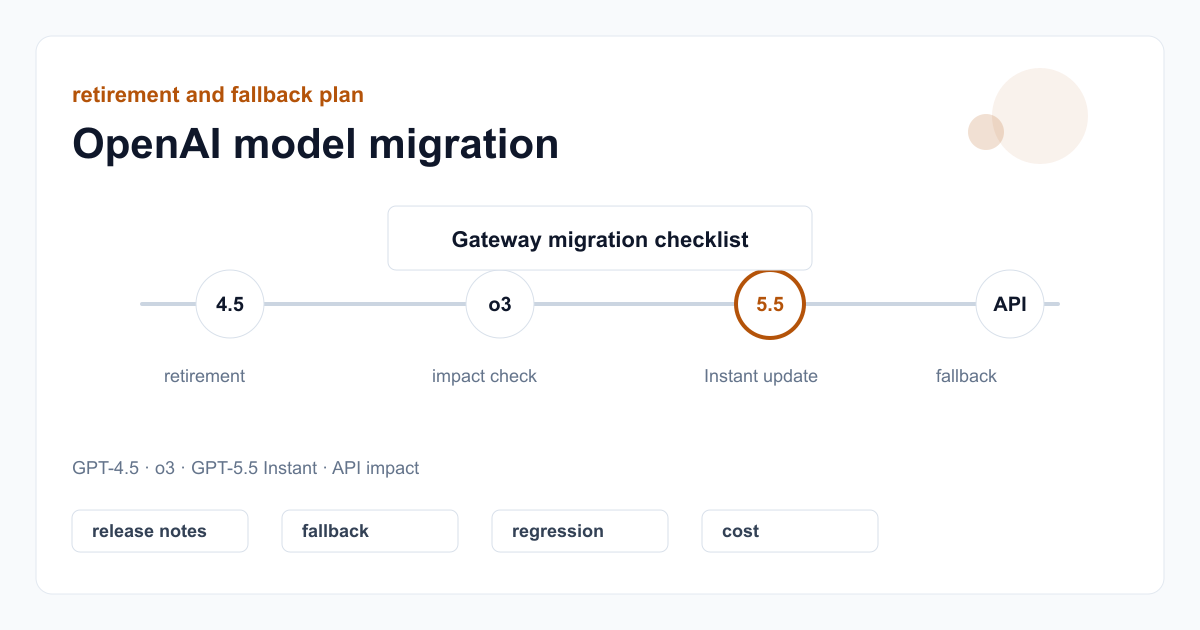
Separate model-retirement news from API impact
Sources like OpenAI release notes may describe model visibility in ChatGPT, API behavior, or both. Changing an integration before reading that distinction creates unnecessary risk.
The right first action is to identify whether the announcement affects the ChatGPT model picker or API endpoint behavior. If there is no API impact, update catalog notes, documentation, and monitoring rather than rushing a production model change.
- Record announced dates in UTC and your local operations calendar.
- Do not change production model IDs hastily when there is no API change.
- Keep ChatGPT user documentation separate from API integration documentation.
How to handle GPT-5.5 Instant API updates
When GPT-5.5 Instant API updates affect quality, response style, or product behavior, acceptance tests should be rerun. A user-visible response format change can affect prompt and UI contracts.
Teams using the LLMTR gateway should manage model changes through aliases, fallback, and usage tracking instead of treating every update as a client-side migration.
- Keep a golden sample set for critical prompts.
- Check response length, valid JSON, and tool-calling behavior separately.
- Make fallback model pricing and context limits visible before migration.
Model fallback strategy through an LLM gateway
Model retirements hurt systems that are overly coupled to fixed provider model IDs. A gateway layer reduces that risk with canonical IDs, provider filters, and fallback policies.
When a model disappears or changes behavior in a product surface, the backend can make a controlled transition. Usage records and error rates then make rollback decisions evidence-based.
- Do not bury model ID changes in frontend constants.
- Test fallback models for quality and cost before they are needed.
- Baseline error rate, latency, and cost metrics before the migration date.
- Make provider announcements traceable through history notes and test fixtures.
Migration checklist
For model retirement or GPT-5.5 Instant API updates, a one-off code edit is not enough. Catalog, tests, documentation, and customer impact should close in the same small checklist.
That checklist lets teams try a new model without disrupting live users, roll back if needed, and reflect cost correctly.
- Verify whether the announcement affects the API.
- List used model IDs and fallback candidates.
- Run smoke tests and critical prompt regressions.
- Check model-level cost and usage reporting.
Create a migration plan for OpenAI model retirement
Separate ChatGPT and API impact, then manage model IDs, fallback, tests, and cost visibility safely.
- Verify the affected surface. Separate whether the announcement affects the ChatGPT model picker, API endpoints, pricing, or model behavior.
- Map usage. List model IDs, critical prompts, and fallback candidates used by the application.
- Run regressions. Repeat JSON, tool-calling, response length, latency, and cost checks with the same examples.
- Monitor migration. Track error rate, token use, and user impact in usage reports after the new model is enabled.
Frequently asked questions
Will GPT-4.5 retirement immediately break my API integration?
First confirm whether the announcement applies to ChatGPT or the API. If there is no API impact, monitoring and documentation updates may be enough before changing production model IDs.
What should I track for OpenAI o3 retirement news?
Track the date, affected surface, alternative model, pricing difference, and any API migration guidance separately.
How does the LLMTR gateway make model migration easier?
One base URL, a model catalog, usage tracking, and backend-controlled fallback let teams compare model candidates without redistributing client code.