Integration guides · 2026-08-29
OpenClaw LLMTR plugin: package install and manifest walkthrough
In OpenClaw, LLMTR ships as a separate extension package. This guide covers installing the plugin, reading every field of its plugin manifest, writing model refs correctly and refreshing the provider catalog.
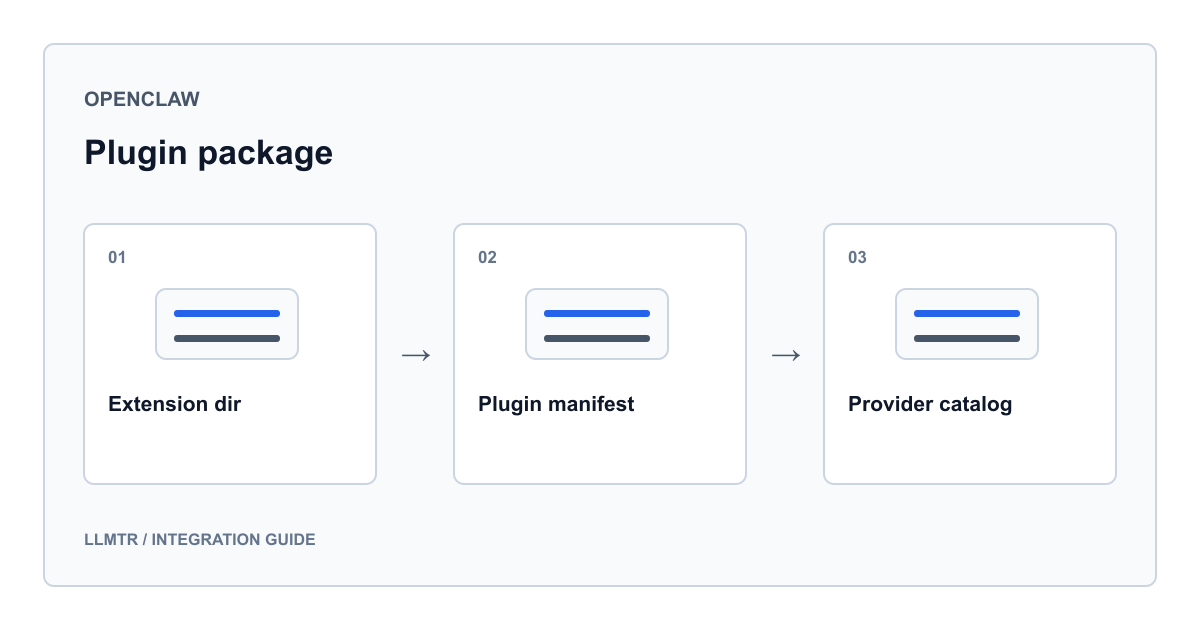
Why LLMTR is a standalone extension package
LLMTR support is not scattered through OpenClaw core. It lives under the extensions directory as an independent package with its own README, its own plugin manifest and its own model catalog. The package is published as an official external plugin and, once installed, contributes a single provider under the id llmtr.
That separation has a practical payoff: the whole integration can be read from one JSON file. The authentication choice, the environment variable name, model id normalization and the catalog all live in the same manifest. When a behavior surprises you, opening the manifest beats grepping the core.
Installing the package and registering the key
First, where the code lives: this integration was not merged upstream. The extension package and the manifest described here are in the knowhycodata/openclaw repository on the feat/llmtr-provider branch. A reader on an official release will not find the provider, so start by getting that branch running.
Installation starts with two commands: install the plugin, then restart the Gateway process. After that the key arrives either through the guided onboarding flow or straight from an environment variable. Because the manifest registers the authentication choice under the id llmtr-api-key, you can name that choice directly on the onboarding command.
The manifest also declares a command-line flag if you prefer to pass the key inline. The block below uses a placeholder instead of a real key; reading the key from an environment file keeps it out of shell history.
Plugin install, key registration and the provider model list
openclaw plugins install @openclaw/llmtr-provider
openclaw gateway restart

# Guided flow
openclaw onboard --auth-choice llmtr-api-key

# Or an environment variable
export LLMTR_API_KEY="llmtr-your_key"

# List the models bound to the provider
openclaw models list --provider llmtr
What each manifest field actually does
The plugin manifest is the contract that describes the extension. The table below lists the fields in that file next to their runtime effect. Field names match the paths in the file exactly, so you can read the table side by side with the manifest.
| Manifest field | Value | Runtime effect |
|---|---|---|
| id | llmtr | Identity of the plugin and of the provider it contributes |
| enabledByDefault | true | The package arrives enabled once installed |
| activation.onStartup | false | The plugin is not auto-activated at startup |
| providerRequest.providers.llmtr.family | openai | Requests are built with an OpenAI-shaped body |
| modelIdNormalization.providers.llmtr.prefixWhenBare | llmtr | A bare model id gets the llmtr prefix prepended |
| setup.providers[0].envVars | LLMTR_API_KEY | The environment variable the setup flow looks for |
| providerAuthChoices[0].choiceId | llmtr-api-key | The auth choice passed to the onboarding command |
| providerAuthChoices[0].cliFlag | --llmtr-api-key | Flag for supplying the key from the command line |
| modelCatalog.providers.llmtr.baseUrl | https://llmtr.com/v1 | Address the catalog models are called against |
| modelCatalog.providers.llmtr.api | openai-completions | Request family the catalog entries bind to |
Writing model refs and the double-prefix trap
OpenClaw model refs carry the provider prefix. A global route is written as llmtr/anthropic/claude-sonnet-5: the leading segment names the provider and the remainder is the canonical id from the gateway catalog. The default model declared in the manifest uses exactly that shape.
Turkey-hosted routes already carry llmtr in their canonical id, so the ref collapses to a single prefix: the Trendyol route is llmtr/trendyol-asure-12b, never the prefix twice over. The prefixWhenBare rule completes bare ids, so the short and long spellings resolve to the same route.
- Global route: the llmtr prefix followed by the provider and model canonical id
- Turkey-hosted route: the canonical id already starts with llmtr, so no repeat
- The manifest default model is llmtr/anthropic/claude-sonnet-5
- A bare id is completed by the prefixWhenBare normalization rule
Catalog: live refresh, snapshot and manual pinning
The plugin refreshes its model list from the gateway catalog and keeps only routes that publish chat completion support. Context window, output cap, modalities and reasoning support are read from the same response. The snapshot shipped inside the package acts as the offline fallback, so the list is never empty when the network is unavailable.
The snapshot is a floor rather than a ceiling. To use a route that the catalog serves but the snapshot omits, or to override a published value, add the model by hand under the provider entry in configuration. Confirm the operations a model supports before pinning it: embedding, image, video and audio routes cannot drive a chat loop.
Pinning a route that is absent from the shipped snapshot
{
  "models": {
    "providers": {
      "llmtr": {
        "models": [
          {
            "id": "perplexity/sonar-pro",
            "contextWindow": 131072,
            "maxTokens": 32768
          }
        ]
      }
    }
  }
}
A retired-route finding and how to read errors
The plugin troubleshooting section explains failures on previously working ids through retired routes. Checking the public catalog for this batch confirmed that llmtr/sincap is indeed retired, so keep it out of sample configuration. Live Turkey-hosted options include llmtr/gemma-4, llmtr/qwen3-5-4b and llmtr/trendyol-asure-12b.
Retired ids leave the catalog response before they stop answering. Rather than guessing whether an id is still valid, run the provider model list and copy the id from that output.
| Symptom | Likely cause | What to do |
|---|---|---|
| A 401 or 403 response | Invalid key or a stale stored profile | Verify the key in the dashboard and re-run onboarding with the llmtr-api-key choice |
| A model id that used to work now errors | The route may have been retired | Run the provider model list and use the id from that output |
| The model appears in the catalog page but not in the plugin | The route publishes no chat completion support | Check the supported operations field in the catalog response and pick a chat-capable route |
| A transient error or idle timeout on a Turkey-hosted route | The route may be unavailable at that moment | Retry or fall back to a global route; the same key serves both sides |
| You wrote a bare id and an unexpected model ran | The prefixWhenBare rule completed the id | Write the ref in full so the route being called is unambiguous |
Frequently asked questions
Why restart the Gateway right after installing the plugin?
The install documentation pairs two commands: one that installs the package and one that restarts the Gateway process. Startup activation is switched off in the manifest, so the restart is what confirms the running process now recognizes the provider.
Why is a model from the catalog page missing in OpenClaw?
When the plugin refreshes, it keeps only routes that publish chat completion support. Embedding, image, video and audio routes never enter the list, and neither do entries without chat support. Check the supported operations field in the catalog response to confirm.
Can I use a route that is not in the shipped snapshot?
Yes. Add the id, context window and output cap to the model array under the provider entry in your configuration. The same mechanism lets you override a published value with a measurement of your own.
What happens if I omit the llmtr prefix from a model id?
The normalization rule in the manifest prepends the prefix. That makes short spellings convenient but harder to audit; in shared configuration the full ref is easier to read and review.