Integration guides · 2026-08-29
Cline with LLMTR: provider setup inside the editor panel
How to select the LLMTR provider from the Cline settings panel, why Plan and Act modes store separate model fields, and what to do about the retired default model id in the SDK builtin registration.
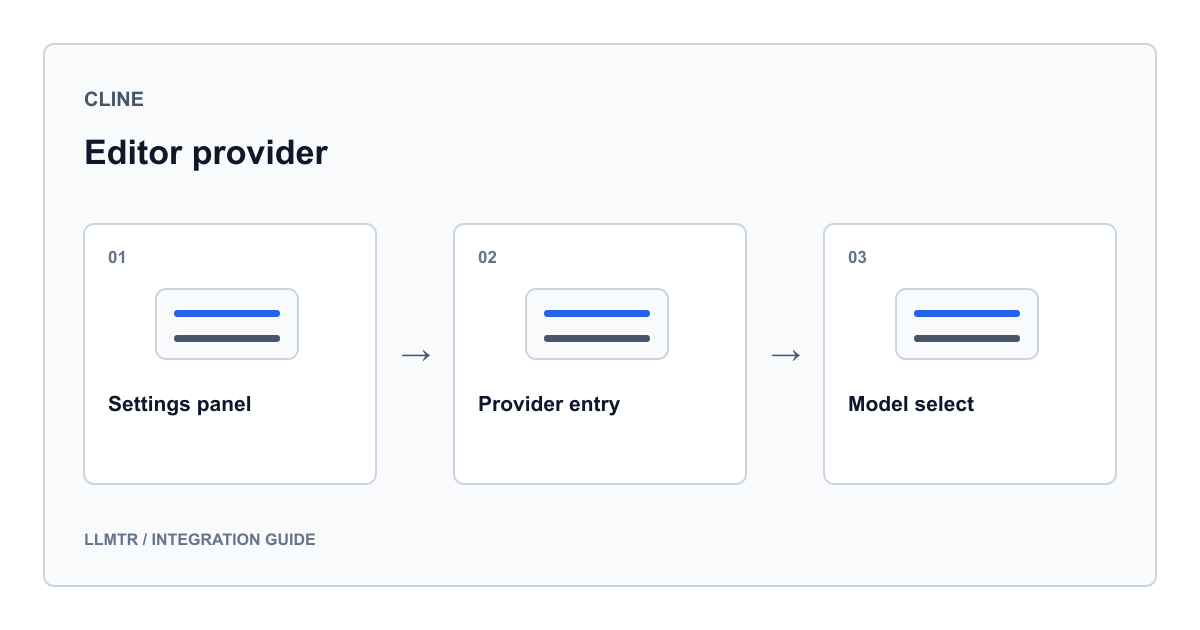
The integration touches three layers of the editor
The integration lives on the feat/add-llmtr-provider branch of the knowhycodata/cline repository; the published extension carries no such provider entry, so you install from that branch. LLMTR support in Cline does not live in one file. A record is added to the provider list, a component is added to the settings UI, and a handler class is written to build the request. The list record makes the provider selectable; the UI component draws the key field and model selector; the handler turns the selected model into a real call.
That split pays off during setup. If the provider is missing from the menu, the list record is at fault. If it appears but the fields never populate, the UI component is. If the fields are filled and the request still fails, the handler is. Knowing which layer produced a message narrows the search immediately.
- Provider list record: the llmtr value with the LLMTR label
- Settings UI component: key field, model selector and model info view
- Request handler: a streaming chat completion call against the gateway address
- Cline documentation lists LLMTR on the page for providers that follow the same setup pattern
Key and model in the settings panel
Selecting LLMTR as the provider brings up the key field first. Its help text states that the key is stored locally and used only for requests from the extension, and it also warns that Cline relies on complex prompts, so less capable models may not behave as expected.
Once the key is in place, the model selector is fed from the LLMTR model definitions bundled with the extension, and the info view below shows the declared properties of whatever you pick. The key must be a real value rather than a placeholder; samples in this guide represent it as llmtr-your_key.
Plan and Act keep separate model fields
This is where Cline behaves distinctly: the model choice is not written to a single field. The panel updates the field belonging to whichever mode you are currently in. You can leave a long-context model selected for planning and a faster one for execution without either overwriting the other.
The key field, by contrast, is mode independent. One key feeds both modes because both go to the same gateway address. The table below summarizes which panel action writes which configuration field.
| What you do in the panel | Field written | Effect |
|---|---|---|
| Pick a model while in Plan mode | planModeApiModelId | Stores the model used for planning turns only |
| Pick a model while in Act mode | actModeApiModelId | Stores the model used for execution turns only |
| Enter the key | llmtrApiKey | No mode split; one key feeds both modes |
| Select the provider | The llmtr value in the provider list | Draws the LLMTR component and routes requests through the LLMTR handler |
How the handler builds the request
The handler creates its client on first use and pins the gateway address. Every request is streamed, usage counters are included in the stream, and temperature is set to zero. Tool definitions, when present, are attached in OpenAI shape and incoming tool-call deltas are passed through a dedicated processor.
Three kinds of chunk are separated in the stream: text content, tool-call deltas and reasoning content. For models that emit reasoning, that content is not folded into the text; it is yielded as its own stream type. Usage from the final chunk is reported as input and output tokens, which is the most direct way to watch spend since billing is token based.
Client creation and the streaming request call, from the handler class
this.client = createOpenAIClient({
  baseURL: "https://llmtr.com/v1",
  apiKey: this.options.llmtrApiKey,
})

const stream = await client.chat.completions.create({
  model: model.id,
  messages: openAiMessages,
  temperature: 0,
  stream: true,
  stream_options: { include_usage: true },
  ...getOpenAIToolParams(tools),
})
The SDK builtin registration and its retired default
Alongside the editor extension, Cline SDK packages register LLMTR as a builtin provider. The registration keeps it in the OpenAI-compatible family, reads LLMTR_API_KEY from the environment and pulls the model list from a separate factory function.
One detail deserves attention. The default model id is written as llmtr/sincap, and that route is retired in the public catalog. The same id also appears in the SDK static list of Turkey-hosted models. Do not rely on the default during setup; pick a live model in the panel instead. The live entries in that same list are llmtr/gemma-4 and llmtr/qwen3-6-35b. Two others, llmtr/medgemma-4b and llmtr/ornith-1-35b, were withdrawn on 21 August 2026 with no successor defined and no longer answer requests.
SDK builtin provider registration, including the default model id
{
  id: "llmtr",
  name: "LLMTR",
  description: "Turkey-based AI gateway with Turkey-hosted and global models",
  family: "openai-compatible",
  defaultModelId: "llmtr/sincap",
  apiKeyEnv: ["LLMTR_API_KEY"],
  modelsFactory: buildLlmtrModels,
  defaults: { baseUrl: "https://llmtr.com/v1" },
}
Verifying the setup and reading errors
Make the first run a small edit request: if the extension emits a tool call, both the streaming path and the tool path are working. When something fails, the wording of the message tells you which layer you are standing in.
The table below lists behaviors produced by the handler code. These are not guesses; each maps to a branch in the code on that feature branch.
| Condition | Where it happens | Result |
|---|---|---|
| The key field is left empty | Client creation step | No request is sent; an error stating the key is required is thrown |
| Client construction itself fails | Client creation step | The underlying message is wrapped with a prefix naming it a client creation error |
| The selected model id is not in the extension list | Model resolution step | The id is ignored and the default model id is used instead |
| The model returns reasoning content | Stream loop | It is not merged into the text; it is yielded as a separate reasoning chunk |
| The final chunk carries usage information | Stream loop | Input and output token counts are reported to the interface |
Frequently asked questions
Can I run one model in Plan mode and another in Act mode?
Yes. The model selection is written to mode-specific fields, so planning and execution turns can run on different models. The key field is shared: both modes use the same key against the same gateway address.
Where is the API key I entered stored?
The help text on the key field says the key is stored locally and used only for requests made by the extension. Keep it out of shared repositories and project configuration; if you need a copy outside the panel, use an environment file.
What happens if I enter a model id that is not in the list?
The handler resolves the id against the extension model definitions. When it finds no match it ignores the id and falls back to the default model. That means you could be running a different model silently, so confirm the selection in the panel.
Why does the default model in the SDK registration not work?
The registration declares llmtr/sincap as its default, and that route is retired in the public catalog. A request to a retired route is refused with a 410 model_retired error whose body names the successor, so a setup left on the default stops at the first call. Selecting a live model id in the panel removes the problem.