Agent workflows · 2026-08-29
PentestCode LLMTR provider setup for authorised engagements
Wire PentestCode to LLMTR by resolving the API key, choosing a canonical model id, understanding how the catalog is discovered and how reasoning fields are rewritten before a request leaves the agent.
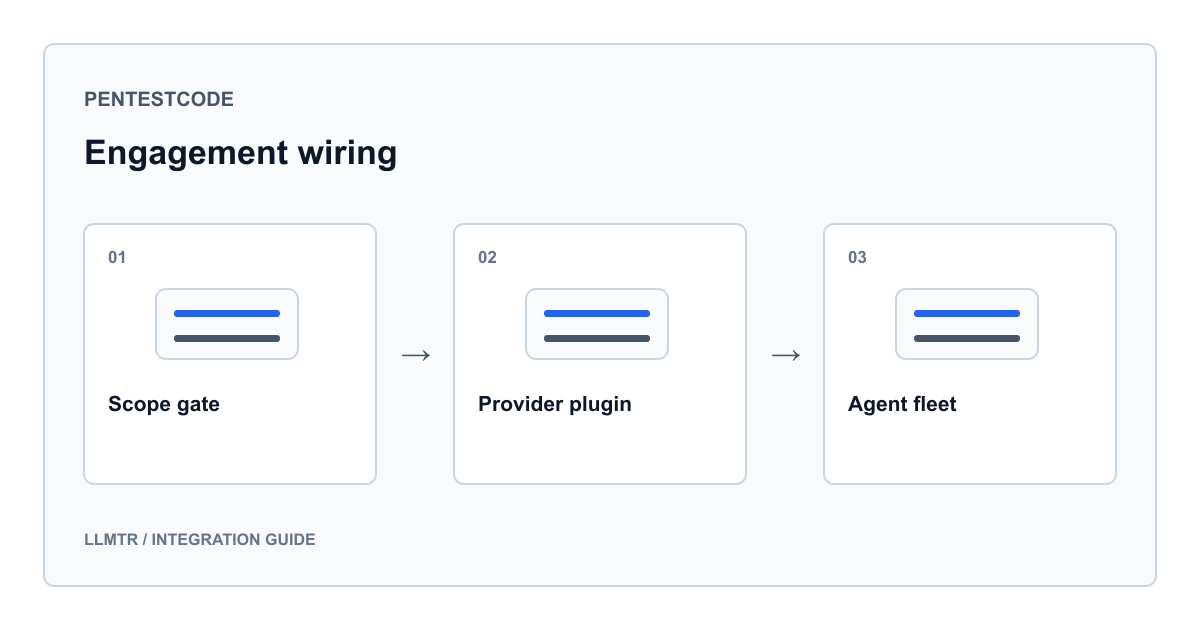
Engagement scope comes before configuration
PentestCode is an open-source penetration testing tool that works a target through an agent loop. Its own repository states where the tool is meant to run: a CTF box, an HTB machine, or an authorised pentest. This guide stays inside that boundary. It describes provider configuration only, not attack technique, exploitation or target selection.
Before an API key is placed anywhere, the scope has to exist in writing. Written permission, a defined target list and a non-production environment are preconditions for every step below. Without those three, a technically correct configuration still does not make a run legitimate. Detection evasion, mass scanning and unauthorised targeting are out of scope here.
- Written permission: who granted it, which date range it covers, and who the contact point is.
- Target scope: domains, address ranges and explicitly excluded systems listed separately.
- Environment: a non-production copy, or a system the scope explicitly permits.
- Record keeping: run date, model id used and stop condition written into the report.
Two ways to present the key
PentestCode ships LLMTR as a built-in provider. There is no extension to install and no base URL to type by hand. The key resolves one of two ways: the interactive login flow, where LLMTR is picked from a list and the key pasted, or the LLMTR_API_KEY environment variable. The plugin registers both as separate authentication methods on the integration, so they are two equivalent entry points rather than a primary and a fallback.
The repository example writes the placeholder key with an sk- prefix. That is not correct for LLMTR: keys issued in the dashboard begin with the llmtr- prefix. Copy the example literally and the request comes back as an authentication failure, because the string sent matches no LLMTR key. This is the first thing to check after setup.
The base URL defaults to the gateway root. Setting LLMTR_BASE_URL redirects both model discovery and requests to that address. If you run a proxy or a staging gateway in front, this is the only value that changes.
Three options for the key and the base URL
# Interactive flow: pick LLMTR from the list and paste the key
pentestcode auth login

# Or use the environment variable
export LLMTR_API_KEY=llmtr-your_key

# Base URL for a proxy or staging gateway
export LLMTR_BASE_URL=https://llmtr.com/v1
The model id in the configuration file
Configuration lives in .pentestcode/pentestcode.jsonc. Inside the provider block, an llmtr key holds a model id. That id is the canonical catalog form: provider name, slash, model name. The plugin puts the string straight into the model field of the request, so the id shown in the catalog and the id written into the file must match exactly.
The repository example uses openai/gpt-5.5. On the LLMTR side that id is bound to the Responses endpoint, but the plugin drives an OpenAI-compatible client, so the call goes through the chat completions path and works. The bridge runs one way only: a chat completions request can reach a model that has a Responses binding. The reverse does not hold, so a model bound only to chat completions has no Responses equivalent to call. Knowing that asymmetry while writing the config keeps you from picking an id that cannot serve your endpoint.
Provider block in .pentestcode/pentestcode.jsonc
{
  "provider": {
    "llmtr": {
      // Canonical id form: provider/model
      "model": "openai/gpt-5.5"
    }
  }
}
Where the model list comes from
The plugin fills its catalog from two sources. The first is a seed list carried in the code; the second is a live fetch from the gateway model endpoint. The two are merged by id and the live record wins on a collision, so context windows and cost fields stay current.
The live fetch only runs when a key is actually configured. Without a key the provider is unusable anyway, so no network call is made at startup. The fetch is also forked, meaning it never blocks provider registration and the tool still opens on a slow link. When a key is added or removed mid-session, a connection event triggers a refresh.
For fully offline or hermetic runs, setting LLMTR_SKIP_REMOTE_MODELS to 1 leaves only the seed list. Cost fields are held per million tokens on the catalog side while the gateway reports decimal strings per token, so the plugin scales the values by one million. That is a unit conversion, not a pricing decision.
| State | Source | Result |
|---|---|---|
| No key configured | Seed list only | Provider appears, no network call at startup |
| Key present, gateway reachable | Seed list merged with live fetch | Live record wins on colliding ids |
| Key present, fetch fails | Seed list | Registration is unaffected, catalog stays usable |
| LLMTR_SKIP_REMOTE_MODELS set to 1 | Seed list only | Hermetic run, no discovery traffic |
How the reasoning field is rewritten in the request
The models behind LLMTR do not share one thinking control. Some accept a graded effort parameter, some expose only an on-off thinking flag, and some take no reasoning parameter at all. The plugin resolves this on the request path: it derives a mode from the parameter list each model advertises, then adjusts the body accordingly. The rewriter is registered into a generic registry, so the shared request path carries no provider-specific branch.
The transform only engages when the body actually carries an effort field. Bodies without one, and bodies that do not parse as JSON, pass through untouched. Values that mean explicitly off do not switch thinking on, and a thinking flag the caller wrote is never overwritten. Models that already accept graded effort never reach this layer.
The distinction matters during an authorised run, because repeating the same configuration across models would otherwise produce invalid-parameter errors on some of them. The rewrite layer removes that failure before the request is dialled, which makes swapping models mid-engagement safe.
| Mode | How it is detected | What happens to the body |
|---|---|---|
| Graded effort | The model advertises a graded effort parameter | Body is unchanged, the effort field is sent as written |
| On-off flag | The model advertises only a thinking flag | Effort field is removed, the thinking flag is switched on |
| No parameter | The model advertises no reasoning parameter | Effort field is removed and nothing is added |
| Unknown model | The id has not reached the catalog yet | No rewriter resolves, the body is sent as written |
Choosing a model for the engagement
The agent loop depends on tool calls, so the capability flag is the first filter. The plugin reads tool support from the parameter list the model advertises. A model that advertises none still enters the catalog but is not suitable for agent work, so check the flag before committing to an id.
Among the Turkey-hosted rows, llmtr/gemma-4 carries tool calling and image input together, which matters in scopes where interface output or a screen capture has to be examined. If you need a longer context plus graded effort control, zai/glm-5.3 accepts the graded effort parameter and therefore falls into the untouched-body class in the table above. deepseek/deepseek-v4-pro reasons internally and takes no separate reasoning parameter, so it lands in the no-parameter class.
On cost, the rule is precise: no platform margin is added to model prices. The LLMTR margin applies only on credit top-up and is 8 percent. What drives spend on a long run is model choice, context size and the number of retries.
- Do not put rows without tool support into an agent loop; llmtr/trendyol-asure-12b appears in the seed list with tool support off.
- When the scope must stay in Turkey, prefer the rows under the llmtr namespace.
- If you switched models mid-engagement, record which id served which step in the report.
- The provider attaches attribution headers to requests; a value you set yourself is preserved.
Verification and common situations
The first check after setup is the catalog. The provider should appear under the LLMTR name with at least the seeded models beneath it. If the list is entirely empty the problem is key resolution rather than the network, because no remote fetch happens without a key in the first place.
The second check is a single short request. If nothing comes back, look in order at the key prefix, the base URL and whether the chosen id actually exists in the catalog. If the id is retired, the gateway refuses the request with an explanatory answer; that is not a network error and retrying will not clear it.
- A key beginning with sk- means you pasted another provider's key.
- A list showing only seeded rows means the live fetch never ran; confirm the key is set.
- Seeing network calls in a hermetic test means the skip variable is not set.
- An id that is not in canonical form finds no catalog match and is treated as unknown.
Frequently asked questions
Do I need to install a separate LLMTR extension for PentestCode?
No. The provider ships inside the tool's core plugin set. All you do is present the key and pick a model id in the configuration file. Writing a base URL by hand is only needed when you run your own proxy in front of the gateway.
I sent an effort parameter but the model is not thinking. What happened?
The model you chose most likely advertises an on-off thinking flag, or no reasoning parameter at all, rather than graded effort. In the first case the effort field is removed and the flag is switched on; in the second it is dropped entirely. If you sent a value that means off, thinking is deliberately left off.
Does the provider still appear in an offline environment?
It does. The seed list is carried in the code, so the catalog is never empty, and remote discovery can be switched off entirely with the skip variable. Requests still need to reach the gateway, so offline you get the listing but not a run.
Can this configuration be pointed at an unauthorised target?
No. This guide covers provider and model configuration only. The tool's own repository frames runs as a CTF box, an HTB machine or an authorised pentest. Without written permission and a defined target scope, no run should take place.