Integration guides · 2026-08-29
Pool with LLMTR: three env vars and the Laguna identifiers
Pointing Poolside's pool agent at LLMTR needs no code change, only three environment variables. The standalone variables, the Laguna identifier that is live today, and how retired identifiers behave.
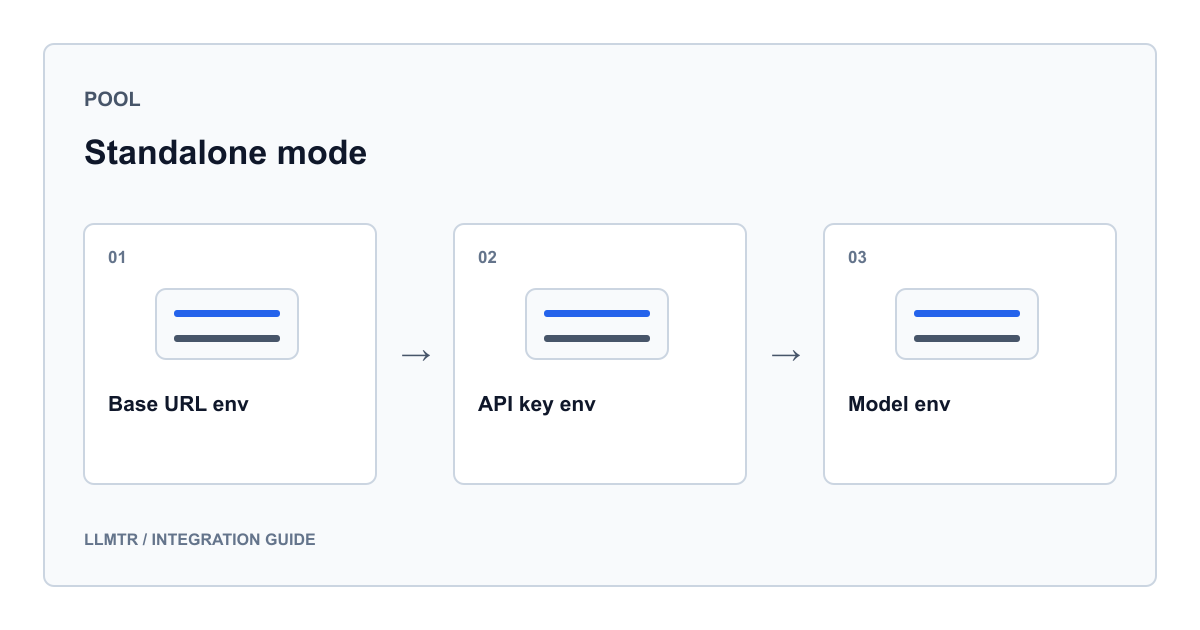
No code change: configuration is entirely environment variables
pool is Poolside's coding agent and can run in several modes. Pointing it at LLMTR requires no provider class inside the agent, no plugin install and no configuration file. The docs/add-llmtr-provider branch in the knowhycodata/pool repository carries a documentation change only: one heading in the README table of contents and one section under it, with not a single line changed in source.
That is possible because pool's standalone mode reads the endpoint, the key and the model name from three environment variables. You put them in front of the command and the agent talks to LLMTR for that session. Change the variables next time and the target changes; no state is left behind on the agent side.
The documentation also mentions a non-interactive mode named pool exec. This guide did not verify the details of that mode; what follows is the configuration written in the README's LLMTR section.
The three variables and what each one decides
All three names live in Poolside's own namespace, so you are not learning an LLMTR-specific name; you are putting LLMTR values into standalone-mode variables the agent already knows. The one distinguishing detail is the shape of the model name: pool's own lists use short model names, while the gateway expects a two-part identifier carrying a provider prefix.
Putting the key in front of the command is convenient for a quick trial, but it lands in shell history. For a lasting setup, read the key from somewhere that does not end up in history.
| Environment variable | Value for LLMTR | What it decides |
|---|---|---|
| POOLSIDE_STANDALONE_BASE_URL | https://llmtr.com/v1 | Where the request goes; the agent makes a chat completion call to this address |
| POOLSIDE_API_KEY | Your LLMTR key with the llmtr prefix | The value carried in the authentication header |
| POOLSIDE_STANDALONE_MODEL | A two-part canonical identifier | Which model drives the session; a provider-prefixed identifier is expected, not a short name |
Starting the pool agent through LLMTR with the Laguna identifier that is live today
POOLSIDE_STANDALONE_BASE_URL="https://llmtr.com/v1" \
POOLSIDE_API_KEY="llmtr-your_key" \
POOLSIDE_STANDALONE_MODEL="poolside/laguna-xs-2.1" \
pool
The Laguna list in the README has drifted from today's catalogue
The section the branch adds names two identifiers as the Poolside models reachable through LLMTR, and its example command uses the larger of the two. While preparing this guide we compared that list against today's catalogue and found it had drifted: of the two identifiers named, only poolside/laguna-xs-2.1 is live today.
The larger sibling was retired on 29 July 2026. The cause was not a decision on the LLMTR side but a removal upstream: Poolside dropped that route from its own inference listing, and every request to the identifier started coming back as an opaque not-found from the far side. An older identifier in the same family also shows as retired in the catalogue, having been removed shortly after Laguna XS 2.1 shipped.
So the source document is not wrong, it is stale. A model list in an integration document is a photograph of the day it was written; checking it against the catalogue is safer than copying the example command verbatim. Use the identifier that is live today in your own commands.
What retirement looks like: 410, and no silent substitution
Leaving a retired model in the catalogue rather than deleting it is a deliberate choice. The row stays in the public catalogue, is marked retired and drops out of the featured slot; its page remains as a reference record. Anyone who encounters the identifier somewhere can find out what it was and why it no longer works.
On the request side the gateway never forwards that identifier upstream. The call is refused with HTTP 410 and the model_retired error code. The difference matters: instead of an opaque not-found relayed from the far side, you get a structured error that says what happened.
One detail in this family is particularly worth noting. The retired larger identifier is not quietly redirected to the smaller one that is still live. The reason is written into the catalogue: the smaller model is a separate model that behaves differently, and answering a call that asked for the larger one with it would misrepresent which model produced the output. The older identifier in the same family is a different case; there the successor is a newer version of the same class, so the request is forwarded and the call carries a migration notice.
The table below puts today's status of all three identifiers side by side.
| Identifier | Status in the catalogue today | What happens if you send a request |
|---|---|---|
| poolside/laguna-xs-2.1 | Live | The request is driven normally; this is the identifier to use in examples |
| poolside/laguna-s-2.1 | Retired, still listed as a reference page | Returns HTTP 410 with the model_retired error code; it is not silently redirected to another model |
| poolside/laguna-xs.2 | Retired, still listed as a reference page | The request is forwarded to the newer version of the same class and carries a migration notice |
Checking whether an identifier is drivable today by looking only at the status code
check() {
  curl -s -o /dev/null -w "$1 -> %{http_code}\n" \
    https://llmtr.com/v1/chat/completions \
    -H "Authorization: Bearer llmtr-your_key" \
    -H "Content-Type: application/json" \
    -d "{\"model\":\"$1\",\"max_tokens\":4,\"messages\":[{\"role\":\"user\",\"content\":\"ping\"}]}"
}

check poolside/laguna-xs-2.1
# A 410 means the identifier is retired; its catalogue page says what changed
Beyond Laguna: the variable accepts any canonical identifier
The model variable is not limited to Poolside identifiers. You can write any two-part identifier from the gateway's catalogue and nothing changes on the agent side, because the agent is already making a chat completion call.
Two checks are enough before writing an identifier. First, that it is live today. Second, that it can be driven with a chat completion call. The bridge at the gateway is asymmetric: a chat completions request works when the model has either a chat or a responses binding, while a responses request works only for models with a responses binding. Since pool talks to the chat endpoint, that asymmetry works in your favour.
The public catalogue reads without a key, so you can confirm an identifier before spending a single authenticated call.
Switching the model variable to another canonical identifier and reading the catalogue without a key
# Drive the same agent with a model outside Poolside
POOLSIDE_STANDALONE_BASE_URL="https://llmtr.com/v1" \
POOLSIDE_API_KEY="llmtr-your_key" \
POOLSIDE_STANDALONE_MODEL="anthropic/claude-opus-4.8" \
pool

# Confirm the identifier is in today's catalogue, no key needed
curl -s https://llmtr.com/v1/models | jq -r '.data[].id' | grep poolside
A short check before you start
There is little to get wrong in this integration, because the only thing you change is three variables. Even so, two mistakes are the common ones: a model identifier copied from an older document, and a short model name written where a canonical identifier belongs.
Work through the checks below and the first session usually opens without incident. If something does fail, the status code tells you which category you are in: a 410 means the identifier is retired, while an authentication error means the key is not being read.
- Write the model identifier in two parts; a short name without the provider prefix will not match the catalogue
- Confirm from the catalogue that the identifier is live today, since a list in a document belongs to the day it was written
- Check that the key starts with the llmtr prefix and is actually reaching the shell
- For a lasting setup, read the key from a source that does not land in shell history rather than the command line
- Track cost through token usage and your credit balance; the platform margin applies only when loading credit and is eight percent
Frequently asked questions
Do I need to write code on the pool side for LLMTR?
No. The docs/add-llmtr-provider branch in the knowhycodata/pool repository only adds a section to the README; there is no source change. Standalone mode reads the endpoint, the key and the model name from three environment variables, so the configuration is those three variables.
Can I use both Poolside models named in the README?
Not today. Of the two identifiers named, only poolside/laguna-xs-2.1 is live. The other was retired on 29 July 2026 after Poolside removed the route from its own inference listing. Use the live identifier in your commands.
What happens if I send a request to a retired identifier?
The gateway does not forward it upstream and refuses the call with HTTP 410 and the model_retired error code. Instead of an opaque not-found relayed from the far side you get a structured error that says what happened, and the identifier's catalogue page stays in place as a reference.
Why is the retired larger model not redirected to the smaller one automatically?
The smaller model is a separate model that behaves differently. Answering a call that asked for the larger one with it would misrepresent which model produced the output, so that identifier is deliberately left unforwarded. Where the successor is a newer version of the same class, the request is forwarded and carries a notice.