Integration guides · 2026-08-29
Trae Agent with LLMTR: Python configuration and trajectory records
In Trae Agent, LLMTR arrives as a Python client class. This guide covers the YAML and JSON configuration samples, the command line invocation, how each model is routed to an endpoint, and what shows up in the trajectory record.
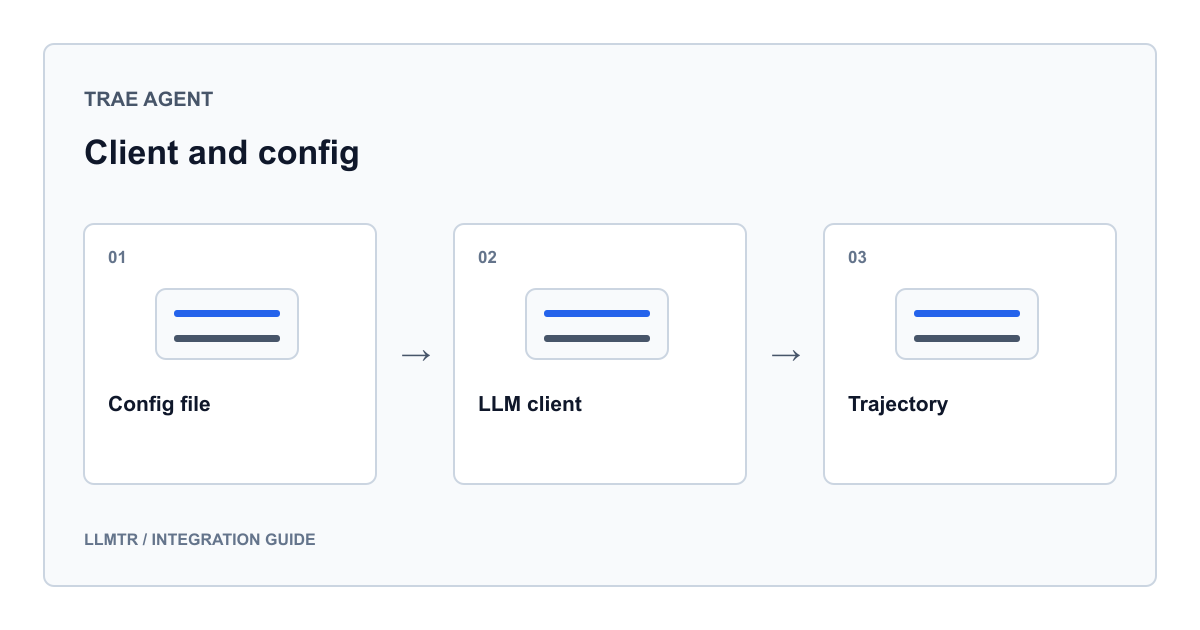
One provider, two client classes
Start with where the code lives: this integration was not merged upstream. The client module, its tests and the sample configuration files are in the knowhycodata/trae-agent repository on the feat/llmtr-provider branch. A reader on a published release will not find an llmtr provider, so run that branch first.
The whole integration sits in a single Python module. It declares three things: a class that reads and caches the model catalog, a client that speaks the chat completions endpoint, and a separate client for the responses endpoint. The dispatching class exposed to the rest of the agent inspects the model, builds one of those two, and delegates every call to it.
That shape leaves the rest of Trae Agent untouched. The agent loop believes it holds a single client, while endpoint selection, error recovery and cache management stay inside the dispatcher.
- Dispatcher class: resolves the model, builds the client, delegates the calls
- Chat completions client: built on the shared OpenAI-compatible base class
- Responses client: formats message history and tool calls on its own
- Catalog class: downloads the endpoint listing, writes it to disk and refreshes it on expiry
YAML configuration
The YAML sample touches two blocks. First the provider is declared with its key, provider name and base address. Then a model entry that uses that provider is added, holding the token cap, temperature, sampling parameters and retry count.
Declaring the model entry is not enough on its own. You also have to point the agent at that entry, which is exactly what the note in the sample file says. Leaving the base address empty is fine: the client fills in the default gateway address, so the field only matters when you put your own proxy in between.
Provider and model entry, from the sample YAML configuration
model_providers:
    llmtr:
        api_key: llmtr-your_key
        provider: llmtr
        base_url: https://llmtr.com/v1

models:
    llmtr_model:
        model_provider: llmtr
        model: anthropic/claude-sonnet-5
        max_tokens: 4096
        temperature: 0.5
        top_p: 1
        top_k: 0
        max_retries: 10
        parallel_tool_calls: true
JSON configuration and environment variables
The JSON sample gathers the same fields into a single provider object. Where the YAML form spreads provider and model across two blocks, the JSON sample keeps the model name inside the provider entry. Either way the field names are identical.
If you would rather keep the key out of the file, two environment variables are defined: one carries the key and the other the base address. In a configuration file that gets committed, leaving the key field as a placeholder and supplying the real value from the environment is the safer habit.
The same provider in the sample JSON configuration
{
  "model_providers": {
    "llmtr": {
      "api_key": "llmtr-your_key",
      "base_url": "https://llmtr.com/v1",
      "model": "anthropic/claude-sonnet-5",
      "max_tokens": 4096,
      "temperature": 0.5,
      "top_p": 1,
      "top_k": 0,
      "max_retries": 10
    }
  }
}
Choosing a model on the command line
The run command takes the provider and the model as separate flags. The provider name is llmtr and the model is the canonical id from the gateway catalog, with no extra renaming. A Turkey-hosted route and a global route are called from the same command with the same key.
Reasoning effort is chosen with a suffix appended to the model id after a colon. The client strips that suffix from the id while routing, so it does not disturb endpoint selection. One more detail: because the agent advances every step through tool calls, a model without native function calling cannot drive the loop.
Environment variables and run commands
export LLMTR_API_KEY="llmtr-your_key"
export LLMTR_BASE_URL="https://llmtr.com/v1"

# A route served over chat completions
trae-cli run "Fix the bug in main.py" --provider llmtr --model "anthropic/claude-sonnet-5"

# A Turkey-hosted route
trae-cli run "Comment this code in Turkish" --provider llmtr --model "llmtr/trendyol-asure-12b"

# With a reasoning effort suffix
trae-cli run "Plan this refactor" --provider llmtr --model "openai/gpt-5.3-codex:high"
The routing decision and the catalog cache
Before calling a model, the client reads the catalog endpoint and checks which endpoints that model publishes. The catalog is readable without a key, so this check happens before the first billable request. The result is written to disk and reused for twenty-four hours; once that window expires the listing is downloaded again.
The gateway rule is asymmetric: a chat completions request is served when the model has either a chat completions or a responses binding, while a request to the responses endpoint is only valid for models with a responses binding. Rather than lean on that asymmetry, the client reads the catalog and sends the model to the endpoint it publishes. The table below shows how the decision comes out for the models in the test catalog fixture; every id in it is live in the public catalog.
| Model id | Endpoint published in the catalog | Client selected |
|---|---|---|
| anthropic/claude-sonnet-5 | Chat completions | Chat completions client |
| llmtr/trendyol-asure-12b | Chat completions | Chat completions client |
| google/gemini-2.5-pro | Chat completions and responses | With both available, chat completions is preferred |
| openai/gpt-5.3-codex | Responses only | Responses client |
| xai/grok-4.3 | Responses only | Responses client |
| google/gemini-embedding-001 | Embeddings | No client is built; the run fails immediately |
| google/veo-3.1-generate-001 | Video generation | No client is built; the run fails immediately |
| An id absent from the catalog | Unknown | The catalog is refreshed once, then chat completions is tried optimistically |
Trajectory records and recovery behavior
Trae Agent writes every step to a run record, and that record is the most practical debugging tool for this integration. The documented field list keeps the provider name as its own field; running through LLMTR puts the value llmtr there. Model name, step limit and success status are defined in the same document.
Model calls are recorded individually as well: the messages sent, the response returned, the provider, the model and any tool definitions are stored together. On a run where the route changed, reading that record is the most direct way to see which client took over. The record stays on your machine; on the gateway side prompts and response bodies are not written to a database.
The table below summarizes what the client does in each edge case. Note that recovery is a one-shot affair: a route switch is only possible before the first successful exchange.
| Condition | What the client does | What you should do |
|---|---|---|
| The selected model cannot serve a chat | It stops before building a client; the message names the supported endpoints and chat-capable models from the same owner | Pick one of the ids suggested in the message |
| The gateway reports an endpoint mismatch | It switches to the responses route once, before the first successful exchange, preserving seeded history | Nothing extra is needed; the switch is visible in the run record |
| The catalog cannot be downloaded | A stale cache is used when present, otherwise it proceeds optimistically with an empty catalog | Check network access; if the wrong endpoint is picked, mismatch recovery takes over |
| An error arrives after the first successful exchange | The route is not changed and the error propagates | Verify the model id and its endpoint fit against the catalog |
| The model emits no tool calls | It assumes no capability and blocks nothing; capability is not inferred from the id | Choose a model with native function calling; search models may reply in plain text |
Frequently asked questions
Where is the catalog cache kept and when is it refreshed?
The endpoint listing is written as a JSON file into the Trae Agent local storage directory and reused for twenty-four hours, after which it is downloaded again. Supplying a model id that is missing from the listing also forces one refresh before the routing decision is made.
How do I select reasoning effort?
Effort is chosen with a suffix appended to the model id after a colon. The client normalization function strips that suffix while routing, so it does not affect endpoint selection; the id is looked up in the catalog without it.
Does the reasoning chain survive across turns on the responses route?
The responses client builds the request so nothing is stored server side and asks for encrypted reasoning content to be included. Reasoning items that come back with an encrypted copy are replayed on the next request; items without one are dropped rather than sent in a form the provider would reject.
Can I run the tests without an API key?
The routing tests stub the catalog download, so they run without a key. Tests that hit the real gateway are skipped when no key is configured, and they can also be switched off explicitly through an environment variable.