Gateway alternatives · 2026-10-10
Should I Use TensorX Directly or Through LLMTR?
What changes when you use TensorX models through LLMTR? The token price is TensorX's list price, margin is taken once on top-up, and one key covers more.
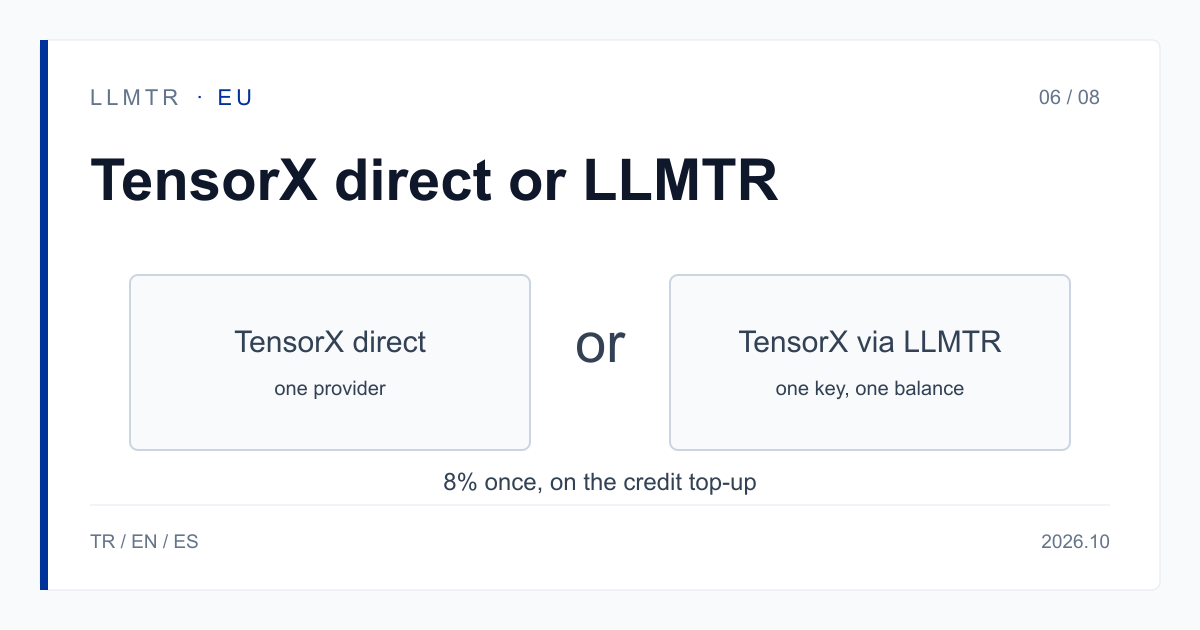
Short answer: one key or a direct account
LLMTR (llmtr.com) is a gateway that gives access to language models hosted in Türkiye and at global providers through one OpenAI-compatible API. You call TensorX models at https://llmtr.com/v1 with ids such as tensorx/glm-5.3-tensorx, and the token price is TensorX's USD list price.
In short: if you use more than one provider, or want to be able to switch to a same-family row when the model you call returns 503, 429, another 5xx or times out, LLMTR does the job. If you will only use TensorX and want to avoid the 8% margin on credit top-ups, going direct can be the better fit. This article makes no claims about TensorX's own account, billing or limits.
Should I use TensorX directly or through LLMTR?
On LLMTR an 8% platform margin is added once, on the credit top-up: a $100.00 credit is charged $108.00. The margin is not added to the token price; each call is deducted from your balance at TensorX's USD list price, checked on tensorx.ai/models on 2026-10-09.
For that margin you get four things. First, one key and one balance for TensorX, GreenPT and global models. Second, if the model you call returns 503, 429, another 5xx or times out, you can switch to the same-family row of the other EU-hosted provider by changing the model string (GreenPT or TensorX, in either direction), with the same key, the same balance and no new contract. Third, keys scoped to up to 50 models, plus spending limits. Fourth, documentation in Turkish and English.
The switch happens on the client side; LLMTR does not switch providers automatically. Your code catches the error and calls the paired model id.
Key scopes work like this in practice: if you limit a key to the models you approved, any other model id returns 403 model_not_allowed. A spending limit stops one application from using the balance faster than expected. Using a separate key per application lets you set both per application.
LLMTR does not store prompt and response bodies; per request it keeps the model id, token counts, latency, HTTP status, USD cost and the first 12 characters of the key. The usage page shows spend per key from this metadata.
Two providers, one family: concrete switch pairs
A switch is only useful when the same model family exists at both providers. An example pair is greenpt/glm-5.3-eu and tensorx/glm-5.3-tensorx; another is greenpt/deepseek-v4.1-flash and tensorx/deepseek-v4.1-flash-tensorx. The switch works the same in both directions. For rows without a listed pair, pick another EU-hosted model by need and test it on your own prompts first.
Each row's price is on its own model page. Errors worth switching on are 503 model_unavailable, 429, other 5xx and timeouts. Do not switch on 400 or 403; those are request or permission errors. LLMTR does not switch automatically, and each provider needs its own consent.
For the models in this category, processing inside the European Union is what the provider states; LLMTR has not independently verified it. For the provider's statement, see TensorX's data processing agreement.
TensorX through LLMTR: what is included
The table lists only what LLMTR offers; it says nothing about TensorX's own account terms. Going direct makes more sense in two cases: you only use TensorX and want to avoid the top-up margin, or you need TensorX's speech models, which are not offered through LLMTR. On LLMTR the TensorX rows are called through /v1/chat/completions and /v1/embeddings; /v1/responses returns 400 unsupported_operation.
| Aspect | TensorX through LLMTR |
|---|---|
| Token price | TensorX's USD list price, no extra markup |
| Top-up margin | 8%, once on the top-up ($100.00 credit is charged $108.00) |
| Providers on one key | TensorX, GreenPT and global models; one key, one balance |
| Switching provider | Change the model string; client-side, no automatic switching |
| Data-transfer consent | Separate per provider; without it 403 provider_consent_required |
| Key scopes and spending limits | Scope to up to 50 models, spending limits |
| Speech models | Not offered through LLMTR |
| Documentation languages | Turkish and English |
One client and a same-family row at the other provider
The code below uses one OpenAI-compatible client and calls tensorx/glm-5.3-tensorx; the comment shows greenpt/glm-5.3-eu, the same-family row at the other EU-hosted provider. To switch, you change only the model string; the reverse direction works the same way.
TensorX and GreenPT rows both require a data-transfer consent. Without it the request returns 403 provider_consent_required, does not reach the provider and is not billed. A GreenPT consent does not cover TensorX, and the reverse also holds; grant both ahead of time if you plan to use both.
Python example calling a TensorX row, with the same-family row at the other provider shown in a comment.
import os
from openai import OpenAI

client = OpenAI(base_url="https://llmtr.com/v1", api_key=os.environ["LLMTR_API_KEY"])

# Same-family row at the other EU-hosted provider: greenpt/glm-5.3-eu
# Switching is a client-side change of the model string; each provider needs its own consent.
reply = client.chat.completions.create(
    model="tensorx/glm-5.3-tensorx",
    messages=[{"role": "user", "content": "Summarize this paragraph: ..."}],
    max_tokens=500,
)
print(reply.choices[0].message.content)
Getting started on LLMTR: account, credit, consent, key and first request
Step 1: create an account at llmtr.com and verify your email. Step 2: top up credit from the Dashboard. An 8% margin is added once to the requested amount; a $10.00 credit is charged $10.80.
Step 3: grant the TensorX consent under Dashboard > Settings > Data-transfer consents. It is account-level, applies to all your keys and can be withdrawn in the same place. What is transferred is the request content, to produce the answer; name and email are not. Step 4: create a key under Dashboard > API Keys, store it as LLMTR_API_KEY and send the first request to https://llmtr.com/v1.
Using TensorX through LLMTR
Create an account, top up credit, grant the TensorX data-transfer consent, create a key and send the first request to https://llmtr.com/v1.
- Account and credit. Create an account at llmtr.com, verify your email and top up credit. The 8% margin is added once on the top-up; a $10.00 credit is charged $10.80.
- TensorX data-transfer consent. Grant the TensorX consent under Dashboard > Settings > Data-transfer consents. Without it the request returns 403 provider_consent_required.
- API key. Create a key under Dashboard > API Keys, optionally scope it to selected models and a spending limit, and store it as LLMTR_API_KEY.
- First request. Send the first request to https://llmtr.com/v1 with an OpenAI-compatible SDK and the model id tensorx/glm-5.3-tensorx; only base_url and api_key change.
Frequently asked questions
What changes when I use TensorX through LLMTR?
You reach TensorX models through LLMTR at TensorX's USD list price. One key and one balance cover TensorX, GreenPT and global models. The 8% margin is added once, on the credit top-up.
Can I use an LLMTR key instead of a TensorX API key?
Yes. With an LLMTR key you call model ids starting with tensorx/. First grant the TensorX data-transfer consent in Settings, otherwise the request returns 403 provider_consent_required. You can scope the key to up to 50 models.
When should I use TensorX directly?
Going direct can be the better fit if you only use TensorX and want to avoid the 8% top-up margin, or if you need speech models.