Model comparison · 2026-10-12
YandexGPT 5.1 Pro or 5 Pro? Price difference and switching
yandex/yandexgpt-5.1-pro compared with yandex/yandexgpt-5-pro: the same 32,768-token context and capabilities, a price one third lower, the same request costed.
Short answer: same family, same API, different prices
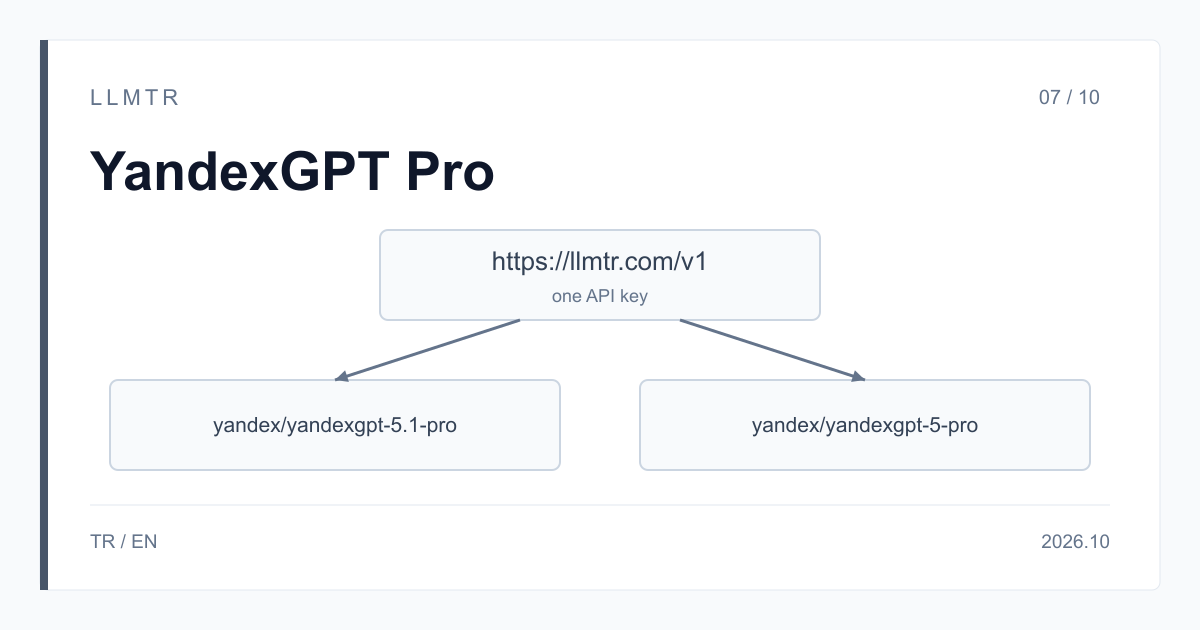
LLMTR (llmtr.com) is a gateway that gives access to language models hosted in Turkey and at global providers through a single OpenAI-compatible API. YandexGPT 5.1 Pro is offered there as yandex/yandexgpt-5.1-pro and YandexGPT 5 Pro as yandex/yandexgpt-5-pro; both are called on the /v1/chat/completions endpoint at https://llmtr.com/v1 with the same API key. Moving from one to the other means changing the model id.
Both models belong to the YandexGPT Pro family, and 5.1 Pro is the family's newer release. Yandex names them YandexGPT Pro 5.1 and YandexGPT Pro 5 on its own pages. Both have a 32,768-token context window and the same capabilities: text input and output, tool calling, JSON output and streaming. The prices differ: per 1M tokens, 5.1 Pro costs one third less than 5 Pro. YandexGPT 5 Pro remains available in the catalog.
YandexGPT 5.1 Pro or YandexGPT 5 Pro: which should you choose?
Three questions decide it. First, price: for the same token counts 5.1 Pro costs two thirds of what 5 Pro costs, and on both models input and output bill at one rate. Second, compatibility: the context window, the request format and the capabilities are the same, so both models are called with the same code. Third, your own work: run your own prompts on both side by side to see which model's answers fit your application.
The LLMTR catalog describes YandexGPT 5.1 Pro for business text generation, document analysis and dialogue, and YandexGPT 5 Pro for business and research text generation, document analysis and dialogue. The table shows the values in the LLMTR catalog.
| Property | yandex/yandexgpt-5.1-pro | yandex/yandexgpt-5-pro |
|---|---|---|
| Model | YandexGPT 5.1 Pro | YandexGPT 5 Pro |
| Context window | 32,768 tokens | 32,768 tokens |
| Input (per 1M tokens) | $6.557376 | $9.836064 |
| Output (per 1M tokens) | $6.557376 | $9.836064 |
| Cache discount | none | none |
| Input and output type | text only | text only |
| Tool calling (tools) | yes | yes |
| JSON output (json_object) | yes | yes |
| Streaming (stream) | yes | yes |
What does the same request cost on each model?
Take a request with 10,000 input tokens and 2,000 output tokens. Because input and output bill at one rate, the total of 12,000 tokens is multiplied by the price. On YandexGPT 5.1 Pro it costs 12,000 x $6.557376 / 1M = $0.078689, and on YandexGPT 5 Pro 12,000 x $9.836064 / 1M = $0.118033. The difference is $0.039344 per request.
This assumes the same token counts on both models. The real counts vary from request to request, so compare with the usage values of your own requests. The prices equal Yandex's published USD list prices; Yandex quotes per 1,000 tokens, and LLMTR shows the same price per 1M tokens. The values were checked on 2026-10-12. No margin is added to these models' prices; LLMTR's 8% platform fee is charged only when you top up credit.
Switching: only the model id changes
Both models work on the same endpoint with the same request format. To move from YandexGPT 5 Pro to 5.1 Pro, write yandex/yandexgpt-5.1-pro instead of yandex/yandexgpt-5-pro in the model field; messages, max_tokens, tools, response_format and stream stay as they are.
Before switching, run your own prompts on both models: compare the answers with what your application expects, and look at the token counts in usage and at finish_reason. The Python example below sends the same messages to both models and prints the token counts, the amount calculated at the catalog price and the answer. Once you have decided, pin the id you chose in your code or configuration; if the id lives in a single configuration value, moving between the two models is a one-line change.
Sends the same messages to yandex/yandexgpt-5.1-pro and yandex/yandexgpt-5-pro and prints the token usage, the amount and the answer side by side.
import os
from openai import OpenAI

client = OpenAI(base_url="https://llmtr.com/v1", api_key=os.environ["LLMTR_API_KEY"])

messages = [
    {"role": "system", "content": "You are a business analyst. Answer in short, numbered points."},
    {"role": "user", "content": "Summarize the key obligations of both parties in this supplier agreement: ..."},
]

# Catalog price per 1M tokens; input and output bill at one rate on both models.
PRICE_PER_1M = {"yandex/yandexgpt-5.1-pro": 6.557376, "yandex/yandexgpt-5-pro": 9.836064}

for model, price in PRICE_PER_1M.items():
    response = client.chat.completions.create(model=model, messages=messages, max_tokens=1000)
    usage = response.usage
    cost = (usage.prompt_tokens + usage.completion_tokens) * price / 1_000_000
    print(f"{model}: {usage.prompt_tokens} in, {usage.completion_tokens} out, {cost:.6f} USD, {response.choices[0].finish_reason}")
    print(response.choices[0].message.content)
Limits the two models share
Both models accept text only; a request that contains an image is refused with 400 unsupported_input and is not charged. Neither supports reasoning_effort: a request that sends it gets 400 invalid_request.
If a response comes back with finish_reason set to length, the answer was cut; raise max_tokens and try again; if the prompt is very long, shorten it as well to leave room for the answer. To get token usage in a stream, send include_usage in stream_options; usage arrives at the end of the stream. Tool calling uses the OpenAI-style tools array, and JSON output is requested with response_format {"type": "json_object"}.
Trying both models on LLMTR with one key
Step 1: create an account at llmtr.com and top up prepaid credit. Step 2: create a key under Dashboard > API Keys; the raw key is shown only once, so store it in an environment variable such as LLMTR_API_KEY. Step 3: in your OpenAI-compatible SDK, set base_url to https://llmtr.com/v1 and send the same request with yandex/yandexgpt-5.1-pro and yandex/yandexgpt-5-pro.
The same key works for both models and for every model in the catalog; each request is deducted from your credit at the catalog price in effect when it is processed.
YandexGPT 5.1 Pro или YandexGPT 5 Pro: что выбрать
LLMTR (llmtr.com) — это OpenAI-совместимый API-шлюз. Модель YandexGPT 5.1 Pro вызывается через него как yandex/yandexgpt-5.1-pro, а YandexGPT 5 Pro — как yandex/yandexgpt-5-pro. Обе модели доступны по адресу https://llmtr.com/v1 через /v1/chat/completions с одним и тем же ключом.
Обе модели относятся к семейству YandexGPT Pro, и 5.1 Pro — более новая версия. Контекст у обеих составляет 32 768 токенов, возможности одинаковые: текст на входе и выходе, вызов функций, ответ в JSON и потоковая передача. Цены за 1 млн токенов различаются: у YandexGPT 5.1 Pro вход 6,557376 $ и выход 6,557376 $, у YandexGPT 5 Pro вход 9,836064 $ и выход 9,836064 $. Скидки за кэш нет ни у одной из моделей.
Например, запрос на 10 000 входных и 2 000 выходных токенов стоит 0,078689 $ на YandexGPT 5.1 Pro и 0,118033 $ на YandexGPT 5 Pro. Чтобы перейти с одной модели на другую, достаточно поменять идентификатор модели, остальной запрос остаётся прежним. YandexGPT 5 Pro по-прежнему доступна в каталоге.
Практический совет: перед переходом прогоните собственные промпты на обеих моделях, сравните ответы и usage, а затем зафиксируйте выбранный идентификатор в конфигурации.
Чтобы начать, выполните три шага:
- Создайте аккаунт на llmtr.com и пополните баланс.
- В разделе Dashboard > API Keys создайте ключ: он показывается один раз, поэтому сохраните его в переменной окружения LLMTR_API_KEY.
- Укажите base_url https://llmtr.com/v1 и отправьте один и тот же запрос обеим моделям.
Try YandexGPT 5.1 Pro and 5 Pro through LLMTR
Create an account, create an API key and send the same request to both models through https://llmtr.com/v1.
- Account. Create an account at llmtr.com and top up prepaid credit.
- API key. Create a key under Dashboard > API Keys. The raw key is shown once; store it as the LLMTR_API_KEY environment variable.
- Request to both models. In an OpenAI-compatible SDK, set base_url to https://llmtr.com/v1 and send the same request with yandex/yandexgpt-5.1-pro and yandex/yandexgpt-5-pro.
Frequently asked questions
What is the difference between YandexGPT 5.1 Pro and YandexGPT 5 Pro?
Both belong to the YandexGPT Pro family, and 5.1 Pro is the newer release. The context window (32,768 tokens) and the capabilities are the same. Per 1M tokens, input and output cost $6.557376 on 5.1 Pro and $9.836064 on 5 Pro.
What changes in my code when I move from 5 Pro to 5.1 Pro?
Only the model id: write yandex/yandexgpt-5.1-pro instead of yandex/yandexgpt-5-pro, and the rest of the request body stays the same. Run your own prompts on both models before you switch.
Can I keep using YandexGPT 5 Pro?
Yes. YandexGPT 5 Pro is available in the LLMTR catalog as yandex/yandexgpt-5-pro; requests that use this id go to 5 Pro.