Integration guides · 2026-09-22
Pixtral 12B with vision + function calling: structured data extraction
Combining Pixtral 12B's vision input and function-calling support in one request to extract structured JSON from a receipt, form, or screenshot.
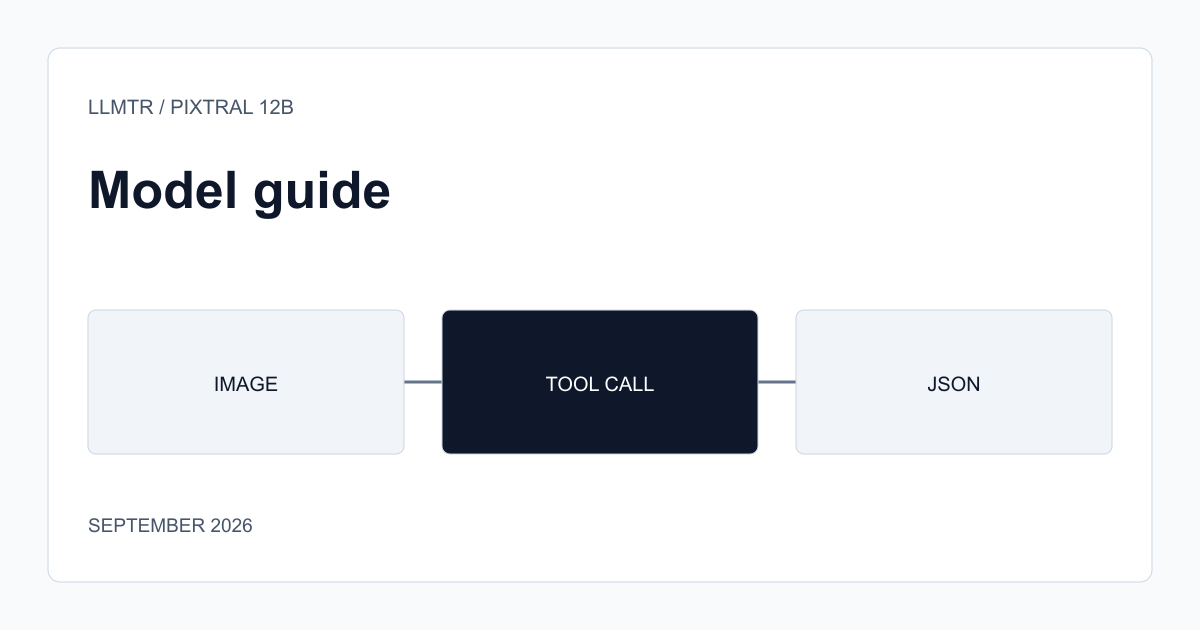
Two capabilities known separately, rarely combined
Pixtral 12B's catalog page lists vision input and function calling as two separate capabilities, but most integrations use them separately: either describing an image and getting free text back, or calling a function only on text-only requests. Combining the two in one request lets the model turn an image it sees directly into a structured object matching a schema you define.
This is a more useful output shape than a free-text summary for teams wanting to extract data from semi-structured documents like a receipt, a form, or a screenshot; you don't need to parse free text afterward.
How to set up the request
You attach both the image (as a vision part in the message content) and a `tools` schema defining the fields you want extracted (a function with amount, date, and vendor name fields, for example) in the same request. Sending `tool_choice: "required"` prevents the model from answering with free text and forces it to produce a function call directly, guaranteeing the output always arrives in structured form.
When designing the schema, defining each field as narrowly as possible (requesting the date as a `YYYY-MM-DD` string rather than free text, for example) increases the consistency of the values the model returns.
- Attach the image to the message content, the fields to extract to a `tools` schema.
- Block free-text responses with `tool_choice: "required"`.
- Define field formats narrowly in the schema (a fixed date or number format, for example).
Verify image format and size limits on the model page
Details like supported file formats, maximum image size, or resolution can change on the provider side; before going to production, verify these limits on Pixtral 12B's model page or current API documentation, especially if you're working with high-resolution input like scanned documents.
Frequently asked questions
Does Pixtral 12B always return structured JSON?
Only when you attach a `tools` schema to the request and preferably send `tool_choice: "required"`. An image request sent without a schema produces a free-text response.
Can I send more than one image in the same request?
That depends on the request's total token budget and the provider's current limits; check the context window information on the model page before sending multiple images.