RAG and data guides · 2026-08-28
Read invoices and tables with Qwen-VL-OCR: validate missing fields
Extract invoice fields with Qwen-VL-OCR while handling unreadable values, matching rows and columns, checking arithmetic and requiring human review.
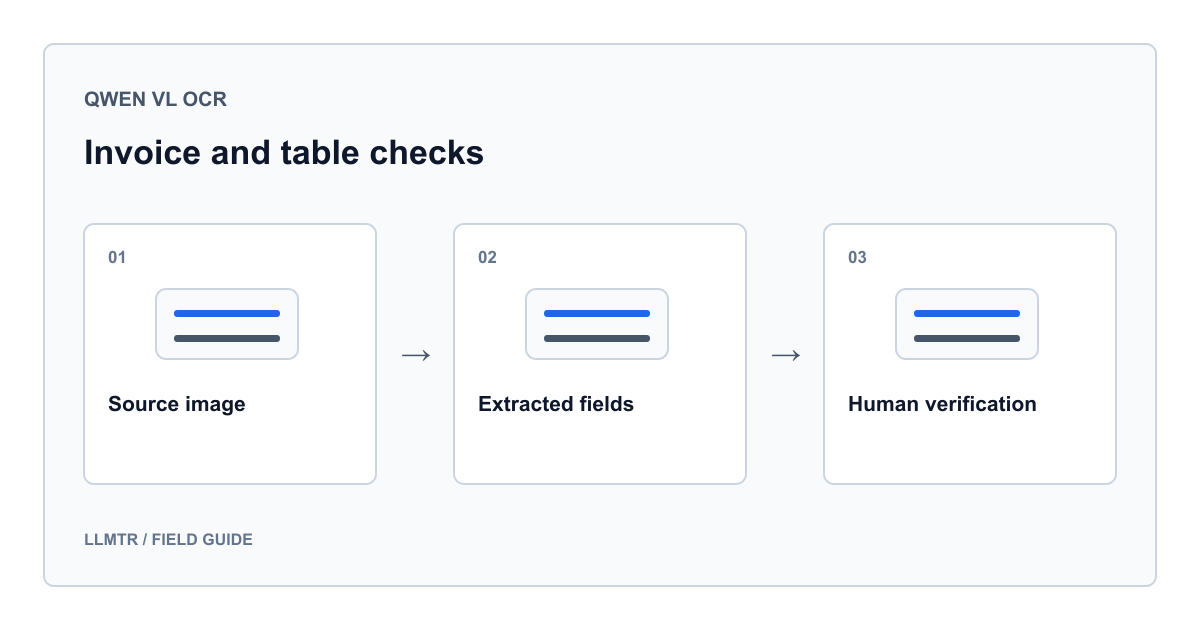
Reading an invoice and validating it are separate steps
Qwen-VL-OCR can extract text and table fields from invoice images. Its output should not immediately become an accounting entry or payment instruction. A safe workflow preserves unreadable fields as unknown, matches amounts to the correct rows and columns, recalculates totals in application code and presents the document for human review.
For LLMTR, use qwen/qwen-vl-ocr with POST /v1/chat/completions. Place image_url inside the user message's content array. The Alibaba model name is qwen-vl-ocr. Check image, context and output limits for your selected region and version; do not generalize values from another OCR version.
Prepare a test invoice without personal data
Create a PNG marked TRAINING DOCUMENT, numbered EGT-0001, dated 2026-08-28 and denominated in TRY. Do not include real people, companies, tax identifiers, addresses or bank accounts. This table describes the input image, not a model response.
Below it, write subtotal 400,00, discount 0,00, tax amount 40,00 and total 440,00. The tax amount is an arithmetic exercise, not an applicable tax rate. Blur one unit price in a second copy to test how unknown values are handled.
| Row | Product | Quantity | Unit price | Line amount |
|---|---|---|---|---|
| 1 | Cable | 2 | 125,00 | 250,00 |
| 2 | Notebook | 3 | 50,00 | 150,00 |
Distinguish missing fields from unreadable fields
Request value and status for each field: read when legible, missing when absent, and unreadable when present but unclear. The latter two require a null value. These labels define your requested output format; they are not independently verified status codes supplied by the model.
Do not fill a blurred price by dividing the line total by quantity and present it as OCR. A calculated candidate is a separate suggestion. If date order or decimal separators are ambiguous, do not guess. A confidence percentage written by the model is not a measured probability of correctness.
Send the image using the Chat Completions contract
This example sends your synthetic-invoice.png. LLMTR_BASE_URL is the complete API base URL and LLMTR_API_KEY is your LLMTR credential, not direct Alibaba access information. The code was not run; no live response was verified.
Requesting JSON does not guarantee JSON Schema compliance. The example checks completion, JSON syntax and basic object shape. Your application must separately validate every field and type. It logs no document or response content and leaves the result awaiting review.
One request for a synthetic PNG; no automatic approval
import base64
import json
import os
from pathlib import Path
from urllib.error import HTTPError
from urllib.request import Request, urlopen

image = Path("synthetic-invoice.png").read_bytes()
if not image.startswith(b"\x89PNG\r\n\x1a\n"):
    raise ValueError("Use an actual PNG file.")
prompt = (
    "Read the fields in this training invoice. Return only a JSON object. "
    "Top fields: invoice_number, date, currency, subtotal, discount, tax, total. "
    "Each row in lines must contain row_index, description, quantity, "
    "unit_price, line_total. row_index is an integer starting at 1. "
    "Every other field is an object with value (string or null) and status "
    "(read, missing or unreadable). Missing and unreadable values are null. "
    "Preserve visible number formatting. Do not merge rows or calculate "
    "values to fill gaps."
)
payload = {
    "model": "qwen/qwen-vl-ocr",
    "messages": [{
        "role": "user",
        "content": [
            {"type": "image_url", "image_url": {
                "url": "data:image/png;base64," + base64.b64encode(image).decode("ascii")
            }},
            {"type": "text", "text": prompt},
        ],
    }],
    "stream": False,
    "max_tokens": 2048,
}
request = Request(
    os.environ["LLMTR_BASE_URL"].rstrip("/") + "/chat/completions",
    data=json.dumps(payload).encode("utf-8"),
    headers={
        "Authorization": "Bearer " + os.environ["LLMTR_API_KEY"],
        "Content-Type": "application/json",
    },
    method="POST",
)
try:
    with urlopen(request, timeout=90) as response:
        envelope = json.load(response)
except HTTPError as error:
    raise RuntimeError(f"Gateway HTTP {error.code}") from None

choices = envelope.get("choices") or []
if not choices or choices[0].get("finish_reason") != "stop":
    raise ValueError("Incomplete output; human review required.")
content = choices[0].get("message", {}).get("content") or ""
try:
    extracted = json.loads(content)
except json.JSONDecodeError:
    raise ValueError("No valid JSON; human review required.") from None
if not isinstance(extracted, dict) or not isinstance(extracted.get("lines"), list):
    raise ValueError("Unexpected object shape.")
print({"parsed": True, "review_required": True})
Check row alignment and arithmetic independently
Compare quantity, unit price and amount within each image row. A wrapped description must not become another item; repeated page headers must not enter the product list. Keep column headings when cropping and associate each crop with its source page. Do not sum a row twice when crops overlap.
Here, 2 × 125,00 = 250,00 and 3 × 50,00 = 150,00, totaling 400,00. Then check 400,00 − 0,00 + 40,00 = 440,00. Do not impose this equation on real invoices without reading how discounts and taxes apply. Once number formatting is unambiguous, use Decimal or the currency's minor unit and define rounding explicitly.
Make human review the final gate
Show the original image, extracted field and failed check together. A mismatched line total needs a different correction from an unreadable date. Never silently turn missing fields into zero; reviewers must be able to request another image or reject the document.
Correct arithmetic does not establish authenticity, the right supplier or whether the document was already processed. An invoice number alone is not a universal identifier. Check duplicates and suppliers against authorized records separately. Never initiate automatic payments from OCR output; separate data review approval from payment authority.
Frequently asked questions
Does JSON output mean the fields are correct?
No. Parseable JSON establishes syntax only. Required fields, types, row alignment and agreement with the document need separate checks. Null values may require review.
Can an unreadable price be derived from the total?
A calculated candidate must not be recorded as OCR. Discount, tax or unit assumptions may be wrong. Leave the field unknown until a person verifies it.
Can I put a PDF in image_url?
This example uses actual PNG images. Convert the relevant PDF page to an image instead of labeling PDF bytes as PNG. Preserve page order and table continuity.